
Use case
Hero Images That Sell the First Screen
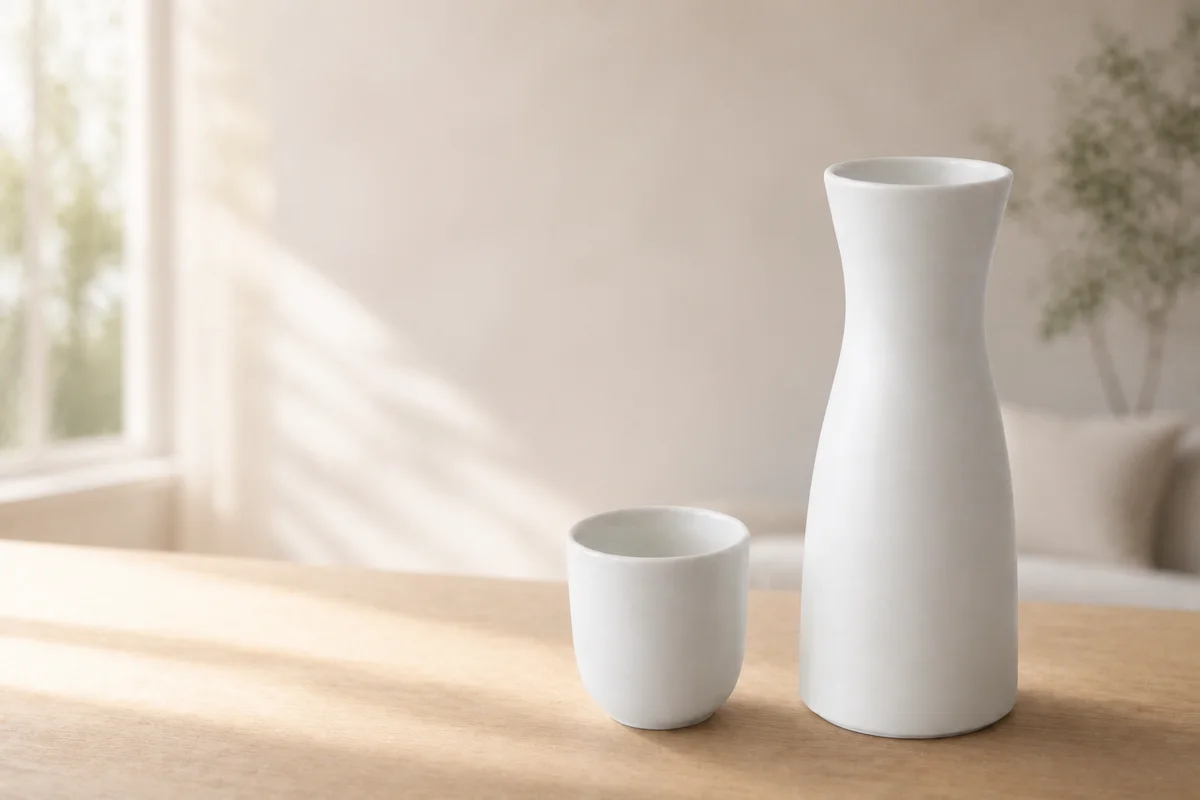
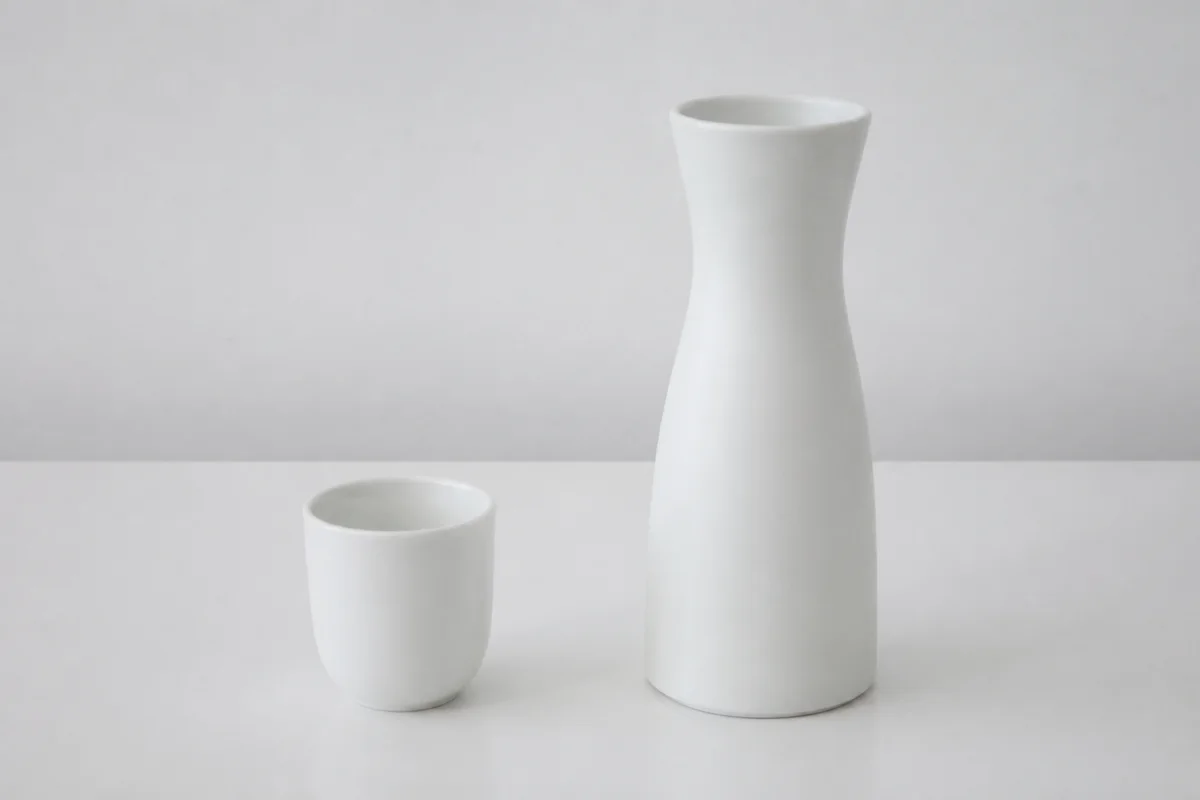
The process shown live — slide the handle to compare.
Visitors decide on a landing page in the first screenful, and the hero image is most of that screenful. Generic stock says 'template'; a dim self-shot photo says 'small-time'; and both quietly tax every conversion metric downstream of the first impression. The hero isn't decoration — it's the first claim your page makes.
Make the claim look true: start from a real photo of your product, place, or people, then clean the background, fix the light, punch the color to match your brand, and upscale so the full-width crop stays sharp on large screens. Seconds per edit, on the single image every visitor sees.
The problems this solves
- Stock heroes make real businesses look like templates.
- Self-shot photos aren't hero-grade in light, background, or resolution.
- Full-width crops expose soft, low-resolution source images.
- The hero sets the tone for every metric below the fold.
A workflow that works
Start from a real photo
Your actual product or place, cleanly staged, out-converts generic stock that visitors have seen everywhere.
AI Background ChangerFix the light
Hero-grade lighting is the difference between 'founder photo' and 'brand photo.'
AI Lighting ChangerGrade to the brand
Color harmony between hero and page design is what makes a site feel professionally built.
AI Color CorrectionUpscale for full-width
Desktop heroes render huge; resolution is the floor of credibility at that size.
AI Image UpscalerCrop for both viewports
The same hero must compose well at desktop-wide and mobile-tall — plan both crops from one master.
AI Photo ReframeFrequently asked questions
Real photo or stock for a landing hero?
Real, almost always — visitors pattern-match stock instantly. The editor's job is closing the polish gap that made stock tempting in the first place.
What resolution does a hero need?
Wide enough for 2x desktop displays — think 2400 pixels and up on the long edge. Upscale your best shot rather than settling for a sharper but weaker image.
Should I A/B test hero images?
Yes — the hero is typically among the highest-leverage tests on a page, and with variants taking seconds to produce, there's no production excuse not to.
What's free?
4 credits at signup — one hero rebuild is exactly the right first test.
Related use cases