
Background
AI Background Changer
A staged scene for every listing, no studio rental
New accounts start with free credits — no card on file needed.
- 1Upload your photo and describe the backdrop you want
- 2The AI keeps the subject and builds the scene with matched lighting
- 3Download it, or reword the prompt and restage in seconds
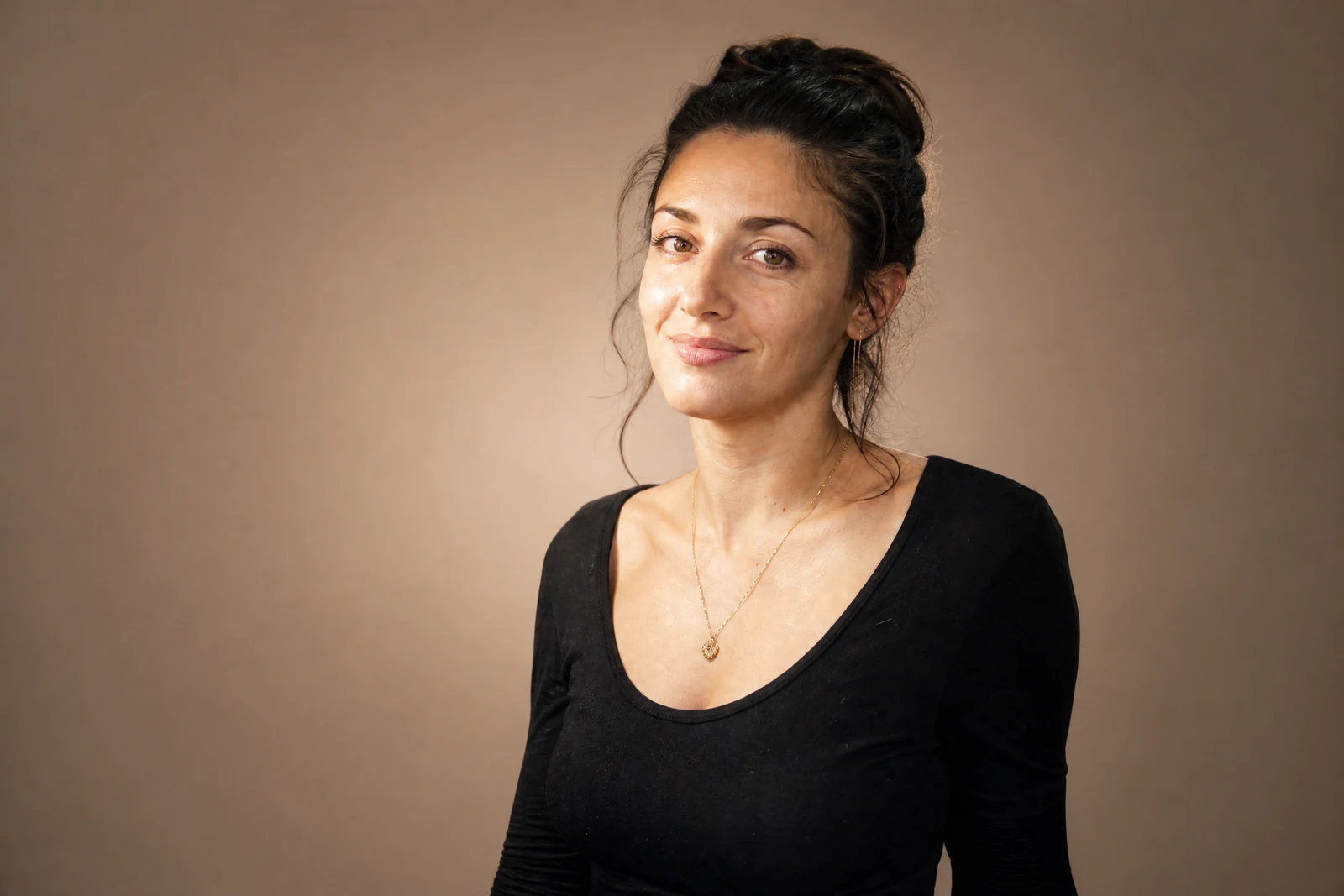

Genuine results from the tool — slide to see the difference.
A studio day costs hundreds and books out weeks ahead. Typing a sentence costs seconds. This tool generates a new scene around your subject — and because the background is built to match the subject's lighting, shadows, and perspective from the start, it avoids the pasted-on look of a stock backdrop slid behind a cutout.
Describe what the shot needs to do. Selling: 'clean white sweep with a soft shadow' or 'light oak table, morning window light'. Professional profile: 'softly blurred modern office'. Content: 'neon-lit street at night'. The AI keeps your subject, generates the scene, and grounds it with contact shadows so it sits rather than floats.
One product shot becomes a listing image, a seasonal banner, and a lifestyle post — three assets from one upload, restaged per channel in minutes. If you only want the existing scene softened, Blur Background is the lighter touch; for outdoor shots where only the sky is the problem, Sky Replacement keeps the rest. As always with staged scenes, do a final pass to confirm the item itself still reads true before the listing goes up.
Why this tool
- Push the output onward through any other tool
- Standard, Pro and Max quality tiers
- Results land in your creations library
- Blow it up to print resolution or convert it to video
Frequently asked questions
How specific should the description be?
One sentence works; specifics pay. Name the surface, the light, and the mood — 'white marble counter, soft daylight, light gray wall' beats 'nice background' every time.
Does my subject get edited too?
The generation targets the scene; edge lighting on the subject is adjusted just enough to sit naturally in the new environment. Give the subject a quick check in the result before you post.
Is this good for product listings?
It is the core use. Describe a catalog-style surface and backdrop and you get a staged scene with a natural contact shadow — the look buyers associate with established shops.
What if I just want the background gone?
Use Remove Background for a transparent PNG cutout. This tool is for when you want a finished, staged photo rather than an asset to composite yourself.
Can I try AI Background Changer for free?
Yes — every new account starts with 4 free credits, enough to run this tool once at Standard quality. No credit card required.
Related tools