
Background
AI Background Remover
White background. 3 seconds. Every listing.
New accounts start with free credits — no card on file needed.
- 1Open /create and upload your product or portrait (JPG, PNG, or WebP)
- 2The AI finds the subject and cuts it out edge-perfect, automatically
- 3Download the transparent PNG and drop it into your listing or design
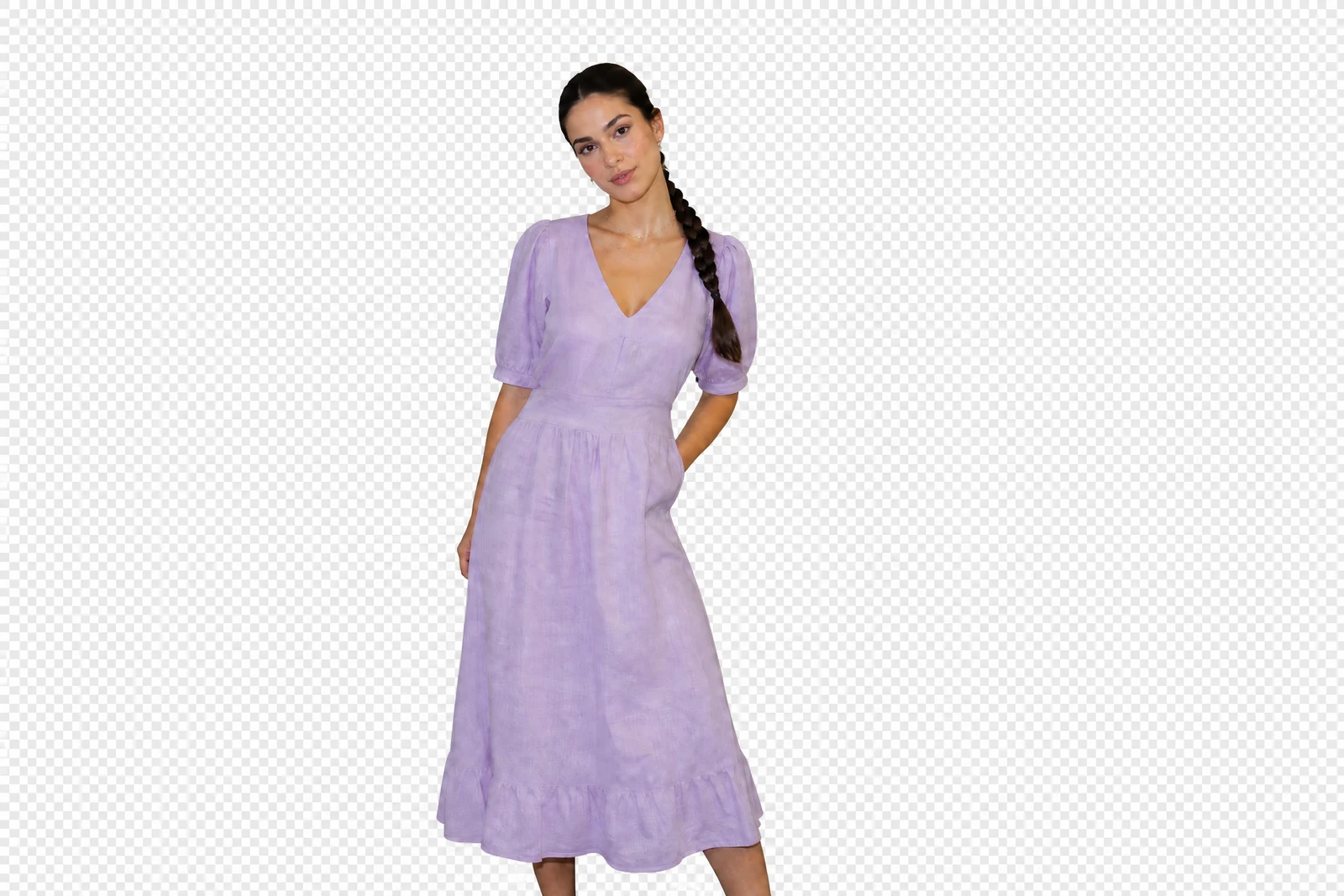
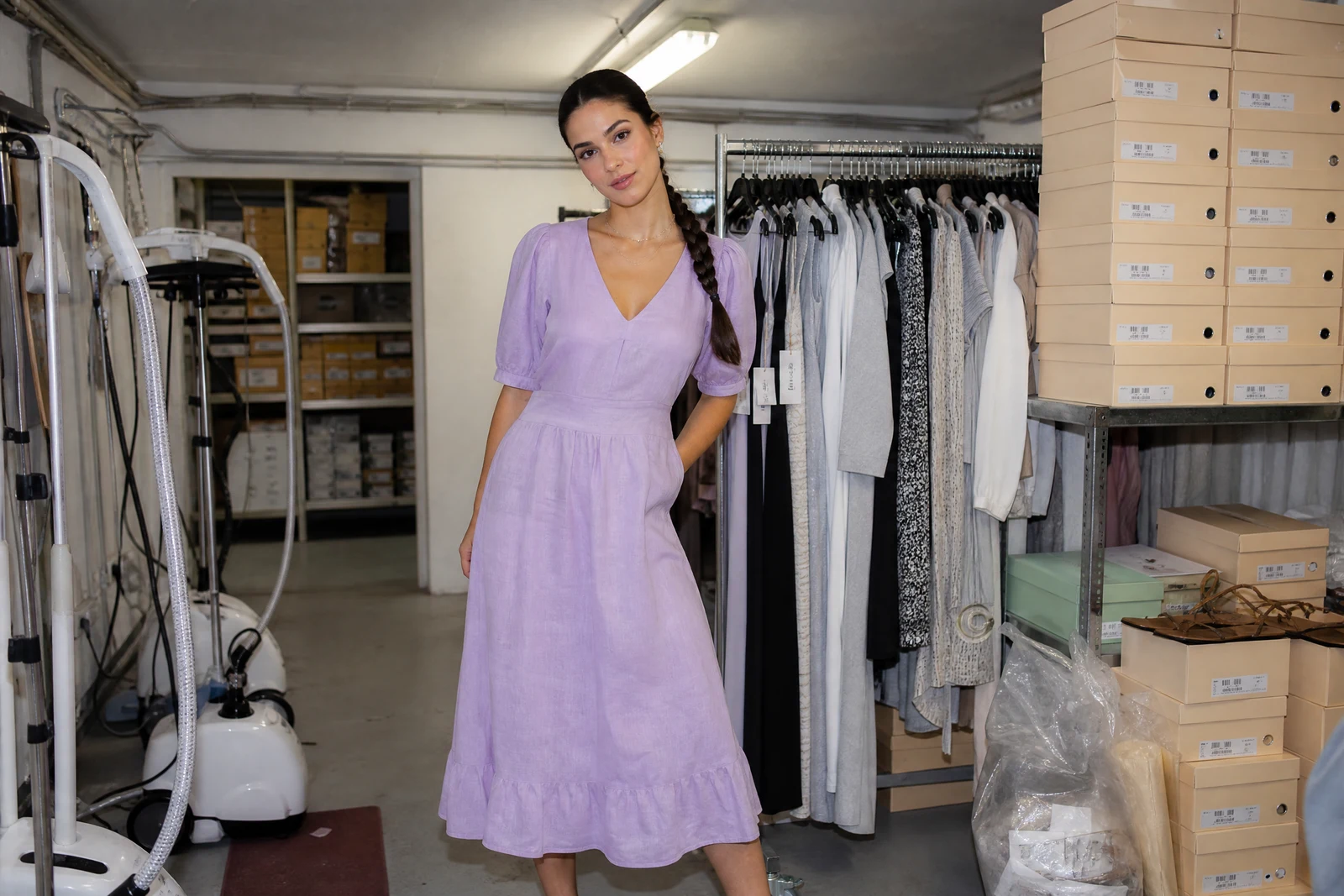
Genuine results from the tool — slide to see the difference.
Scroll any marketplace and the pattern is obvious: the listings that get clicked are shot on clean backgrounds, and the ones taken on a kitchen counter get skipped. A clean cutout is the single cheapest upgrade you can make to a listing photo, and paying a designer to pen-tool each image kills your margin on low-priced items.
Upload the photo and the AI isolates your subject in seconds, tracing hair, fur, mesh, and fine product edges automatically. No masks to paint, no settings to learn. You get a transparent PNG you can drop onto white for listings, onto brand colors for social posts, or straight into the Change Background tool for a full staged scene.
Run your whole inventory through it in one sitting: 30 listings, 30 cutouts, one afternoon. It works 24/7, costs a fraction of outsourced editing, and your 4 free signup credits cover your first cutouts before you spend anything. One habit worth keeping: eyeball each cutout against the real item before it goes live, so what buyers see is what ships.
Why this tool
- Push the output onward through any other tool
- Standard, Pro and Max quality tiers
- Results land in your creations library
- Blow it up to print resolution or convert it to video
Frequently asked questions
What format do I get back?
A PNG with a real alpha channel — genuinely transparent, not flattened onto white. Place it over any backdrop color your shop or template uses without extra editing.
Can it handle hair, fur, and fabric edges?
Soft edges are treated with partial transparency instead of a hard outline, so fine strands and mesh survive the cut. That edge quality is where hand-drawn selections usually give a listing away.
What about photos with more than one item?
The prominent foreground subjects are kept and the scene behind them goes. Selling one item from a bundle shot? Crop to that item first for the tightest cutout.
Does it overwrite my original photo?
No. Every run produces a new image and your upload stays untouched, so you can re-cut, restage, or chain the same source photo through other tools.
Can I try AI Background Remover for free?
Yes — every new account starts with 4 free credits, enough to run this tool once at Standard quality. No credit card required.
Related tools