
Enhance
AI Color Correction
Colors buyers can trust at a glance
New accounts start with free credits — no card on file needed.
- 1Upload the photo with the cast or exposure problem
- 2The AI neutralizes the cast and rebalances tone and exposure
- 3Compare against the original and download the corrected file
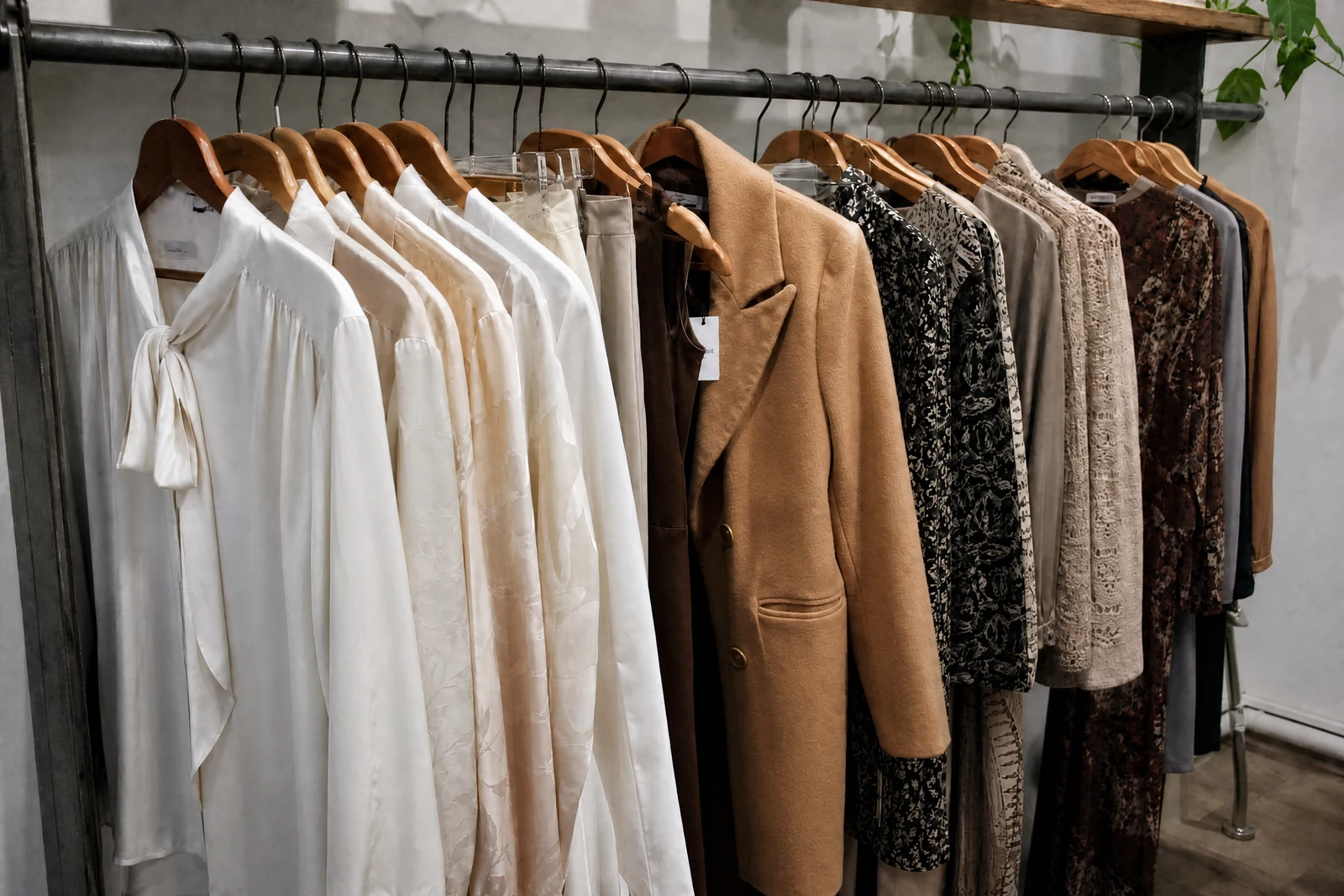
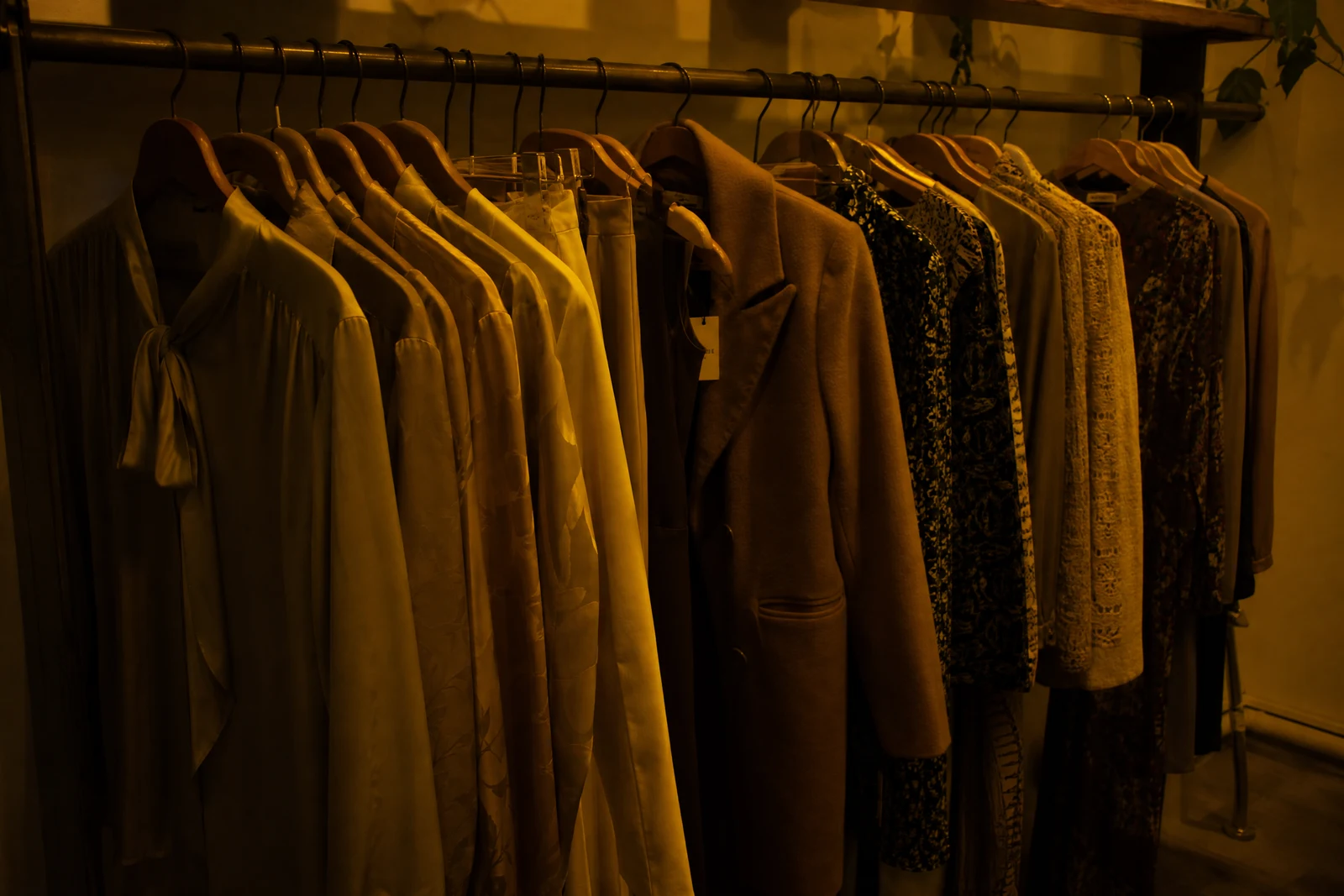
Genuine results from the tool — slide to see the difference.
Indoor bulbs turn photos orange, fluorescents push green, shade goes blue — and a listing photo with a heavy cast makes buyers hesitate, because they can't tell what color the item really is. Color accuracy is a conversion issue before it is an aesthetic one, and returns often start with a photo that misled.
This pass does what a photo editor does first: identifies the cast and neutralizes it, sets a true white point, pulls detail out of crushed shadows and hot highlights, and balances saturation so skin stays natural. Corrections land where they're needed rather than globally, so lifting a dim foreground doesn't blow out the sky. Preset modes cover the common cases — warm cast, cool cast, faded revival, a vibrance lift, or a clean black-and-white conversion.
Run it as the finishing pass on everyday shots, or as the first pass before other tools — retouching, background swaps, and upscaling all behave better on corrected color. Seconds per photo, whole catalog in a sitting. Final check is yours: put the corrected frame next to the real item and confirm the color story matches before it sells for you.
Why this tool
- Push the output onward through any other tool
- Standard, Pro and Max quality tiers
- Results land in your creations library
- Blow it up to print resolution or convert it to video
Frequently asked questions
What does it actually fix?
Casts from artificial and mixed lighting, off white balance, under- and over-exposure, flat contrast, and dull or oversaturated color — aiming at how the scene looked in person.
Will it restyle my photo?
No, it is corrective. For a deliberate look, correct first, then apply Change Lighting or Style Transfer on the clean base — grades stack better on accurate color.
How are skin tones handled?
Conservatively: casts are removed from skin without pushing it toward a generic tone, so people still look like themselves under neutral light.
Can it recover a very dark photo?
Shadow recovery works wherever the sensor recorded data, which covers most underexposed shots. True black regions can only be plausibly filled, so extreme cases read as enhanced rather than restored — check them before use.
Can I try AI Color Correction for free?
Yes — every new account starts with 4 free credits, enough to run this tool once at Standard quality. No credit card required.
Related tools