
Use case
Email Images That Turn Opens Into Orders
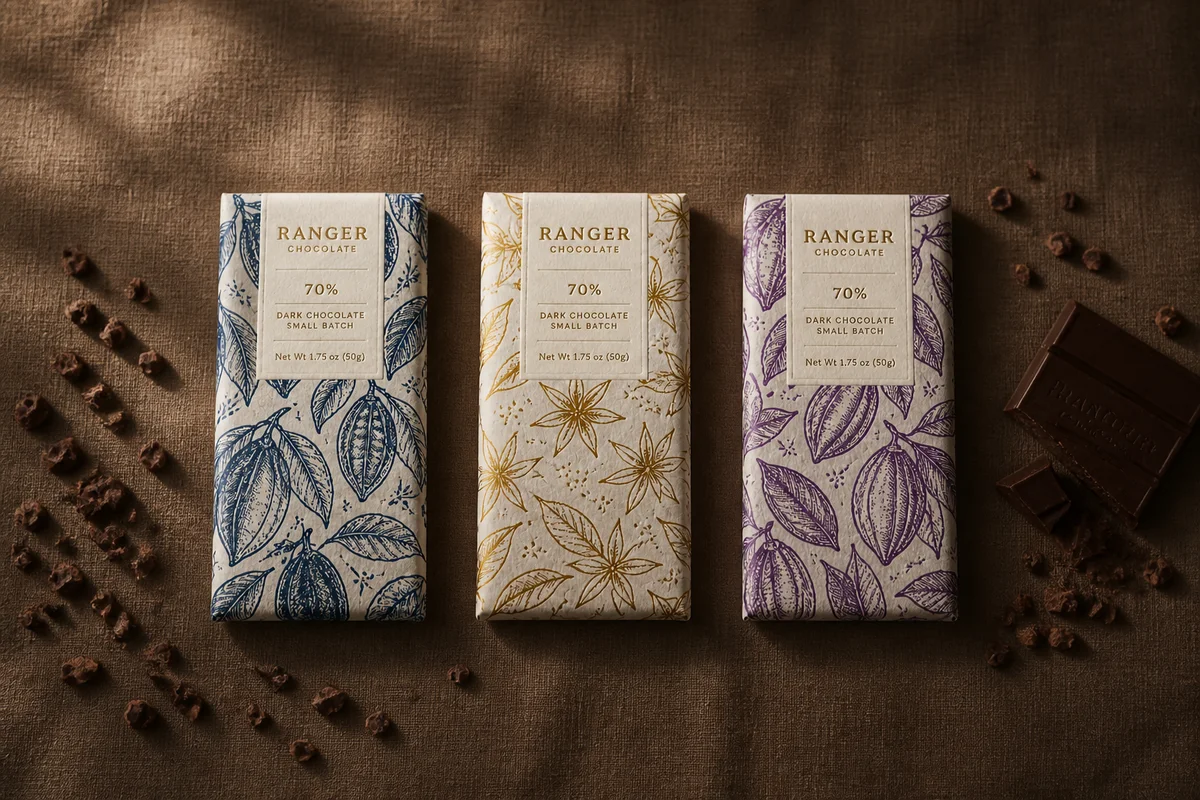
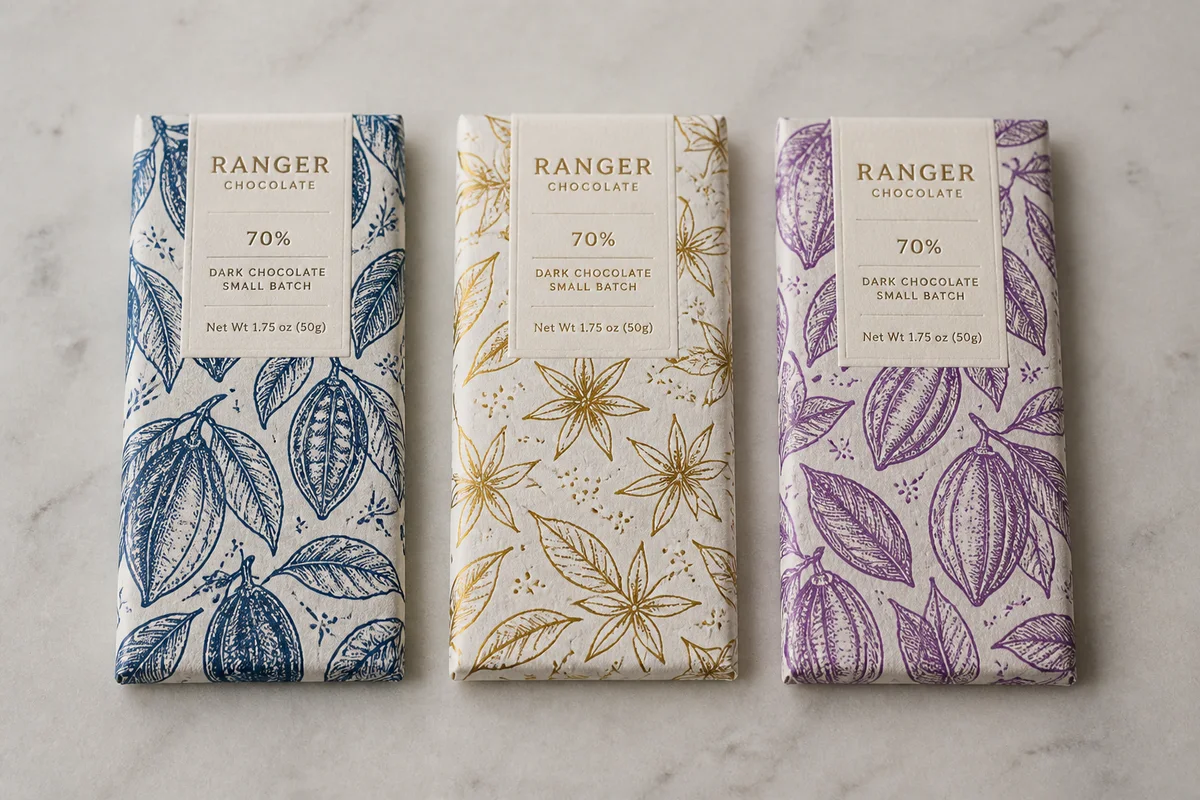
The process shown live — slide the handle to compare.
In commerce email, the hero image is the message — most readers see the banner, maybe a headline, and decide whether to tap before reading a single sentence of your carefully written copy. A murky product photo dropped into a template undercuts the whole send, and the send goes to your entire list.
Build banner-grade images from the product shots you have: clean the background so the template looks designed, brighten and color-punch for small-screen impact, crop to your template's banner ratio, and sharpen for the retina screens email gets read on. Seconds per edit, multiplied by every subscriber who sees it.
The problems this solves
- The hero banner carries the send, and yours is a lightly cropped product photo.
- Emails get read on phones, where dim images turn to mud.
- Every campaign needs fresh imagery and the designer queue is weeks long.
- Banner crops chop products that were photographed for square listings.
A workflow that works
Clean the banner background
A cutout on a designed background makes a template email look art-directed.
AI Background RemoverBrighten for small screens
Phone inboxes are unforgiving of dim imagery — bright banners tap better.
AI Lighting ChangerPunch the color
The banner competes with an inbox, not a gallery; color impact earns the tap.
AI Color CorrectionCrop to the template ratio
Composing for the actual banner ratio keeps the product whole in every client.
AI Photo ReframeSharpen for retina
High-density phone screens expose soft images at exactly the moment of decision.
AI Image SharpenerFrequently asked questions
Can I produce campaign images without a designer?
For the image itself, yes — the edits run in seconds in the browser with no design software. Your email tool supplies the layout; you supply a banner worth tapping.
What image works best in a commerce email hero?
One product, big and bright, on a background that matches the campaign mood. Simplicity survives the inbox better than collages.
How do I keep imagery fresh across a season of sends?
One cutout can carry many campaigns — swap backgrounds and moods per send in seconds, so every email feels newly designed.
Free to test?
4 credits at signup — build next week's hero banner and check the click-through against your average.
Related use cases