
Use case
Menu Photos That Make People Order
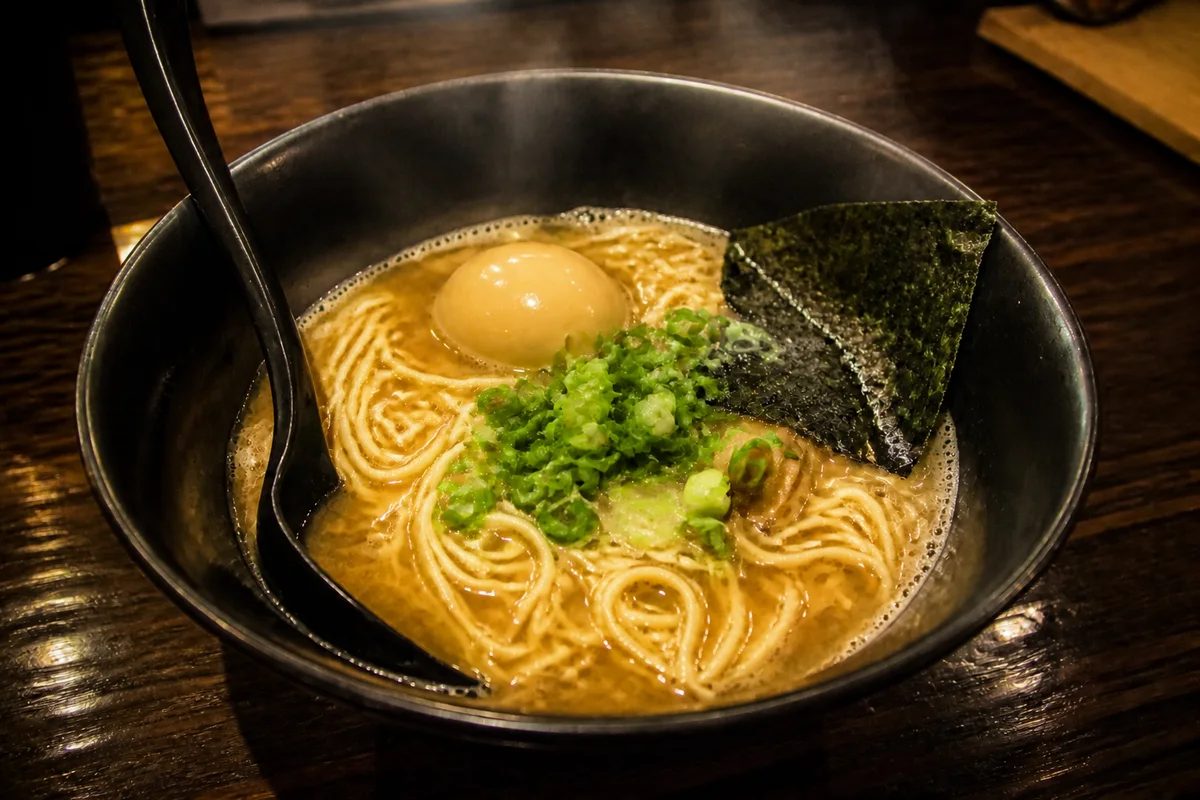
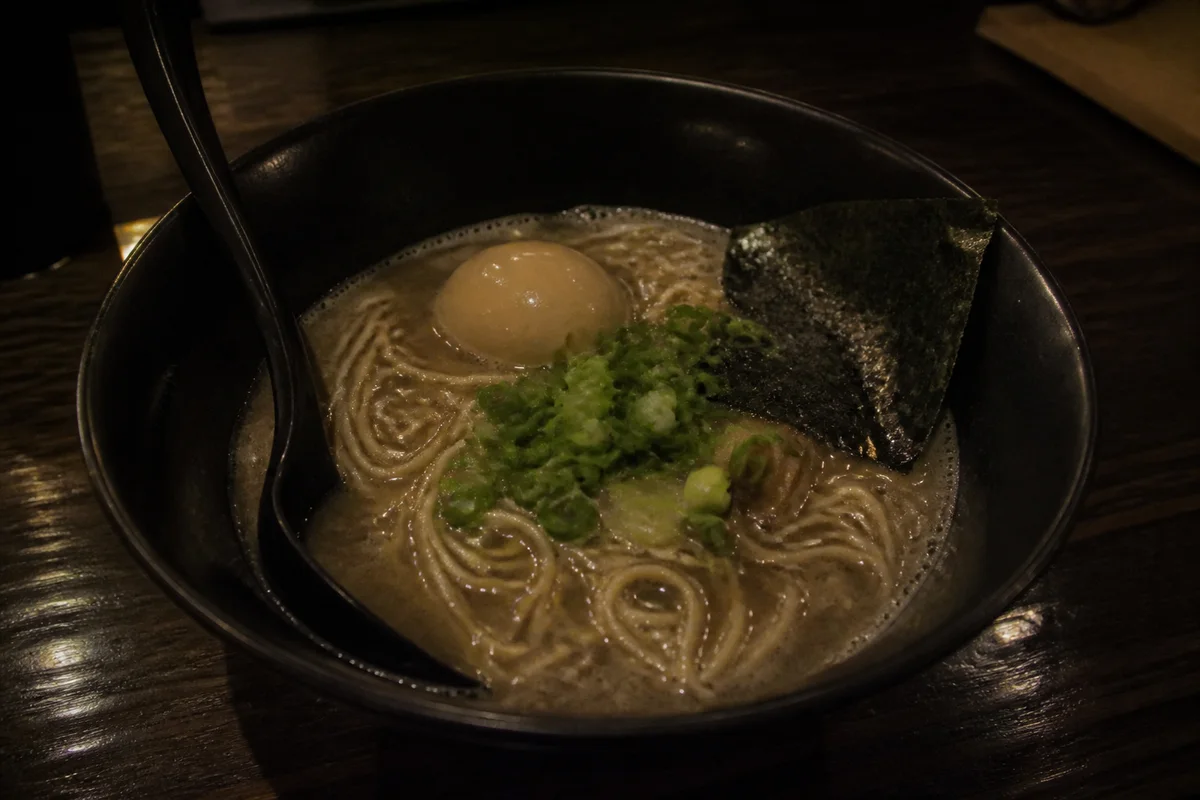
The process shown live — slide the handle to compare.
On a delivery app, the photo is the dish. Diners scroll past text; they order what looks good, and a plate shot under dim amber restaurant lighting looks nothing like what your kitchen actually sends out. The gap between your food and your food photos is a gap in revenue, item by item.
Shoot each dish with your phone during prep, then fix it in the browser: correct the yellow cast, brighten the plate, remove the ticket rail and sauce smears from the frame, and sharpen the texture that makes food look fresh. Seconds per photo means the whole menu gets done during one slow afternoon.
The problems this solves
- Warm restaurant lighting turns every dish yellow-brown in photos.
- Steam, rushed plating, and kitchen clutter end up in the frame during service.
- Delivery apps crop and compress photos, so soft images turn to mush.
- Hiring a food photographer for a menu that changes seasonally never pays back.
A workflow that works
Fix the color cast
Greens should look green and reds red — accurate color is what makes food look fresh instead of day-old.
AI Color CorrectionRelight the plate
Bright, soft light is the entire trick of professional food photography, and it can be added after the shot.
AI Lighting ChangerClear the background
Ticket rails, rags, and stray garnish pull the eye away from the dish that's supposed to sell itself.
AI Object RemoverSharpen the texture
Crisp edges on a sear or a crumb structure read as fresh; softness reads as microwaved.
AI Image SharpenerReframe for app crops
Delivery apps force square and wide crops — frame the dish so nothing important gets chopped.
AI Photo ReframeFrequently asked questions
Do better photos actually change order volume?
Delivery platforms themselves encourage photos on every item because items with appealing photos tend to get ordered more. Your photo is the only sensory information a hungry scroller gets.
Should the photo look better than the real dish?
Aim for the dish on its best day, as your kitchen actually plates it. Review each edit against the real plate — the goal is closing the camera's gap, and what you publish is your call.
Can I do the whole menu myself?
Yes — each edit takes seconds in the browser, no design software. A 40-item menu is one afternoon, and you can re-edit whenever the menu changes.
What's the cost to start?
4 free credits on signup — try it on your best seller and your worst photo first.
Related use cases