
Enhance
AI Lighting Changer
Studio lighting rigs, minus the studio
New accounts start with free credits — no card on file needed.
- 1Upload your photo and choose a lighting style
- 2The AI re-renders direction, shadows, and color temperature
- 3Download the relit frame, or try three styles and keep the winner
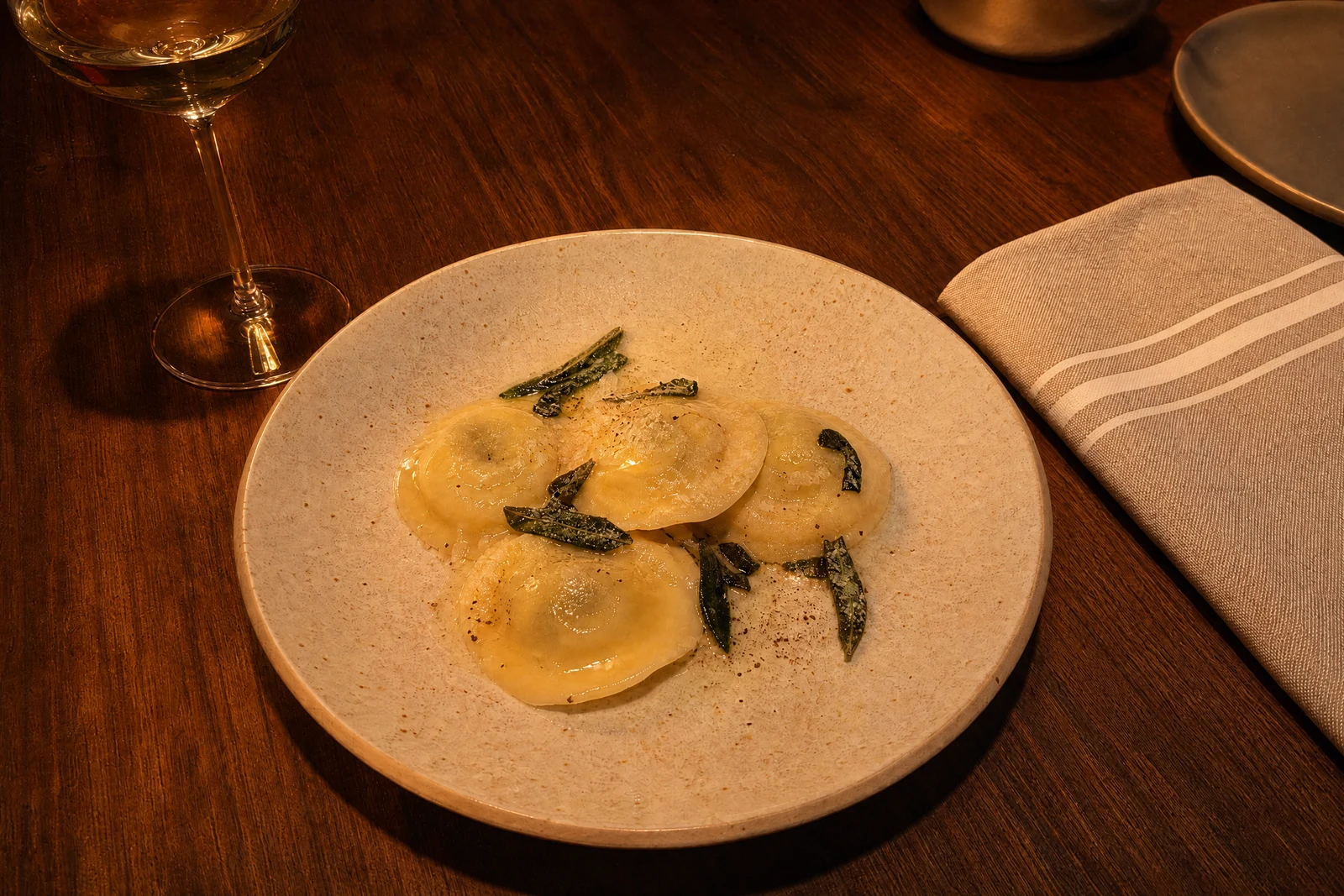
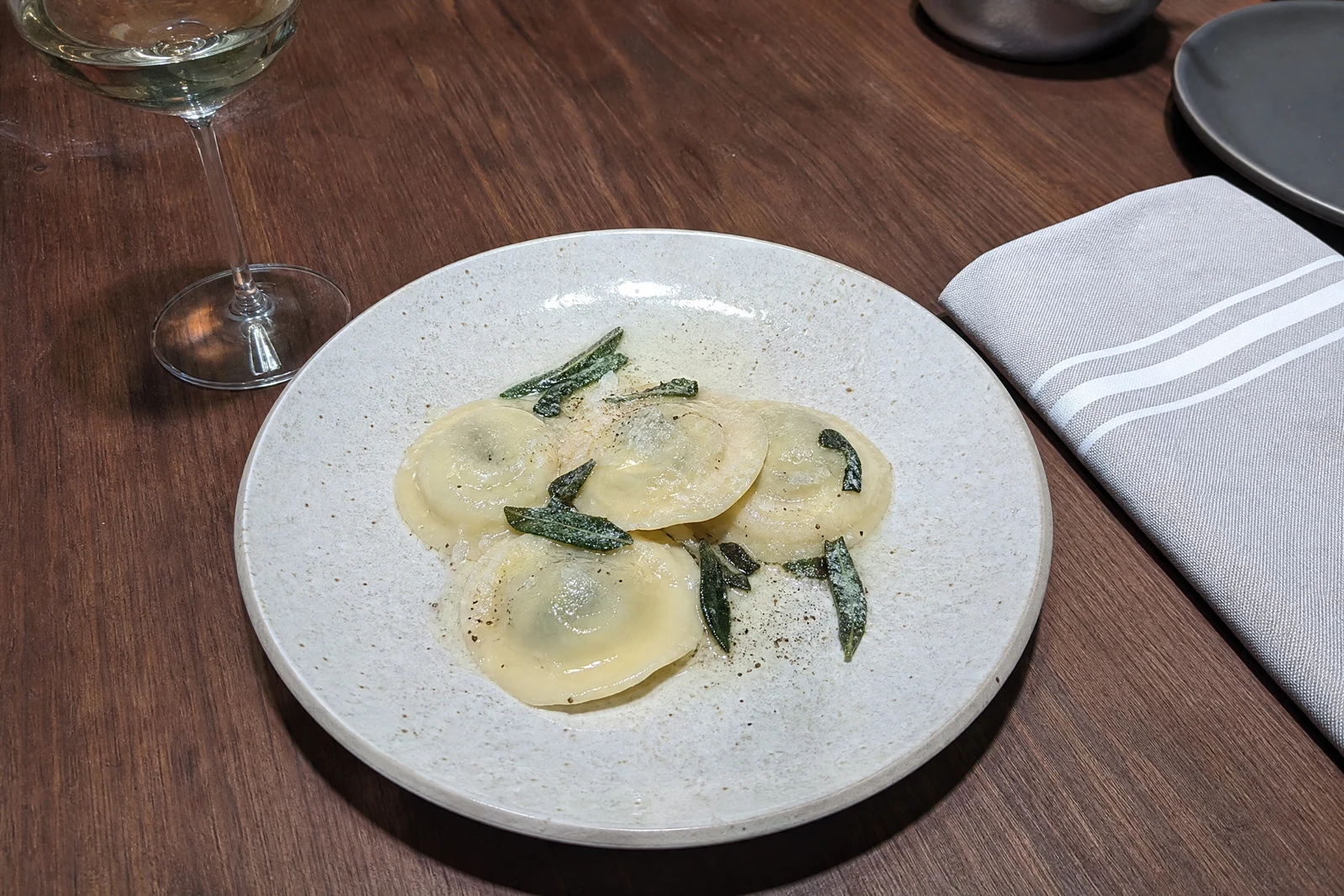
Genuine results from the tool — slide to see the difference.
Lighting is why the same product looks premium in one shop and forgettable in another, and why one headshot commands attention while a front-flashed one doesn't. Renting the softboxes and learning to place them used to be the price of that difference; relighting moves the decision into the edit.
Pick a style and the AI re-renders your photo as if it had been lit that way. The portrait setups are the real, named ones — Rembrandt's shadow-cheek triangle, butterfly's overhead glamour light, split lighting's half-face drama, rim light's bright subject outline — plus environmental moods like window light, candlelight, spotlight, neon, and noir that shift shadows, temperature, and falloff together.
Commercially it earns its keep on consistency: shots taken across different days and rooms come out looking like one deliberate shoot, which is what makes a shop or portfolio page read as professional. Rescue a flat portrait for a profile, give a product line a unified studio look, or push a promo image into a mood — seconds per frame, any hour. Correct color first with Color Correction; use Time of Day when the goal is a different hour rather than a different light source.
Why this tool
- Push the output onward through any other tool
- Standard, Pro and Max quality tiers
- Results land in your creations library
- Blow it up to print resolution or convert it to video
Frequently asked questions
How can lighting change after the shot?
The AI estimates the scene's geometry and re-renders illumination across it — where light lands, where shadows fall, how color shifts. Clear, well-exposed sources give the most faithful relights.
Which styles suit professional profiles?
Studio Soft and Natural Window are the safe, flattering picks; Rembrandt adds classic dimension; Butterfly suits beauty looks. Split, Dramatic, and Noir are statement choices — use them on purpose.
Does it work beyond portraits?
Yes. Products respond well to studio and spotlight styles, interiors to window light and candlelight, street scenes to neon and noir. The relight covers the whole frame.
Will colors shift too?
Light and color move together: candlelight warms, neon spills color, noir goes monochrome. If you only want balanced color under the existing light, that is Color Correction's job.
Can I try AI Lighting Changer for free?
Yes — every new account starts with 4 free credits, enough to run this tool once at Standard quality. No credit card required.
Related tools