
Retouch
AI Perfect Teeth
A brighter smile that stays believable
New accounts start with free credits — no card on file needed.
- 1Upload a photo where teeth show in the smile
- 2The AI whitens, evens, and tidies, keeping natural texture
- 3Check the mouth area reads right, then download
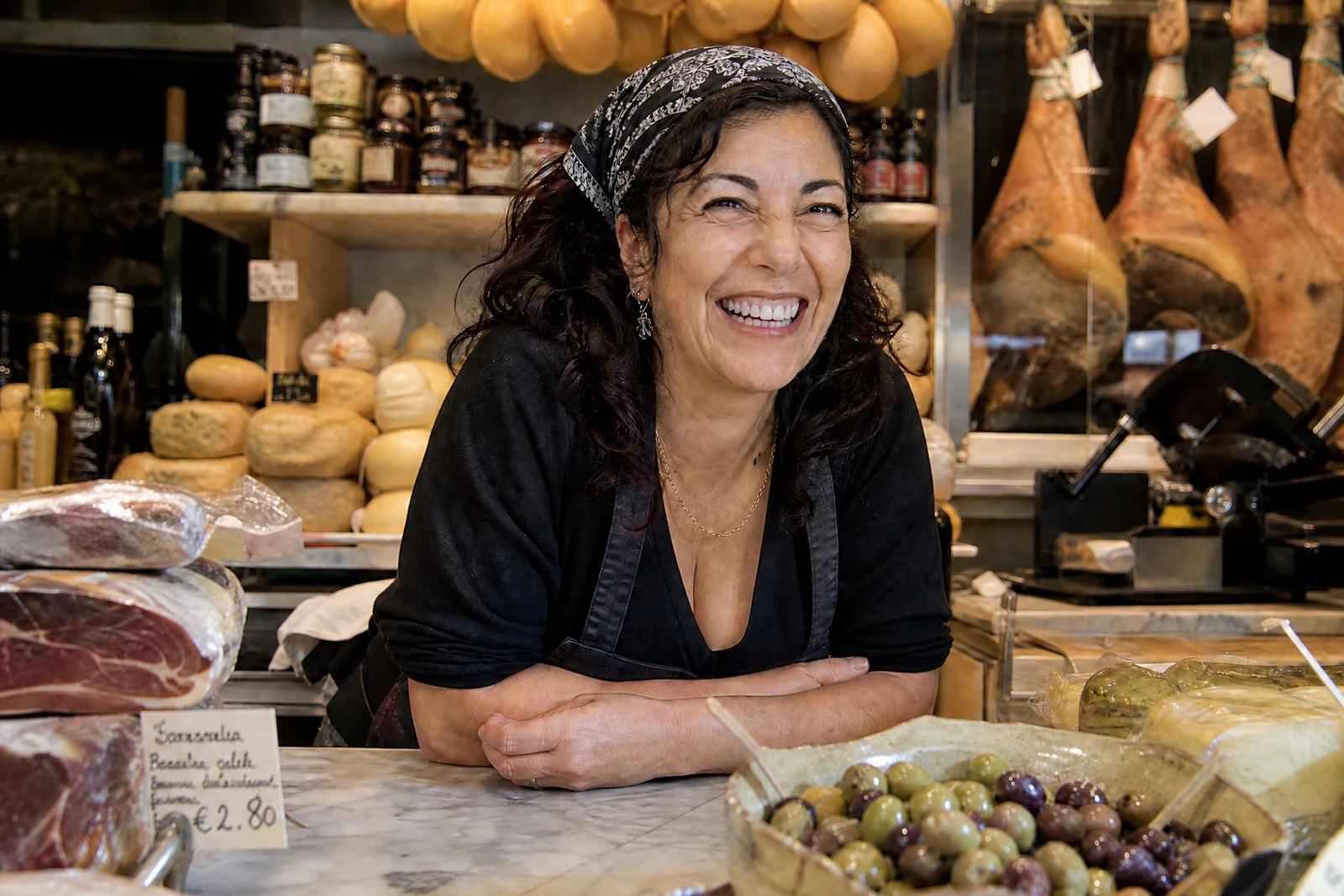
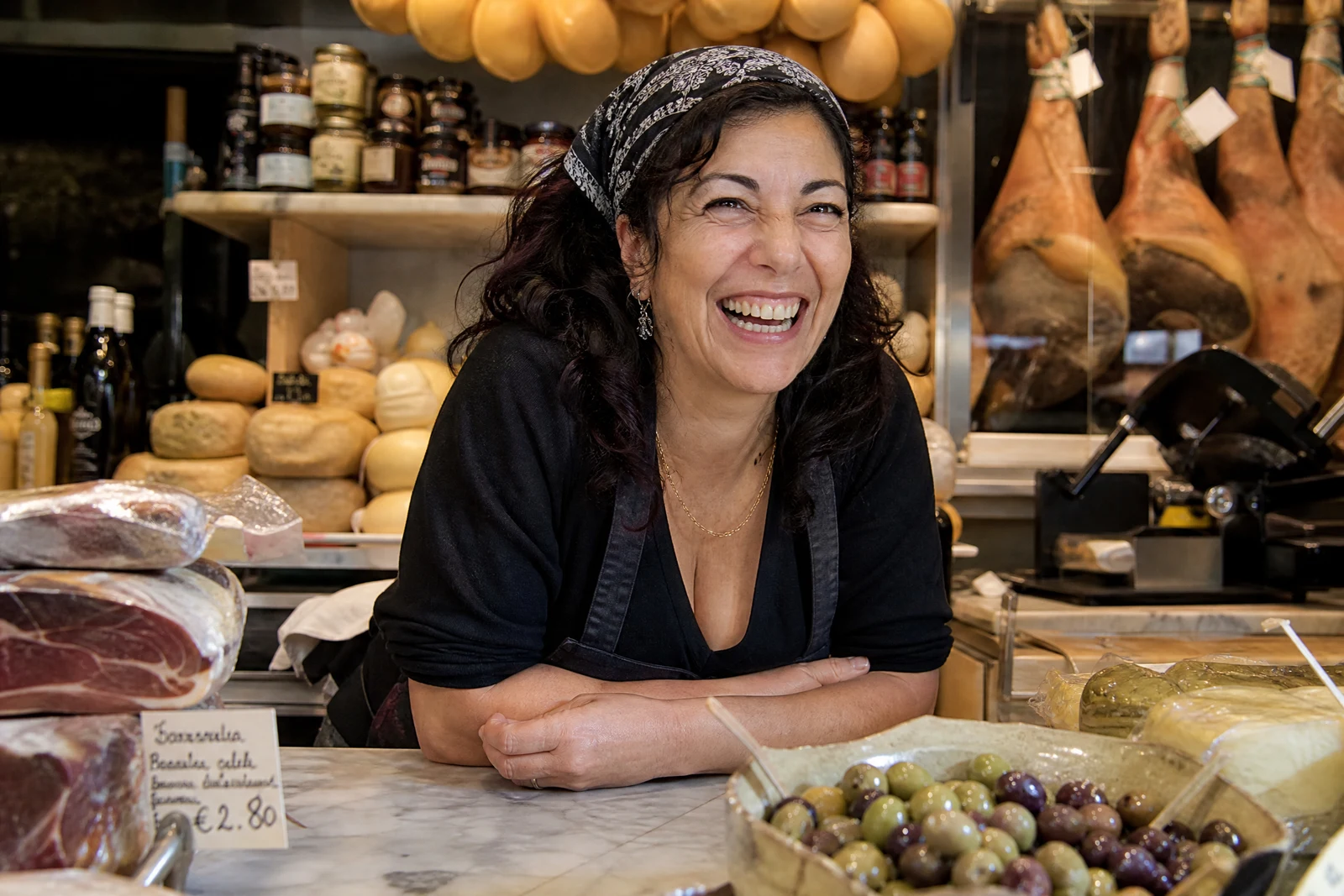
Genuine results from the tool — slide to see the difference.
Overdone whitening is instantly recognizable — flat, opaque, paper-white — and it costs a photo credibility exactly where credibility pays: profile photos, wedding shots, bio portraits. Real teeth are slightly translucent, vary in tone from edge to gum, and catch light with a soft sheen; editing them well means respecting all of that.
Upload a photo with a visible smile and the AI brightens several natural shades, evens discoloration, and tidies minor misalignment and small chips, preserving the translucency and individual character that make teeth read as real. Gums and lips are outside the edit's target — worth confirming in the result before you use it — and the correction is bounded so it photographs as good luck, not digital work.
It is a staple pass for headshots, event photos, and any close portrait where a yellowed smile pulls focus, and it finishes in seconds at any hour. Pair with Perfect Smile for the expression around the teeth and Retouch Face for the skin; pick a higher quality tier for close-crop shots.
Why this tool
- Push the output onward through any other tool
- Standard, Pro and Max quality tiers
- Results land in your creations library
- Blow it up to print resolution or convert it to video
Frequently asked questions
Will the teeth go paper-white?
No — whitening is bounded to shades real teeth reach, and edge translucency is preserved. The target is 'great teeth', not obvious veneers.
Can it fix crooked or chipped teeth?
Minor misalignment and small chips, yes. Orthodontic-level changes are deliberately out of scope — past a point the smile stops reading as yours.
What if my smile barely shows teeth?
The pass improves whatever is visible. Consider Perfect Smile first to warm the expression, then run this on the result.
What does the edit target?
The teeth only. Give lips, gum line, and the rest of the mouth a quick check in the result before using it.
Can I try AI Perfect Teeth for free?
Yes — every new account starts with 4 free credits, enough to run this tool once at Standard quality. No credit card required.
Related tools