
Enhance
AI Photo Reframe
One shoot, every format your channels demand
New accounts start with free credits — no card on file needed.
- 1Add your image and choose the ratio you need
- 2The AI recomposes around the subject, generating scene as needed
- 3Download — or run every ratio you need for a full set
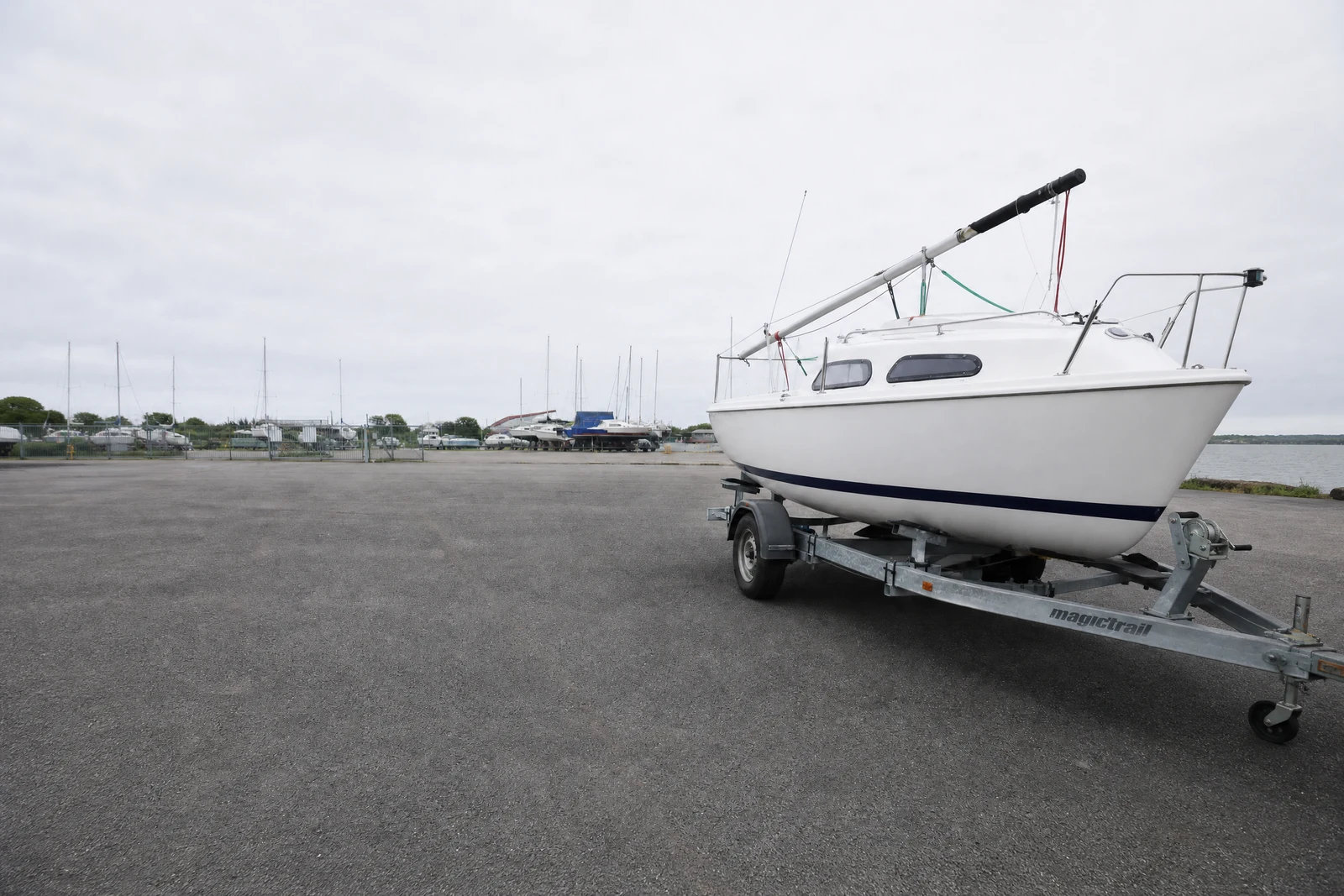
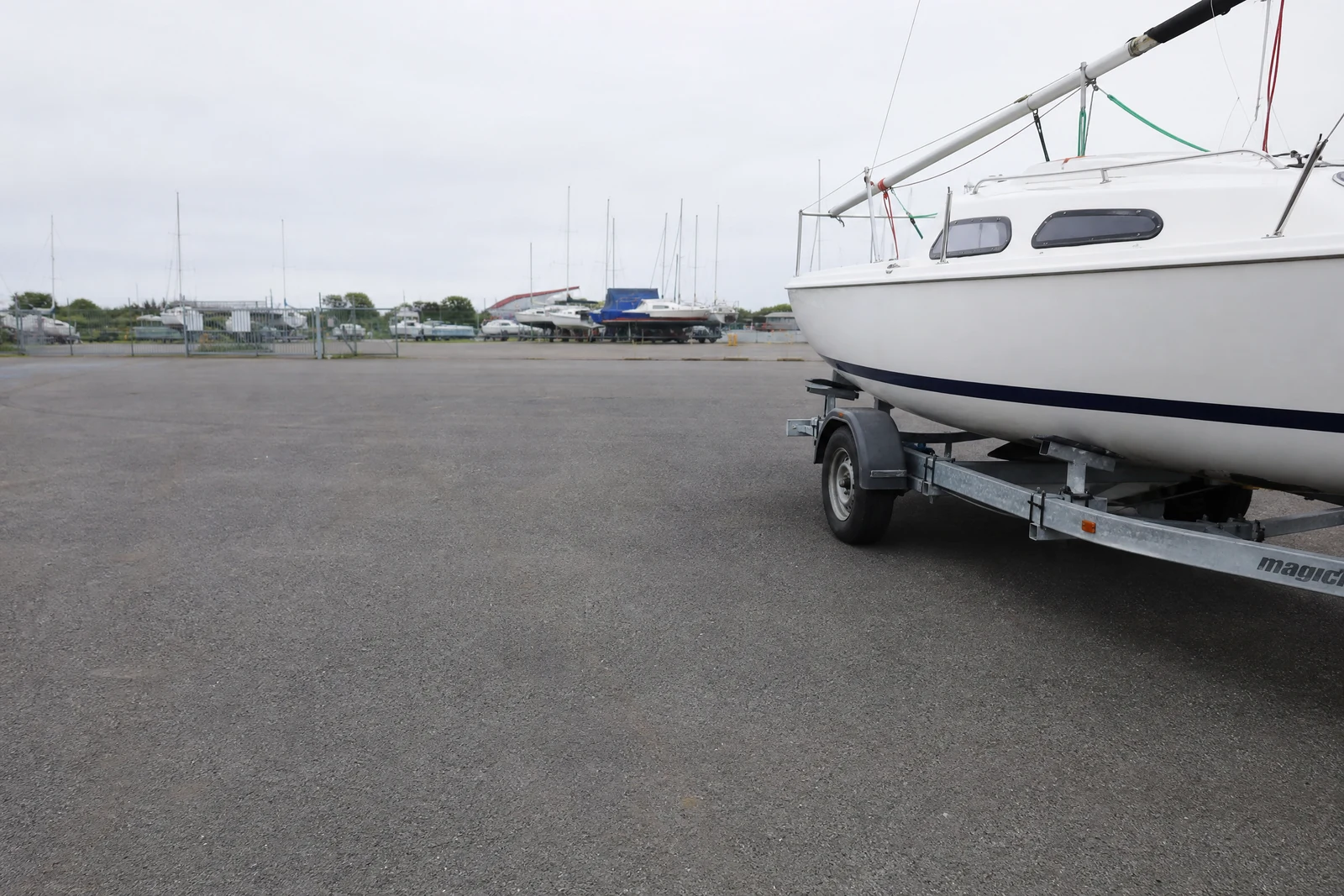
Genuine results from the tool — slide to see the difference.
Every channel demands its own shape — square for feed and listing grids, 9:16 for stories and reels, 16:9 for covers and video thumbnails, tall panoramics for site heroes — and a center crop routinely beheads subjects or throws away the balance that made the shot work. Shooting separately for each format multiplies costs; reframing multiplies the one shoot you did.
Pick a target ratio from ultrawide 21:9 to tall 9:21 and the AI rebuilds the frame around what matters: it identifies the subject and supporting elements, repositions them with sound composition in the new geometry, and generates whatever additional scene the fresh dimensions need. The output looks like that ratio was the plan all along, not a crop survivor.
The practical win is a full format set from one source: feed, story, banner, and print versions of the same photo, each recomposed in seconds. Nine ratios cover effectively every placement a listing or campaign touches. When you want your original left exactly as shot and only extra scene added around it, Generative Expand is the sibling tool built for that.
Why this tool
- Push the output onward through any other tool
- Standard, Pro and Max quality tiers
- Results land in your creations library
- Blow it up to print resolution or convert it to video
Frequently asked questions
Why is this better than cropping?
Crops can only discard pixels, which forces bad tradeoffs on big ratio changes. Reframing repositions the subject with proper composition and fills the new shape — nothing important gets cut off.
Reframe vs Generative Expand?
Expand adds generated scene beyond your original's borders and leaves the shot itself untouched. Reframe may recompose, reposition, and extend to optimize the whole frame. Add scene: Expand. Recompose: Reframe.
Which ratios for social?
1:1 and 3:4 for feed posts, 9:16 for stories and reels, 16:9 for thumbnails and link previews. The 21:9 and 9:21 panoramics suit site heroes and print.
Will generated areas stand out?
New scene continues the original's lighting, grain, and color so the seam doesn't show. Continuable surroundings — sky, walls, foliage — extend most convincingly; check busier edges before publishing.
Can I try AI Photo Reframe for free?
Yes — every new account starts with 4 free credits, enough to run this tool once at Standard quality. No credit card required.
Related tools