
Text & Objects
Text Behind Object
The thumbnail effect that stops the scroll
New accounts start with free credits — no card on file needed.
- 1Upload the photo, type the headline, name the subject to overlap it
- 2The model places the lettering behind your subject, occluded cleanly
- 3Download the finished graphic and post it
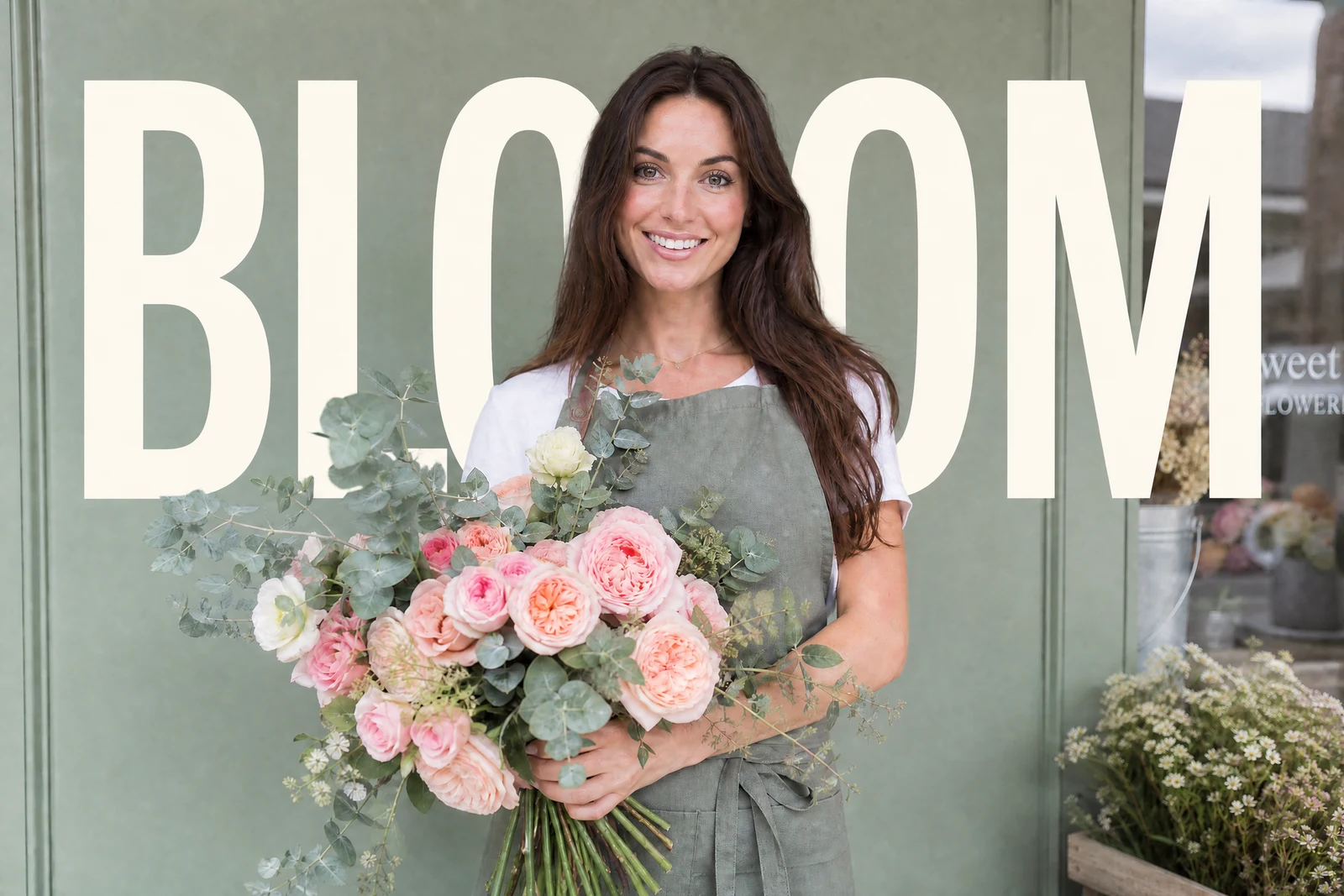
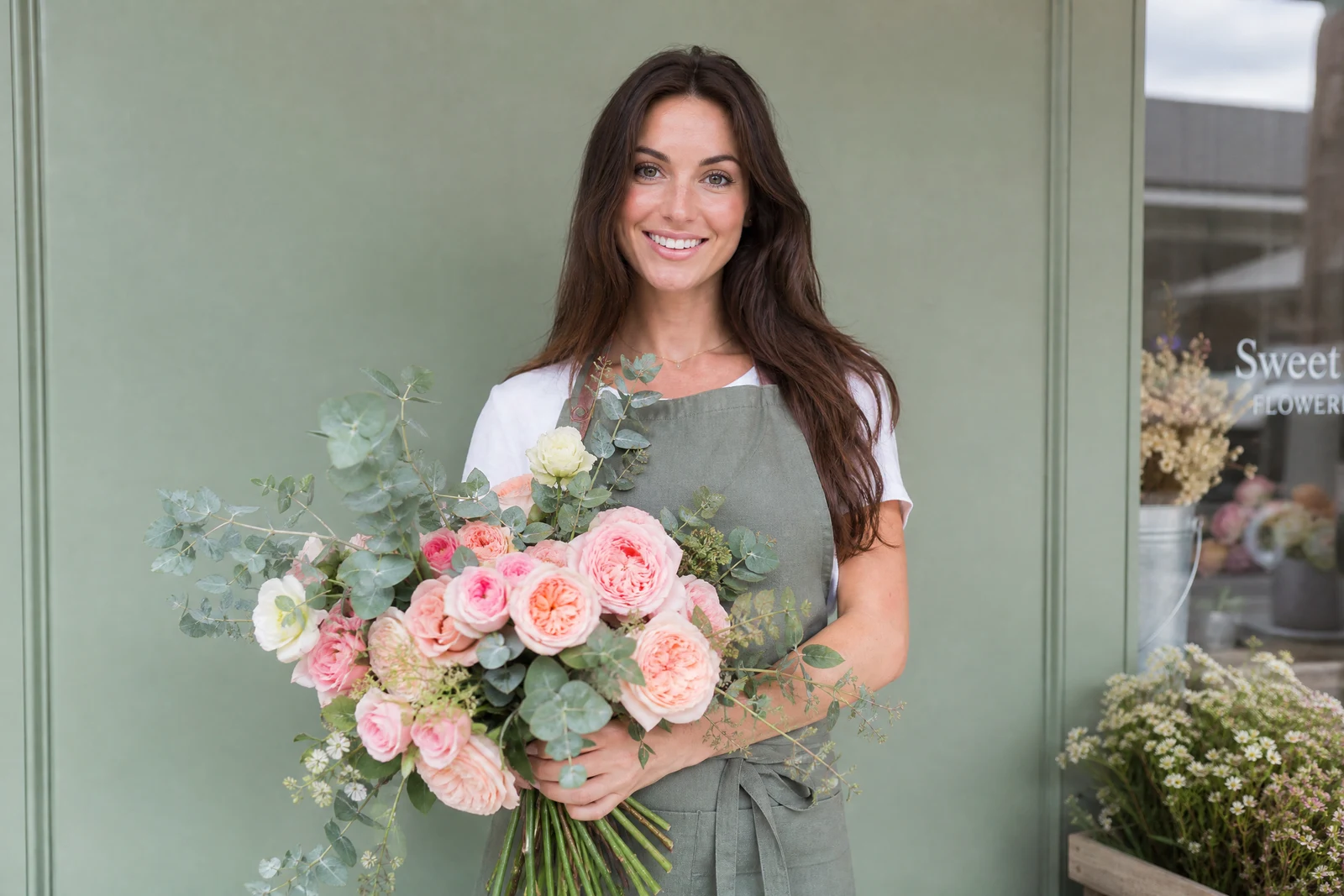
Genuine results from the tool — slide to see the difference.
Type sliding behind a subject while staying in front of the background is the signature look of high-performing thumbnails, drop announcements, and promo posters — it adds instant depth and makes a static image feel designed. Building it by hand means duplicating the subject, masking it, and sandwiching type between layers; here it is one step.
Give it the word and the subject. The AI cuts the subject, sets bold display type into the scene behind them, and re-composites so the letters are occluded exactly where the subject crosses them. The text reads as part of the photo's space, which is precisely why the effect pulls eyes in a crowded feed.
Use it for product drops ('NEW' behind the bottle), sale graphics, video thumbnails, event posters, and social covers — generated in seconds whenever the post is due. The type is rendered into the pixels, so iterate by re-running with new wording; each pass is fast enough that testing three headlines costs you a minute.
Why this tool
- Push the output onward through any other tool
- Standard, Pro and Max quality tiers
- Results land in your creations library
- Blow it up to print resolution or convert it to video
Frequently asked questions
What wording performs best?
Short and loud: one word, a year, a price point. Big display type survives being partially covered; a full sentence turns to soup once the subject overlaps it.
Can I pick font and color?
The AI chooses typography that suits the photo and keeps contrast readable. Want a specific treatment? Put it in the text field: 'SALE in white outlined letters'.
Why name the subject?
It decides the layering. In a frame with several candidates, 'the sneaker' versus 'the model' produces different graphics, so being explicit keeps you in control.
Can I edit the text later?
It is baked into the image, not live type. Re-running with new wording takes seconds — that is the iteration loop, and it is fast enough to A/B headlines.
Can I try Text Behind Object for free?
Yes — every new account starts with 4 free credits, enough to run this tool once at Standard quality. No credit card required.
Related tools