
People
AI Add People to Photos
Everyone in the photo, even who missed it
New accounts start with free credits — no card on file needed.
- 1Upload the group photo and a clear photo of the person
- 2The AI merges them — scale, light, grain, and shadows matched
- 3Review the blend, then download the completed photo
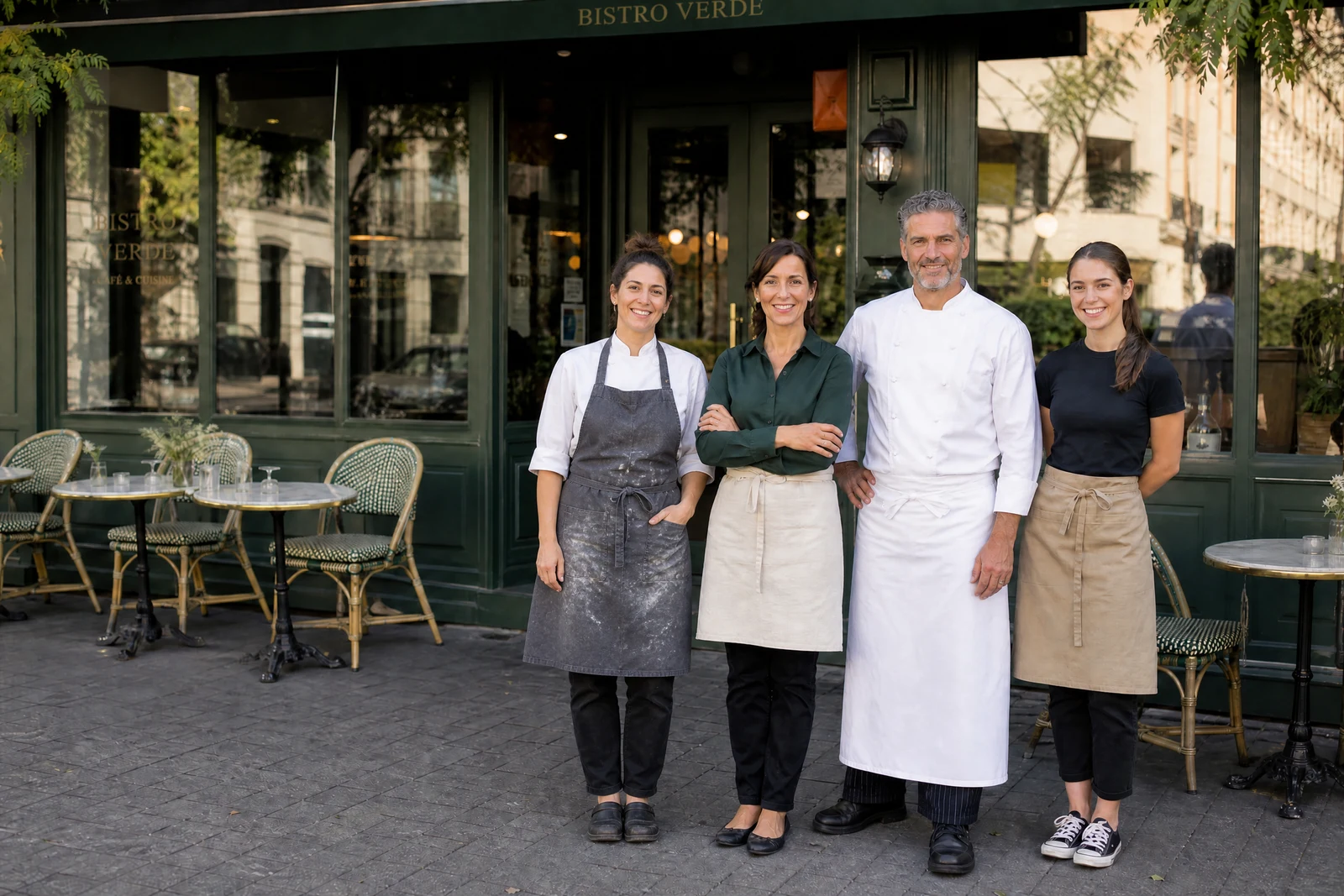
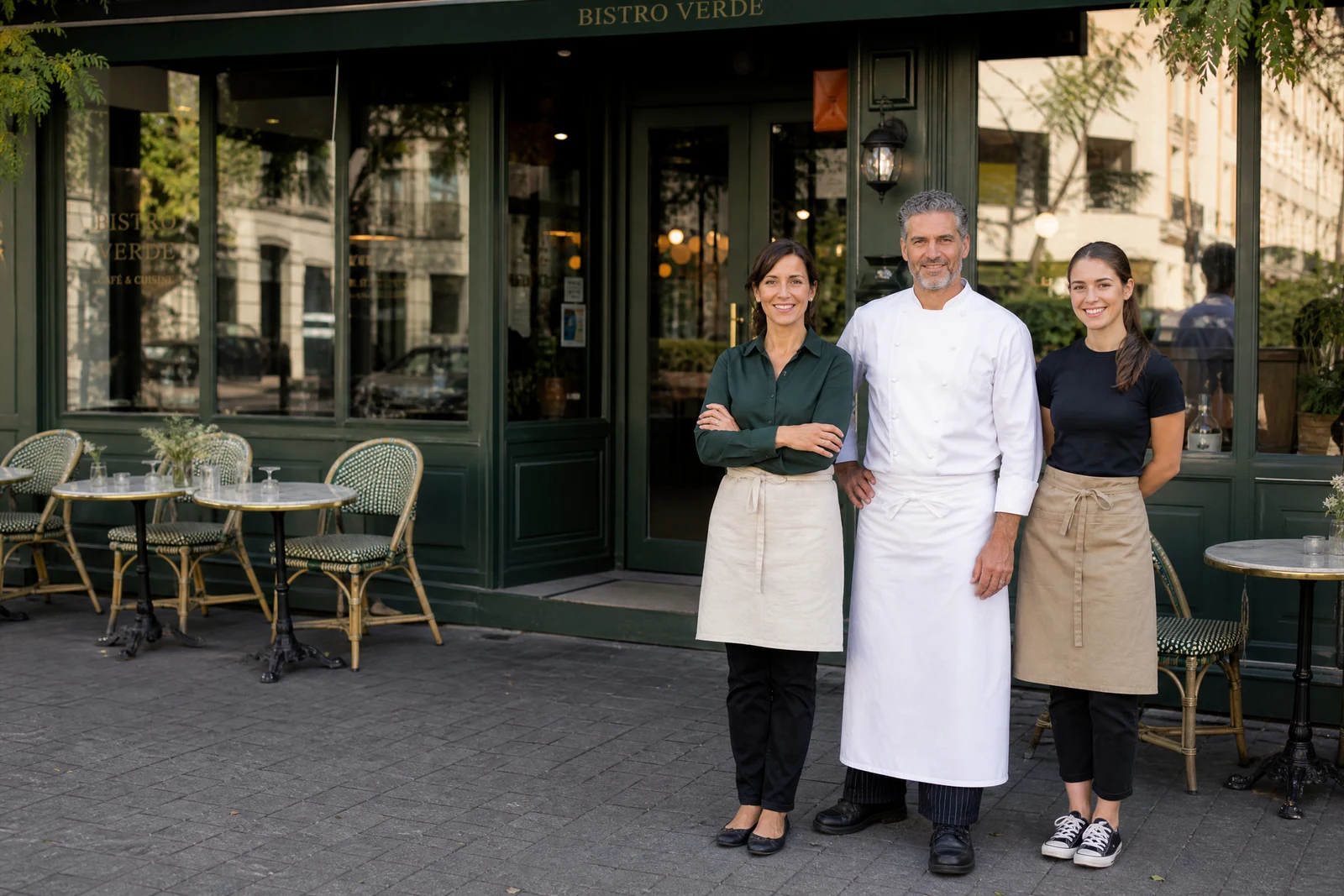
Genuine results from the tool — slide to see the difference.
The group photo is always missing someone: the relative who couldn't travel, the friend behind the camera, the partner working the date of the event. Manual composites rarely convince because two photos never agree on lighting, color, scale, and grain — and human eyes are ruthless about mismatches on human subjects.
This tool matches all four. Upload the main photo and a photo of the person; the AI extracts them, scales them correctly for their position, adjusts their lighting direction and color temperature to the scene, harmonizes grain and sharpness, and grounds them with appropriate shadows. Placement follows the composition's natural gap — where the missing member would have stood.
It completes family portraits, gets the photographer into their own group shot, and creates memorial composites that place a loved one back among the family — often from a photo taken years earlier, restored first via Photo Restoration if it needs it. The stronger the source — similar angle, decent resolution, comparable light — the more seamless the merge, so review the blend before printing or posting. To swap one person for another rather than add, Replace Person is the companion.
Why this tool
- Push the output onward through any other tool
- Standard, Pro and Max quality tiers
- Results land in your creations library
- Blow it up to print resolution or convert it to video
Frequently asked questions
Which kind of photo of the person gives the best result?
Similar camera angle and comparable lighting to the main photo, decent resolution, person fully visible. A straight-on shot merges into a straight-on group far more naturally than a steep selfie.
Where does the person end up?
Where the composition naturally accommodates another person — typically alongside the existing group at correct depth and scale.
Will lighting differences show?
The person is relit to the main scene: direction, warmth, contrast, and grain adjusted. Extreme mismatches — harsh noon vs dim indoors — are corrected as far as realism allows; check the seams.
Can I add someone who has passed away?
Yes — remembrance composites are one of the most moving ways people use this tool. Pick the clearest photo you have of them, and run Photo Restoration first if the source is old or damaged.
Can I try AI Add People to Photos for free?
Yes — every new account starts with 4 free credits, enough to run this tool once at Standard quality. No credit card required.
Related tools