
Use case
Post Photos That Stop the Scroll
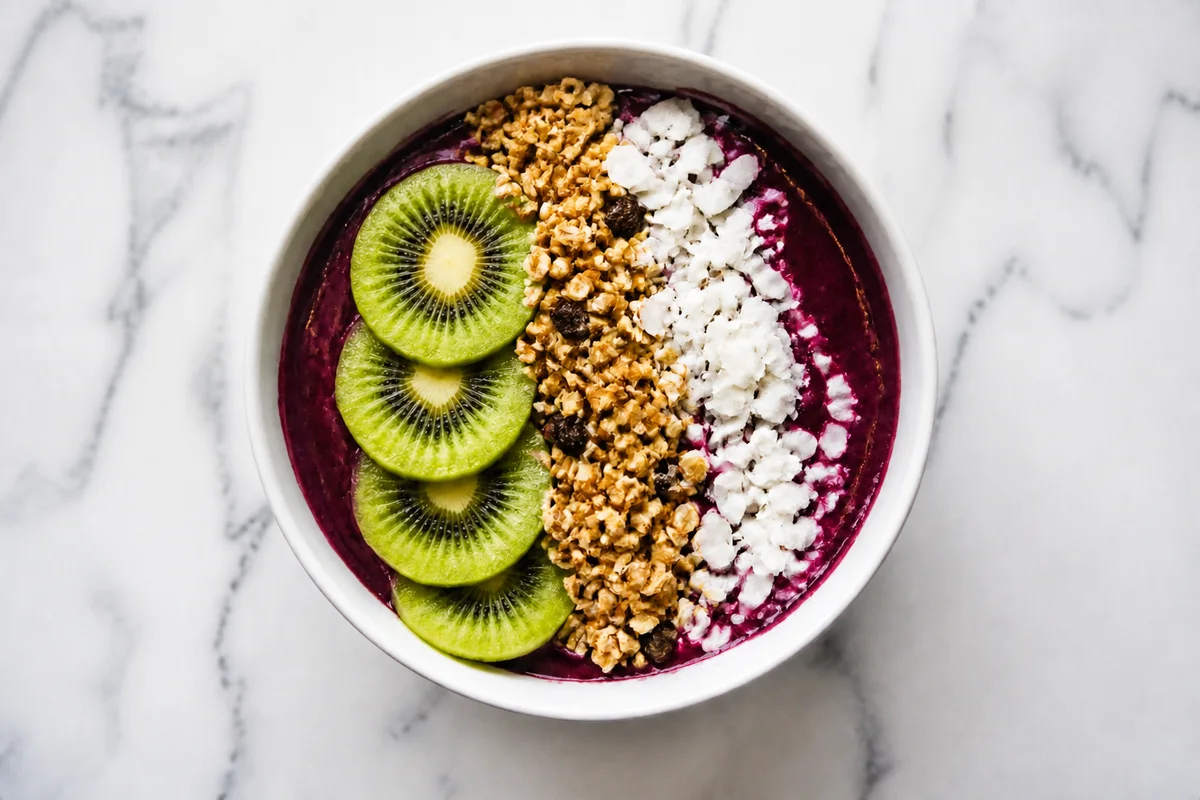
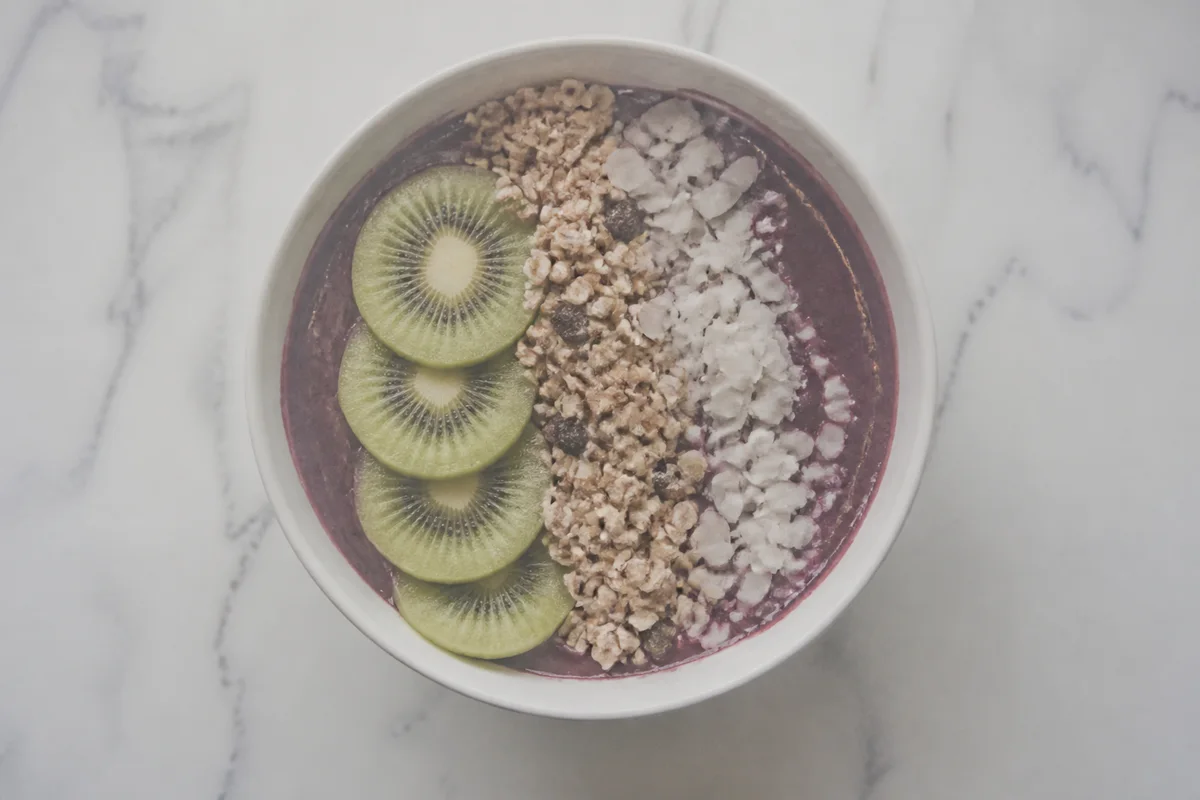
The process shown live — slide the handle to compare.
A feed gives each post a fraction of a second. Whatever you're posting for — a brand, a shop, a personal audience — the photo either interrupts the thumb or it doesn't, and everything you wrote in the caption depends on that interruption. Flat light and muddy color don't get the pause.
Run your posts through the editor before they go up: lift the lighting, saturate the palette that fits your feed, pull distractions out of the frame, and crop tight to the subject. Each fix takes seconds, so a week of content gets polished in one batch — and a feed with a consistent, vivid look is what turns viewers into followers.
The problems this solves
- Phone photos look flat next to the color-graded content surrounding them in the feed.
- Background clutter dilutes the subject at small sizes.
- An inconsistent look across posts keeps a feed from feeling like a brand.
- Golden-hour content performs, but you can't schedule your life around one hour of light.
A workflow that works
Lift the light
Bright, dimensional lighting is the first thing thumbs respond to at feed speed.
AI Lighting ChangerGrade the color
A consistent palette across posts is what makes a feed feel curated instead of random.
AI Color CorrectionRemove the distractions
At thumbnail size, one background distraction can dissolve the whole subject.
AI Object RemoverFake the golden hour
Warm, low-sun light flatters everything — and now it's an edit instead of an alarm clock.
AI Time of DayCrop for the format
Square, portrait, story — each placement crops differently, and the subject should survive all of them.
AI Photo ReframeFrequently asked questions
Can I keep a consistent look across all my posts?
Yes — apply the same lighting and color treatment to each batch. Consistency comes from repeating the recipe, and each edit takes seconds.
Does this work for both personal and business accounts?
The mechanics are identical: the photo earns the pause, the caption converts it. Product shots, portraits, and places all benefit from the same fixes.
How do I batch a week of content?
Upload the week's photos in one sitting and run each through your standard fixes — the browser editor is available 24/7 and each edit renders in seconds.
What's free to start?
4 free credits at signup — polish your next post and watch how it performs against your average.
Related use cases