
Enhance
AI Image Upscaler
Zoom-ready resolution from any photo
New accounts start with free credits — no card on file needed.
- 1Upload the image and choose crisp or creative mode
- 2The AI enlarges it, rebuilding texture and clearing artifacts
- 3Download the high-resolution file for zoom views or print
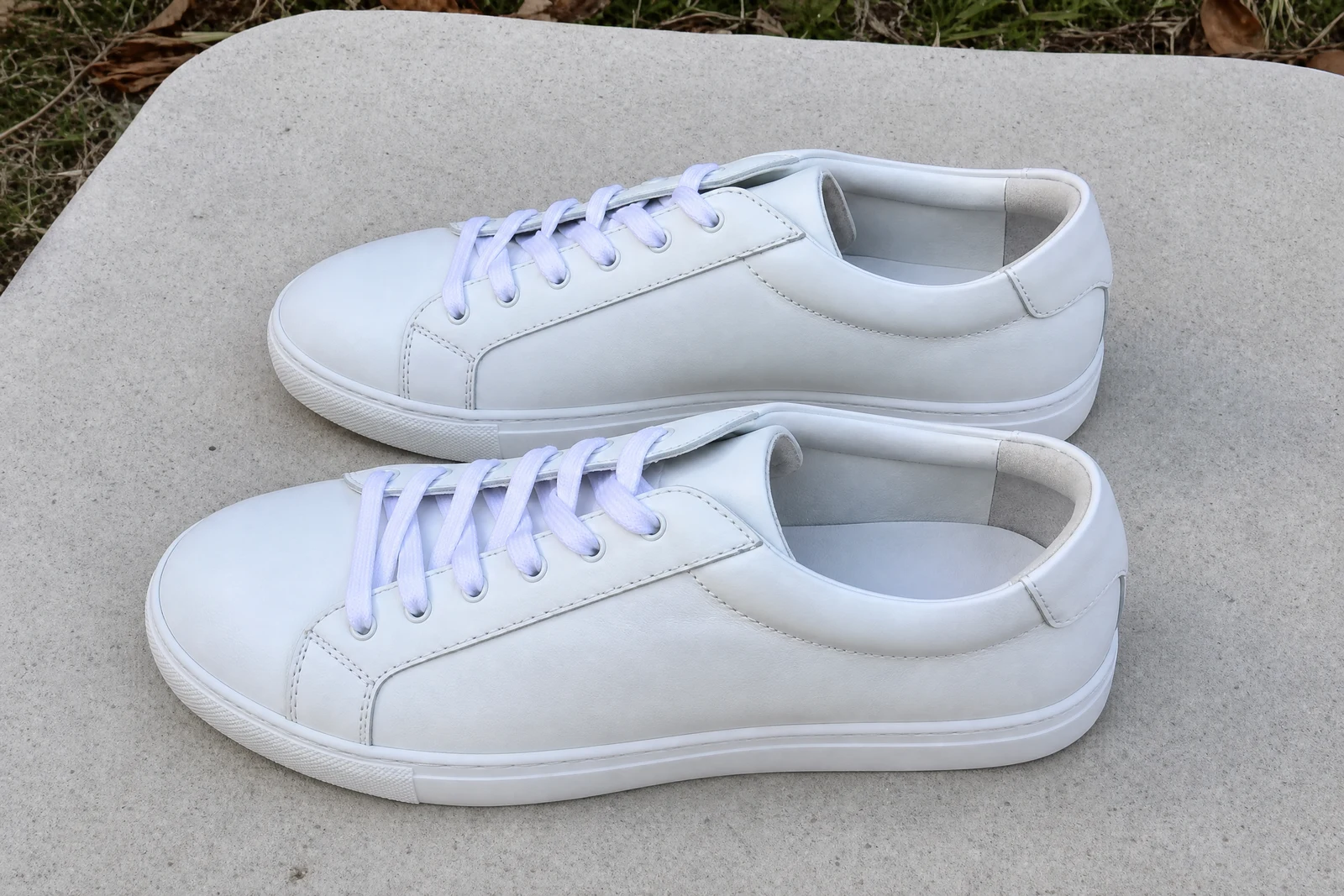
Genuine results from the tool — slide to see the difference.
Buyers zoom. On product pages, rental photos, and portfolio images, the pinch-to-zoom moment is where a soft, pixelated file quietly loses the sale. Traditional enlargement just stretches pixels; AI upscaling reconstructs texture — skin, fabric, print, foliage — as it enlarges, and strips noise and compression damage on the way.
Two modes match the two jobs sellers actually have. Crisp mode stays faithful to the source: sharper edges, cleaned artifacts, nothing invented — right for products, documents, and faces where accuracy is the point. Creative mode lets the AI synthesize finer texture, which rescues tiny thumbnails and heavily degraded files when convincing detail matters more than literal fidelity.
Typical wins: a phone photo upgraded to zoom-view resolution, an old logo enlarged for packaging, a low-res portfolio piece made print-ready, AI art pushed to poster size. It runs in seconds, so upscaling a whole catalog is an evening, not a project. Pair with Photo Restoration for old scans and Sharpen Image when the source is soft rather than small — and for product shots, confirm the reconstructed detail still matches the real item before it goes live.
Why this tool
- Push the output onward through any other tool
- Standard, Pro and Max quality tiers
- Results land in your creations library
- Blow it up to print resolution or convert it to video
Frequently asked questions
Crisp or creative — which mode?
Crisp when accuracy pays: products, faces, text, logos. Creative when the source is tiny or badly degraded and convincing texture beats a faithful-but-soft enlargement.
Does it clean up JPEG compression?
Yes — blockiness, edge ringing, and banding are removed during the pass, so the output is typically cleaner than the input before you even count the added resolution.
Can it rebuild a face from a handful of pixels?
Only by inventing most of it, and the invention may not match the real person. For anything identity-critical, use crisp mode and inspect the result closely before relying on it.
How big can the output go?
Several times the source resolution — comfortably from web size into print territory. Big sources take longer, which is why this tool carries a generous processing window.
Can I try AI Image Upscaler for free?
Yes — every new account starts with 4 free credits, enough to run this tool once at Standard quality. No credit card required.
Related tools