
Retouch
AI Makeup Try-On
Test the look before you buy the products
New accounts start with free credits — no card on file needed.
- 1Upload a clear, front-facing portrait
- 2Describe the look, natural through full glam
- 3Compare renders, screenshot the winner, shop with confidence
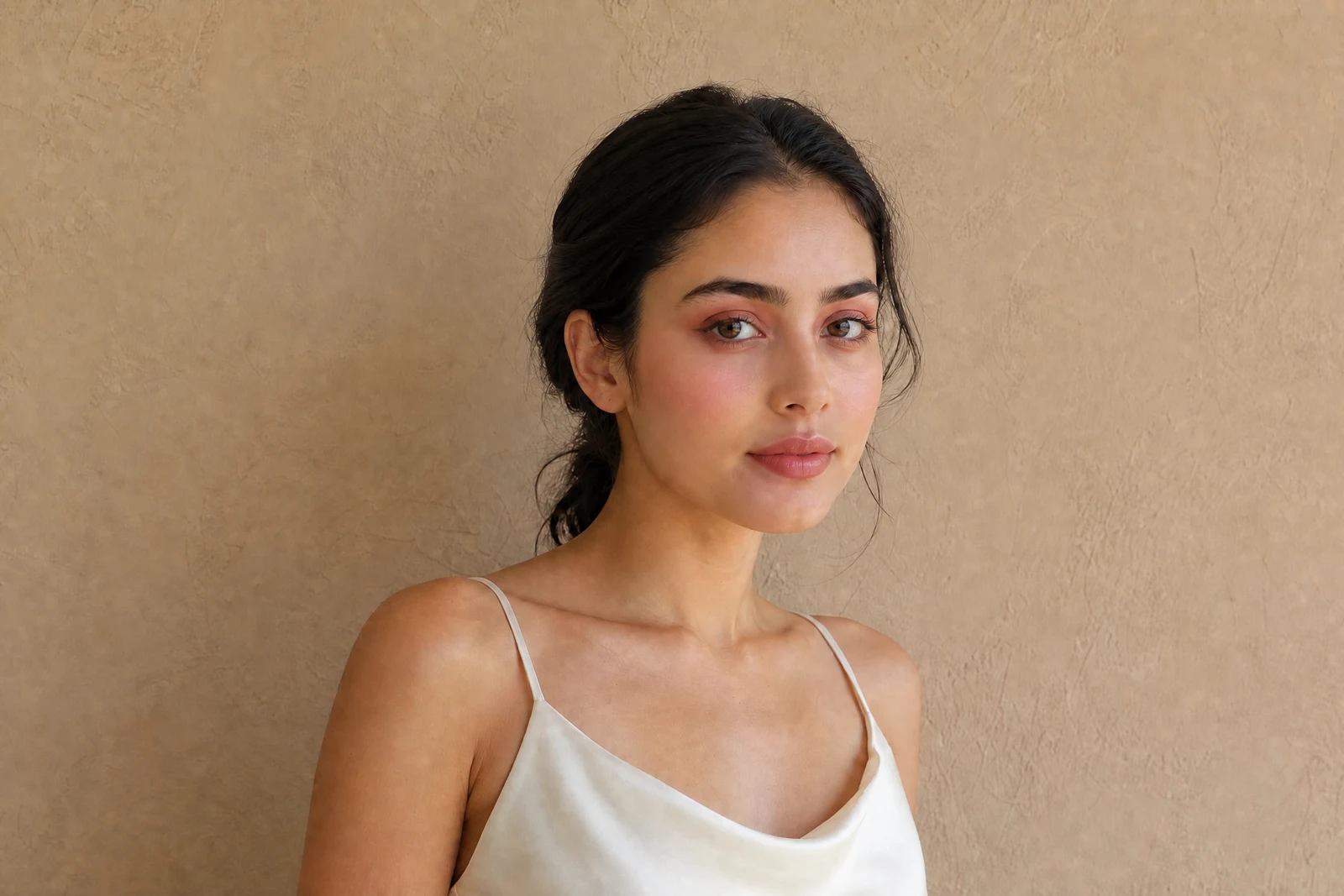
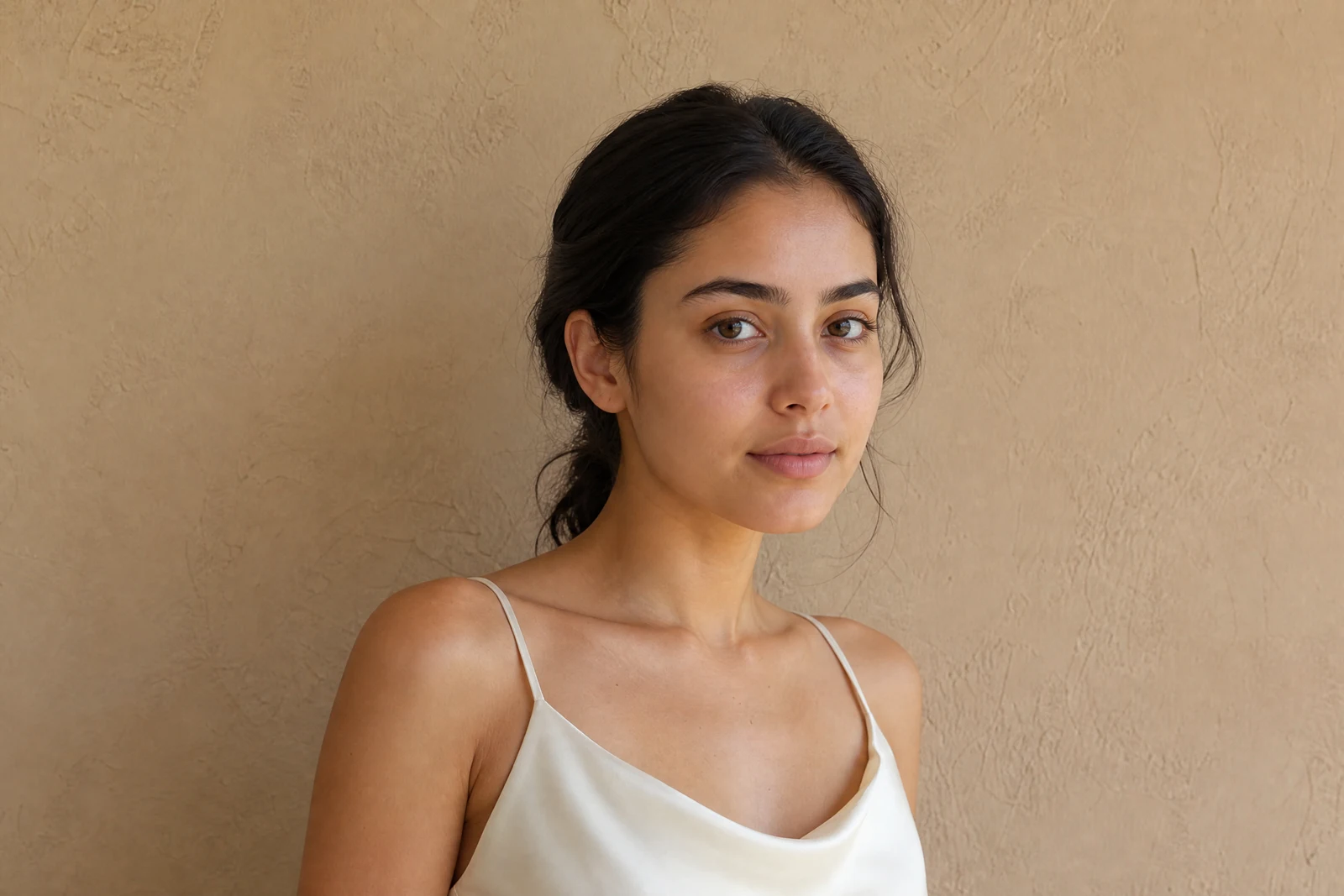
Genuine results from the tool — slide to see the difference.
Makeup mistakes are expensive twice: the products you bought and the event photos you can't retake. Previewing on your own face closes both risks — and doing it convincingly requires dimensionality, because makeup sits on a three-dimensional face: shadow in the crease, blush along the cheekbone, liner tapering on the lid, lipstick with a real finish.
Describe the look in words at any level of detail. 'Natural everyday makeup' returns subtle polish; 'smoky bronze eye, sharp winged liner, glossy nude lip' executes element by element. Product vocabulary registers — finishes (matte, dewy, shimmer), colors, eras — and the render maps to your actual features while skin texture stays visible underneath, which is the tell separating realistic from filter.
Use it to lock a look before a wedding or shoot, test bold choices before buying, polish photos where you wish you'd worn makeup, or keep a consistent look across a set of portraits for a profile or brand page — seconds per try, as many tries as you want. Pair with Hair Style Changer to preview the full transformation before committing to either.
Why this tool
- Push the output onward through any other tool
- Standard, Pro and Max quality tiers
- Results land in your creations library
- Blow it up to print resolution or convert it to video
Frequently asked questions
How detailed can I get?
Very: colors, finishes, techniques, and intensity all register — 'copper shimmer shadow, thin liner, peach blush, satin rose lip' is followed element by element. Vague briefs get a tasteful default.
Will it look painted on?
Application follows facial geometry — crease, cheekbone, lash line — and skin texture stays visible under the makeup, which is what keeps the render from reading as a filter.
Can it do a minimal or no-makeup look?
Yes — 'natural no-makeup look' applies the real-world equivalent: evened tone, groomed brows, subtle lip tint. A popular pass before professional headshots.
What does the edit target?
Makeup only — not face shape, eyes, skin identity, or hair. Review the result to confirm; for skin retouching underneath, run Retouch Face first.
Can I try AI Makeup Try-On for free?
Yes — every new account starts with 4 free credits, enough to run this tool once at Standard quality. No credit card required.
Related tools