
Text & Objects
AI Add Object
Stage the shot with props you don't own
New accounts start with free credits — no card on file needed.
- 1Upload a photo, then name the object and where it goes
- 2The AI renders it in place — scale, light, and shadow matched
- 3Download, or tweak the description and re-stage
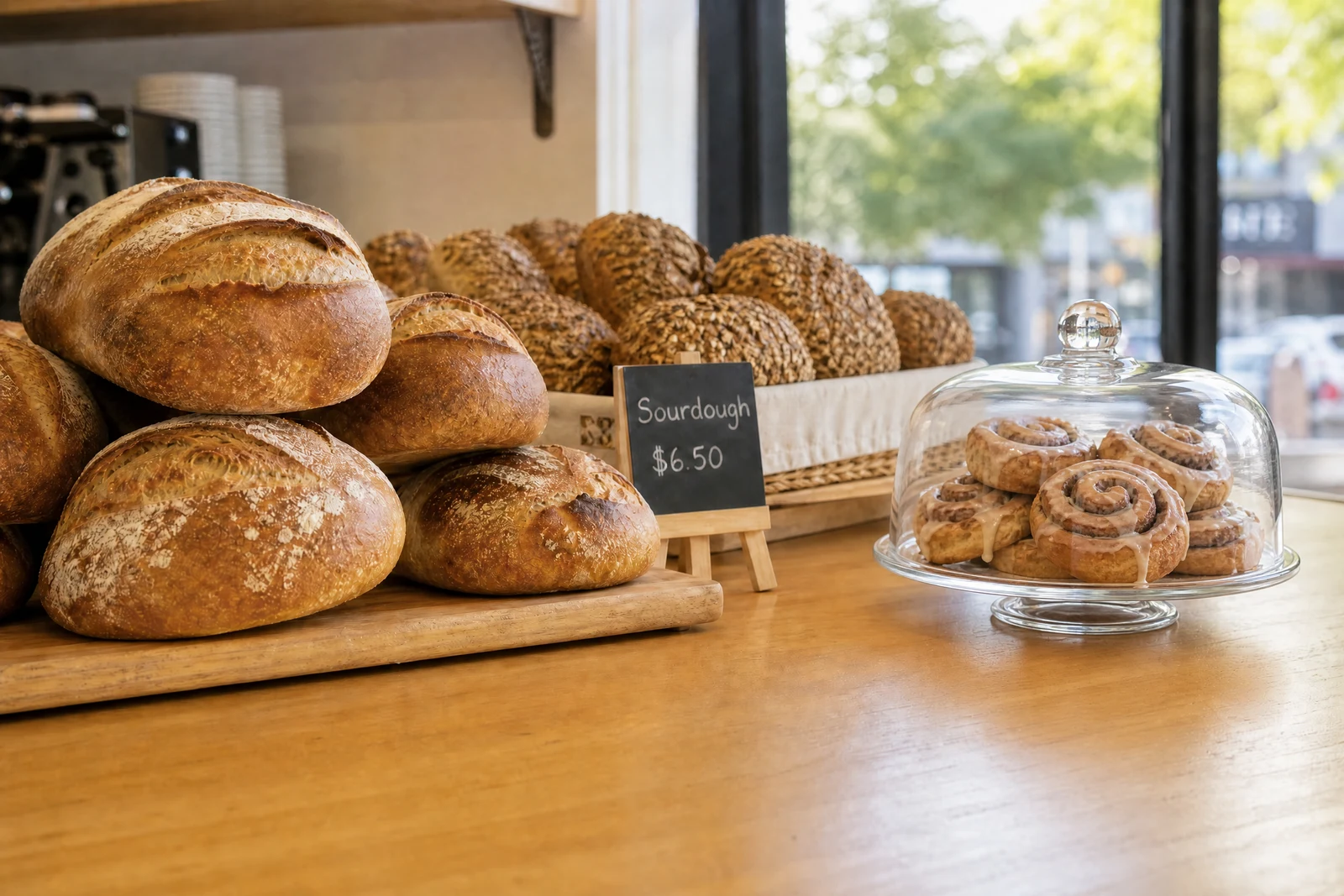
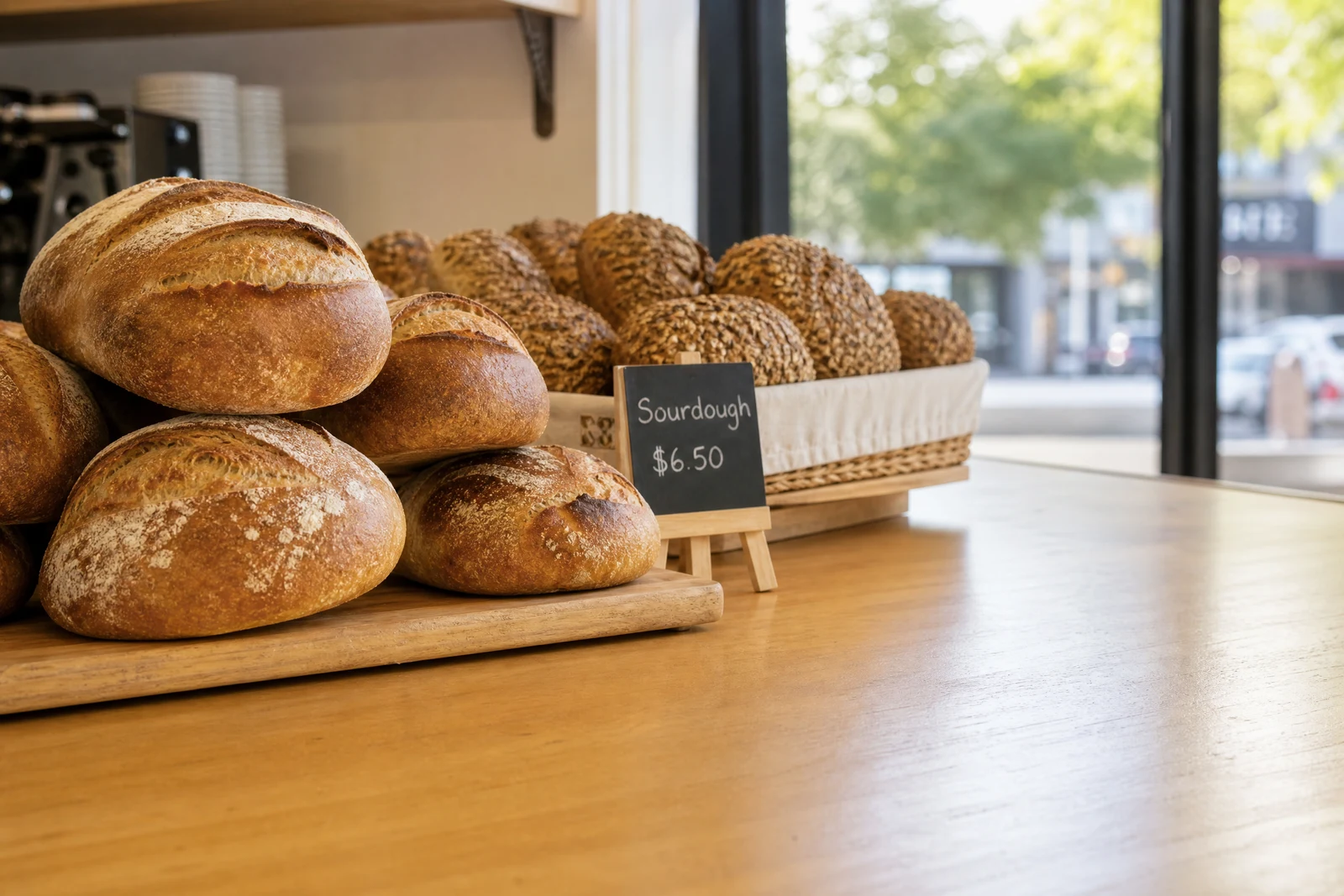
Genuine results from the tool — slide to see the difference.
Prop styling is a real line item: photographers buy flowers, borrow furniture, and haul crates of accessories because a styled frame outsells a bare one. This tool does the styling in software — the object is generated inside your scene, so its size fits the perspective, its lighting comes from the same direction as everything else, and it casts a shadow that anchors it to a surface.
Two inputs: what to add and where. 'A steaming coffee cup, on the desk next to the laptop' renders the cup at desk scale, lit by the same window as the rest of the shot. Materials behave — glass refracts, metal reflects — because the object is built in context, not pasted from a stock library.
Stage a rental listing with plants and throws, dress an empty table for a menu shot, add atmosphere to a lifestyle frame, one object per run, seconds per object. Two boundaries worth knowing: to insert a specific real person, use Add People; to put your actual product into a model's hands with its label intact, AI Hold / Wear Product is purpose-built. And anything staged into a listing photo is set dressing, not inventory — make sure the item you're selling stays accurately shown.
Why this tool
- Push the output onward through any other tool
- Standard, Pro and Max quality tiers
- Results land in your creations library
- Blow it up to print resolution or convert it to video
Frequently asked questions
How do I control placement?
Anchor the location to things already in frame: 'on the left end of the bench', 'behind the sofa', 'next to the lamp'. Relative positions beat pixel-style directions.
Will the object match my lighting?
That is the point of generating it in-scene: light direction, warmth, and shadow softness are inherited from your photo instead of imported from somewhere else.
Can I add my own real product this way?
Describing an item in words yields a generic stand-in. For your exact item — label, shape, colors preserved — use AI Hold / Wear Product, which takes a photo of the real thing as input.
Multiple objects in one go?
You get the tightest control adding a single clearly specified object each run. Build a set piece iteratively: each result becomes the input for the next addition.
Can I try AI Add Object for free?
Yes — every new account starts with 4 free credits, enough to run this tool once at Standard quality. No credit card required.
Related tools