
Use case
Main Images Built to Win the Click
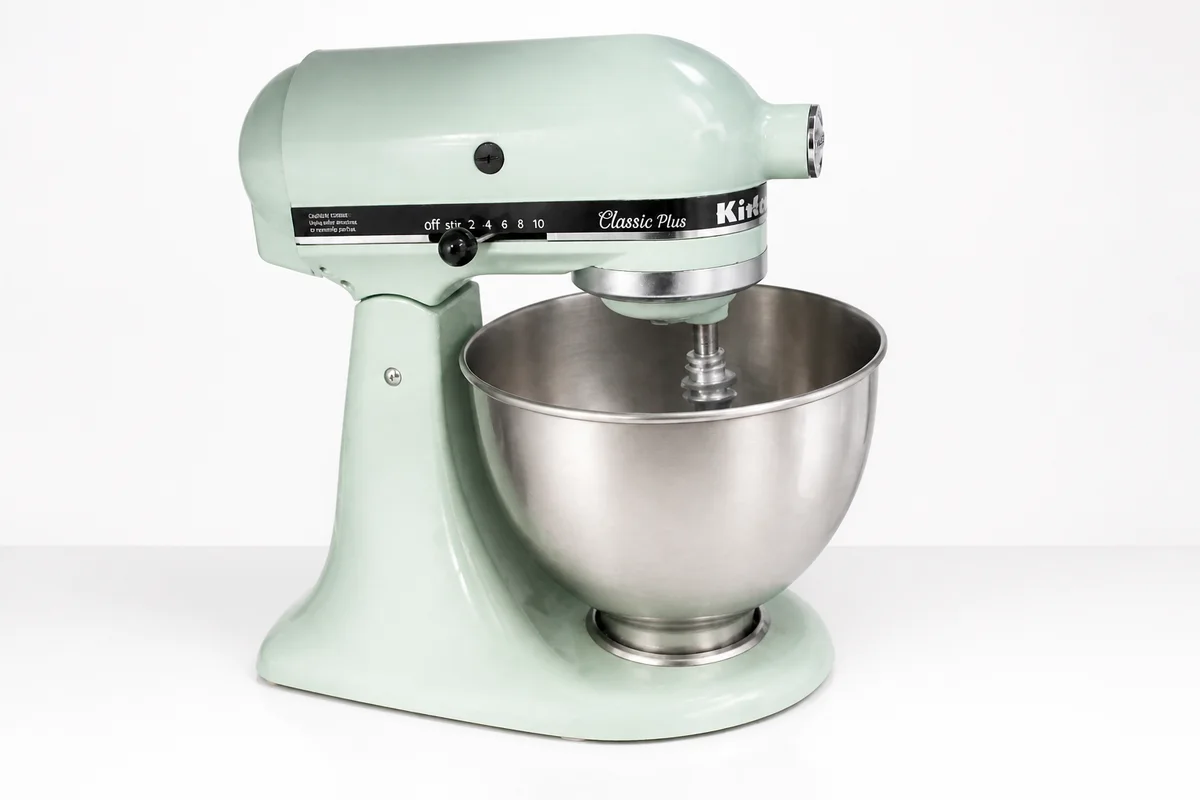

The process shown live — slide the handle to compare.
In a search results grid, your main image competes with forty others at thumbnail size. The listing that gets clicked is rarely the cheapest one — it's the one whose photo reads instantly: clean backdrop, crisp edges, the product filling the frame. Everything else about your listing only matters after that click happens.
Image Enhancer turns the photo you already have into that grid-winner. Cut the product out of your kitchen-table shot, drop it on a clean backdrop, punch up the lighting, and upscale it so zoom views stay sharp. Each edit runs in seconds in your browser, any hour you're working, so you can rework an entire catalog in one sitting instead of booking a photographer.
The problems this solves
- At thumbnail size, busy backgrounds and dim lighting make a listing invisible in the grid.
- Competitors with studio photography out-click identical products shot on a countertop.
- Zoom views magnify softness and noise that looked fine on a phone screen.
- Reshooting a whole catalog costs more than the margin on the items themselves.
A workflow that works
Isolate the product
A clean cutout makes the product the only thing a scrolling buyer's eye can land on.
AI Background RemoverDrop in a clean backdrop
A plain white or softly styled backdrop is what shoppers subconsciously read as 'professional seller.'
AI Background ChangerRelight the shot
Bright, even lighting is the single biggest visual difference between a $10 look and a $100 look.
AI Lighting ChangerKill glare on shiny surfaces
Packaging, glass, and metal catch hotspots that hide labels and detail at exactly the spot buyers look.
AI Glare RemovalUpscale for zoom
Buyers who zoom are buyers about to purchase — give them crisp texture instead of pixels.
AI Image UpscalerFrequently asked questions
Can I get the plain white background style marketplaces favor for main images?
Yes — remove the original background, then place the product on pure white. Review each platform's own image guidelines yourself before publishing, since rules vary by category and site.
Will the edited photo still look like my actual product?
The tools adjust background, lighting, and sharpness rather than redesigning the item, but you're the final check: compare the edit against the physical product before you list it.
How fast is each edit?
Seconds per edit, right in the browser. A 30-photo catalog is realistically an evening's work, and the editor is available 24/7.
What does it cost to try?
You get 4 free credits when you sign up, so you can rework your best-selling listing's photos before paying anything.
Related use cases