
Text & Objects
AI Color Changer
Every colorway from one product photo
New accounts start with free credits — no card on file needed.
- 1Upload the photo, name the object and the new color
- 2The AI recolors that object only, texture and lighting intact
- 3Verify the shade against the real item, then download the set
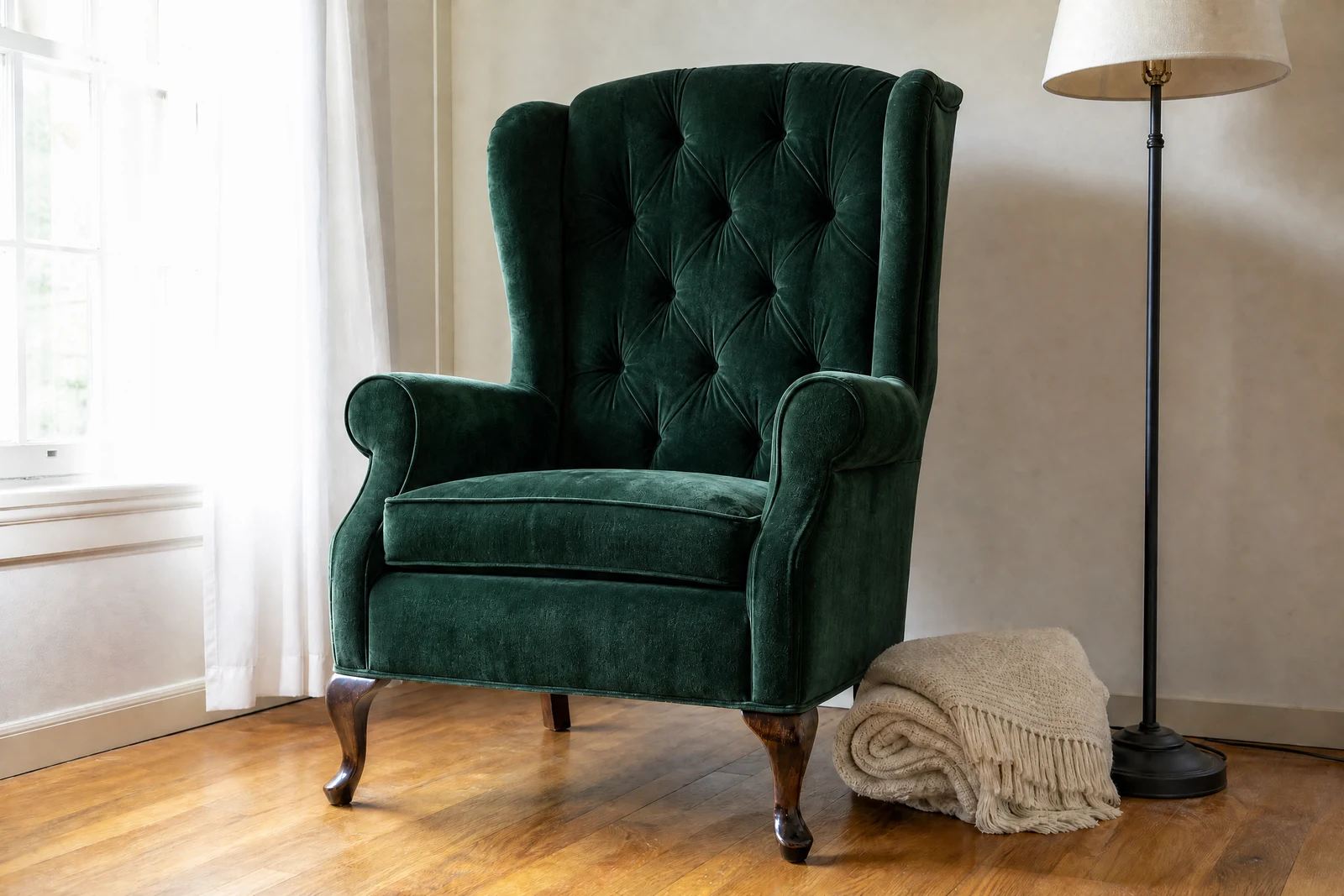
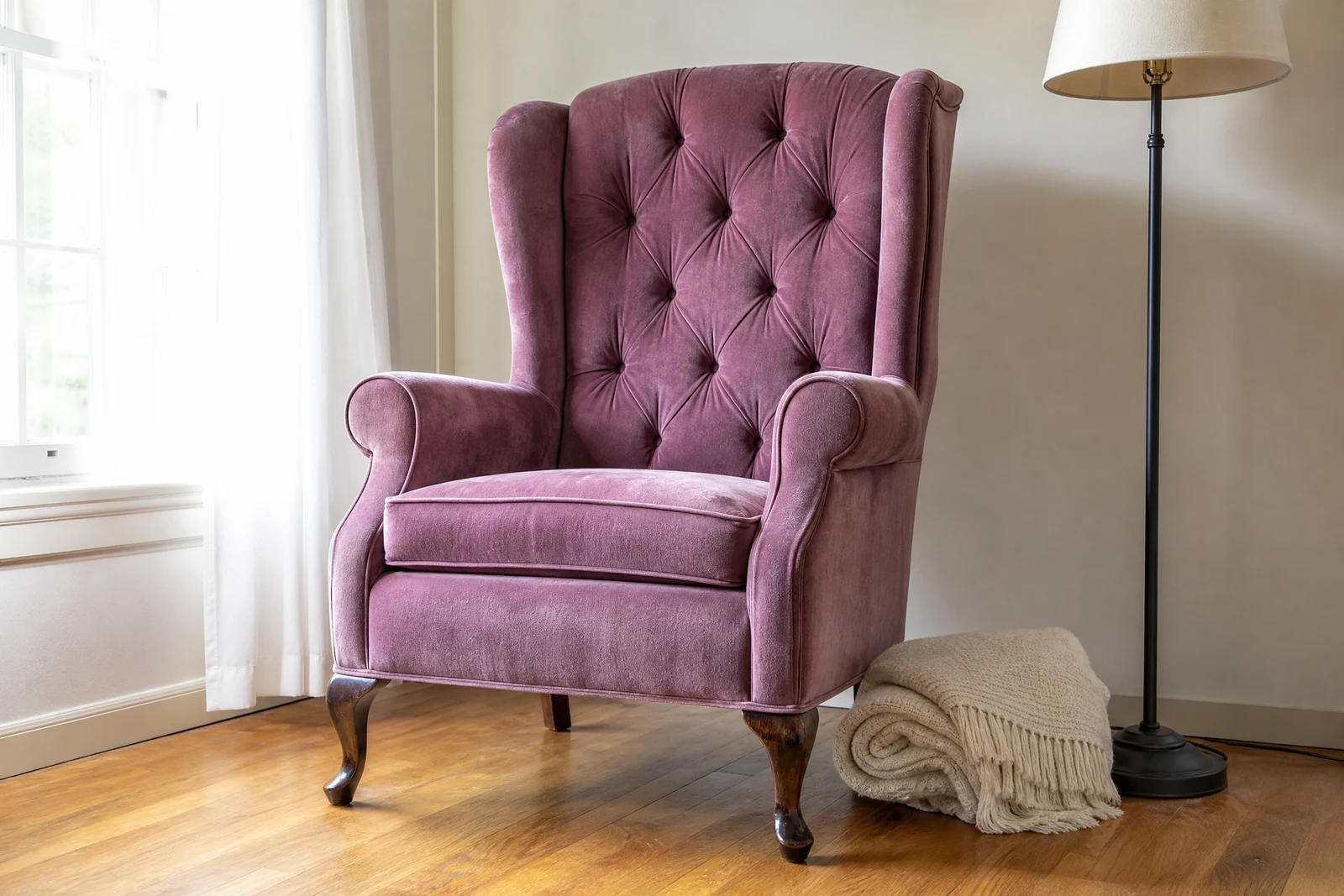
Genuine results from the tool — slide to see the difference.
If your product ships in six colors, the old math said six photo sessions — or five listings with no photo, which is five listings that convert worse. Recoloring properly is a materials problem: a red garment in sunlight is highlights, midtones, shadow tones, and bounced environment color, all consistent with the fabric. Hue-shifting a selection flattens that structure into a sticker.
Give this tool the object and the target as plain text: 'the sofa', 'forest green'. The AI isolates exactly that object — fine edges and partial occlusions included — and re-renders its color while the material keeps behaving: weave and grain stay visible, shadows deepen the new color correctly, reflections keep their physics. Named shades and finishes ('matte black', 'pearl white') all register.
Sellers generate a full colorway set from one hero shot, lighting consistent across the set because every variant shares the same source. Homeowners preview the wall before buying paint; car sellers test the wrap before committing. One rule for listings: only publish colorways you actually stock, and check the rendered shade against the real product before it represents your inventory. For material changes rather than color ('make the table marble'), the AI Editor handles the broader request.
Why this tool
- Push the output onward through any other tool
- Standard, Pro and Max quality tiers
- Results land in your creations library
- Blow it up to print resolution or convert it to video
Frequently asked questions
How precise is the targeting?
The description drives the selection: 'the car' recolors the body but not windows or tires; 'her jacket' stops at the jacket's edges. Add position words when the frame has look-alikes.
Do texture and shadows survive?
That's the point — fabric weave, leather grain, and paint finish stay visible, and the new color shades correctly through highlights and shadows instead of applying flat.
Can I specify unusual shades?
Descriptive names work best: 'dusty rose', 'navy blue', 'seafoam green', plus finishes like matte or metallic. Sharper naming gets you a tighter color match.
Good for colorway listings?
It's the fastest route to a full variant set from one photo. Compare each render against the real product before listing, and only show colors you can actually ship.
Can I try AI Color Changer for free?
Yes — every new account starts with 4 free credits, enough to run this tool once at Standard quality. No credit card required.
Related tools