
Use case
Sneaker Photos That Hold Your Price
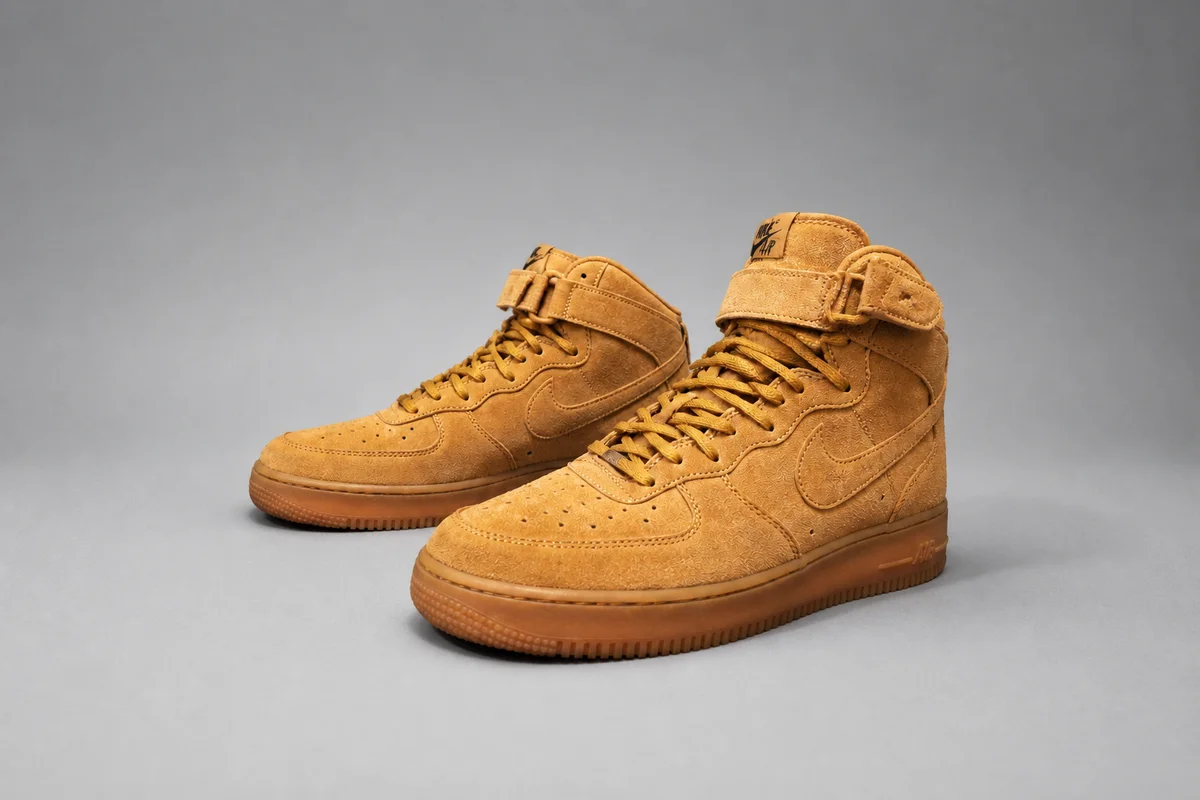
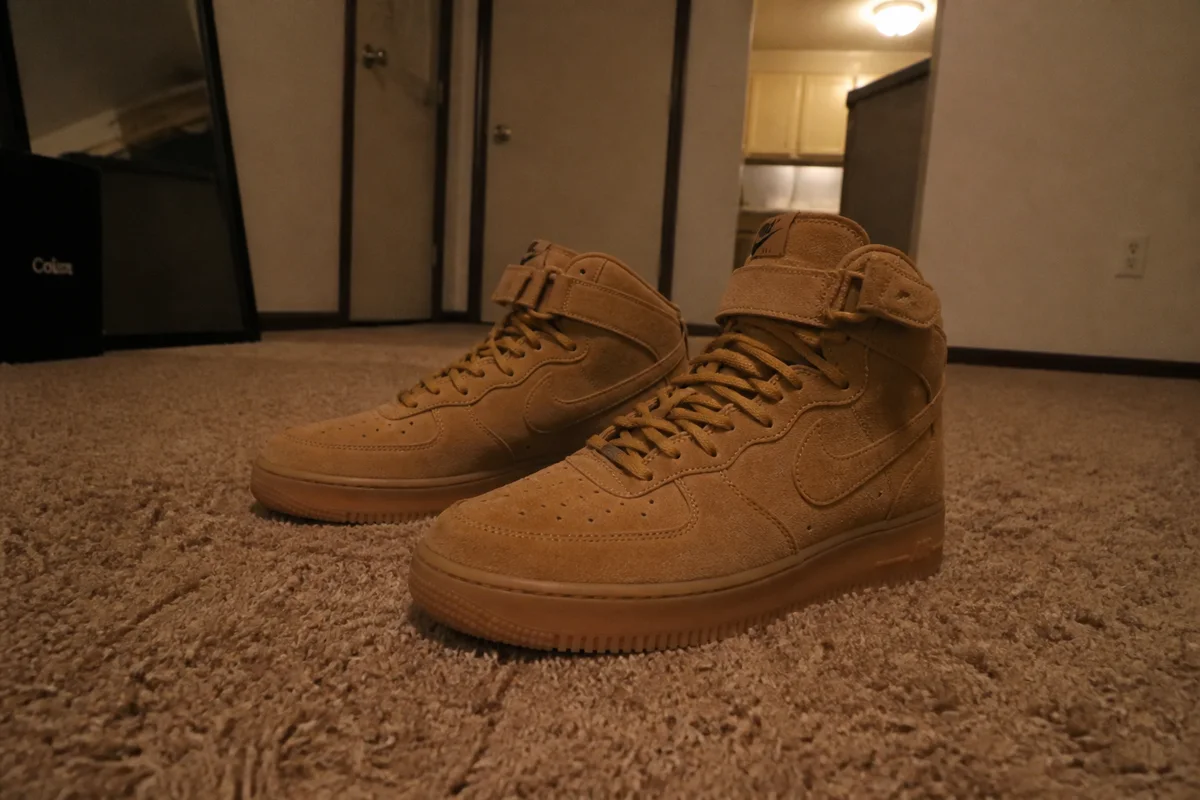
The process shown live — slide the handle to compare.
Sneaker resale is a photography market. Buyers paying above retail want to inspect stitching, sole yellowing, toe-box creasing, and box condition through your photos — and a dark bedroom-floor shot makes even deadstock pairs look suspect. Meanwhile the listings that clear at asking price all share the same look: clean backdrop, even light, sharp macro detail.
Get that look from your phone. Cut the pair off your carpet onto a clean backdrop, kill the glare that hides leather texture, sharpen the stitch-level detail shots, and correct the color so the buyer sees the actual colorway. Each edit takes seconds — less time than answering one lowball message.
The problems this solves
- Carpet-and-clutter backgrounds read as risky-seller to buyers paying premium prices.
- Glare on leather and patent hides the texture buyers are trying to verify.
- Colorways shift under indoor lighting — the photo shows a different shoe than the box says.
- Soft detail shots make condition impossible to judge, which caps your price.
A workflow that works
Cut the pair onto a clean backdrop
The floating-sneaker-on-white look is the resale standard because it puts all attention on the shoe.
AI Background RemoverRemove glare from leather and patent
Buyers read texture to judge authenticity and wear; glare erases the information they need to commit.
AI Glare RemovalSharpen the macro shots
Stitching, sole detail, and tags are where serious buyers zoom — crisp shots shorten the questions phase.
AI Image SharpenerCorrect the colorway
An off-color photo starts disputes before the sale even happens; fix the cast, then verify against the pair in daylight.
AI Color CorrectionUpscale for zoom
High-resolution detail shots signal a seller with nothing to hide, which is what premium prices require.
AI Image UpscalerFrequently asked questions
Should wear and flaws stay visible in edited photos?
Yes — photograph and describe condition as it is. Use the editor to fix lighting, background, and sharpness so flaws and condition are easier to see clearly, and review every edit before listing.
What's the standard shot list for a sneaker listing?
Both shoes three-quarter view, soles, insoles, box label, and close-ups of any wear. Edit the hero and sole shots first — they carry the listing.
How fast can I list a pair with clean photos?
Shoot in five minutes, edit in five more — each tool runs in seconds in the browser, whenever you're flipping.
Can I try it on one pair first?
Sign up for 4 free credits and run your current listing's hero shot through — compare watchers before and after.
Related use cases