
Use case
Store Photos Built to Convert

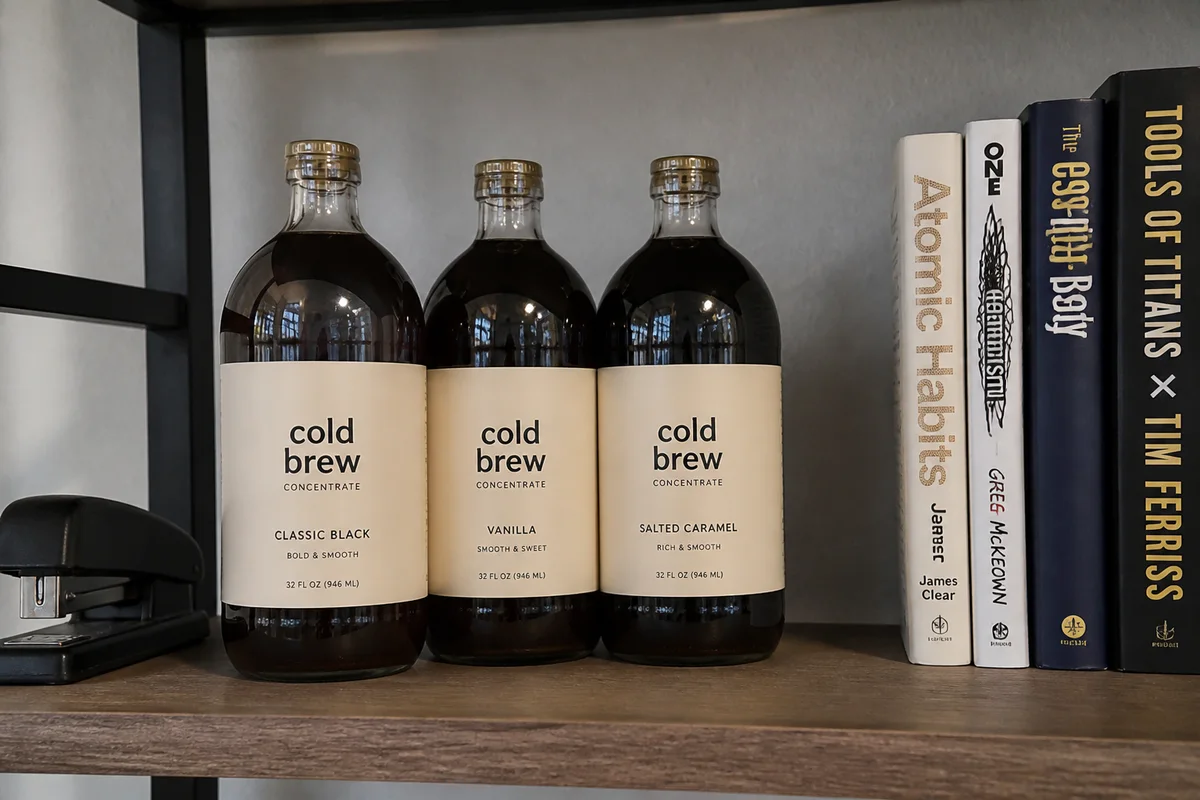
The process shown live — slide the handle to compare.
When you run your own store, you're paying for every visitor — ads, SEO, email, all of it. A product page that converts at 1% instead of 2% doubles your acquisition cost, and the single biggest on-page variable is the photography. Visitors who can't see the product clearly don't add it to cart; they just leave, and the ad spend leaves with them.
Build a full image set for each product from a handful of phone shots: a crisp hero on a clean background, the same cutout dropped into lifestyle scenes, tight detail crops, and consistent lighting across the whole catalog. Seconds per edit means your conversion assets stop being the bottleneck they've been.
The problems this solves
- Paid traffic lands on product pages whose photos undersell the product.
- One hero photo per product, when converting pages carry five to eight images.
- Lifestyle photography quotes are priced for brands, not for your margins.
- Inconsistent photography across the catalog erodes trust sitewide.
A workflow that works
Build the clean hero
The above-the-fold hero is what your ad click lands on — it has to look like a real brand shot it.
AI Background RemoverGenerate lifestyle scenes
The same cutout in styled contexts fills the gallery that converting pages need.
AI Background ChangerMatch lighting across the catalog
Consistent light across products makes the whole store feel like one trustworthy operation.
AI Lighting ChangerCrop the detail shots
Tight crops on texture, ports, and stitching answer pre-purchase questions without a support ticket.
AI Photo ReframeUpscale for retina and zoom
High-density screens expose soft images; sharp ones carry premium pricing.
AI Image UpscalerFrequently asked questions
How many images should a product page have?
Five to eight covering hero, context, scale, and detail. With per-edit costs measured in seconds and cents, filling every slot finally pencils out.
Can I make my whole catalog look consistent after the fact?
Yes — apply the same background, lighting, and crop recipe to every product. Consistency is a workflow, not a photographer.
Do lifestyle composites need a disclaimer?
That's your call as the merchant — keep scenes plausible and the product accurate, and review each composite so scale and color match what ships.
What can I test for free?
4 free credits at signup — rebuild your best-traffic product page's images and watch the add-to-cart rate.
Related use cases