
People
AI Body Reshaping
Subtle adjustments, straight backgrounds
New accounts start with free credits — no card on file needed.
- 1Add an image where the region you want changed is visible
- 2Tell it what to change and at what intensity
- 3Compare with the original, refine or download
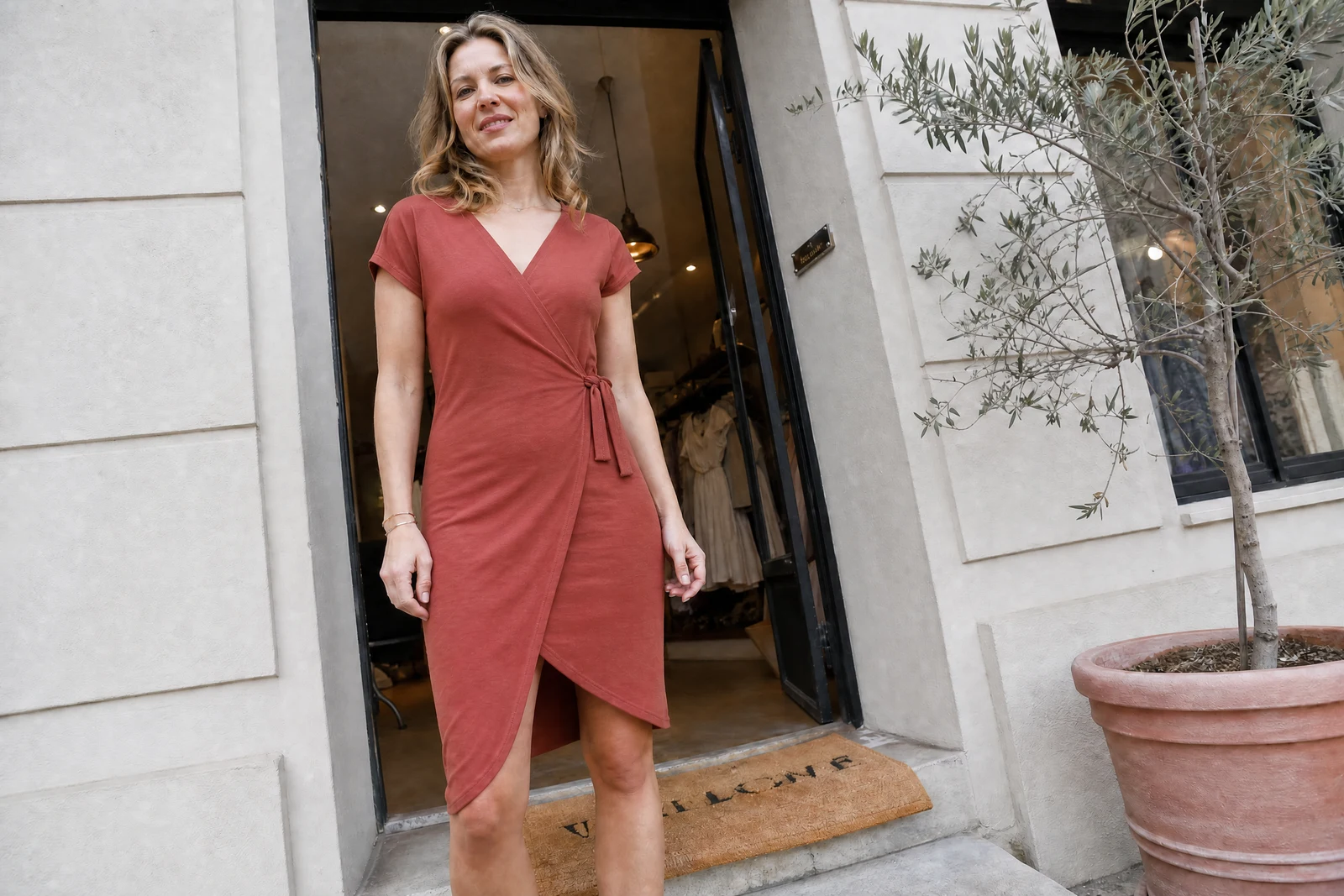
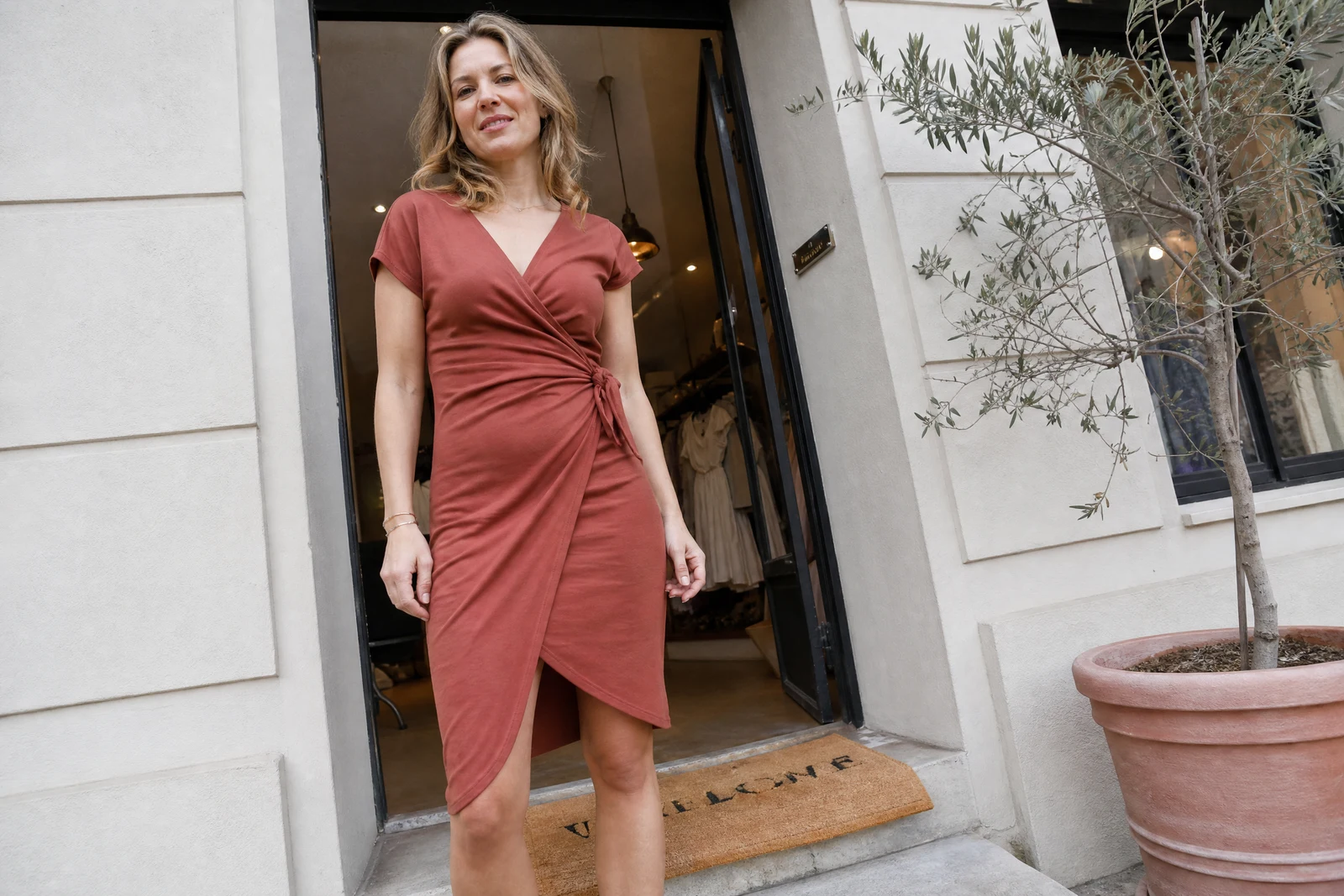
Genuine results from the tool — slide to see the difference.
Everyone knows the tell of amateur body editing: bent door frames, wavy tiles, proportions at war with each other. Liquify tools push pixels locally and drag the background along. This tool treats the body as a structure and the scene as a separate layer, so an adjusted waistline leaves the wall behind it perfectly straight.
Describe the change in plain words — slim the waist, tone the arms, broaden the shoulders, improve posture. The AI applies it conservatively, keeping joints, clothing folds, and overall proportions anatomically coherent; garments follow the new shape with natural drape, because unchanged clothing over a changed body is its own giveaway.
The edits that read well are the modest ones — the photo equivalent of standing well in a jacket that fits. Words like 'slightly' and 'a bit' genuinely modulate strength, and iterating costs seconds. For a profile photo doing first-impression work, subtle wins; compare against the original and keep the version that still reads as you at a meetup. Face-shape changes need naming explicitly; everything else facial belongs to the Retouch and Enhancement tools.
Why this tool
- Push the output onward through any other tool
- Standard, Pro and Max quality tiers
- Results land in your creations library
- Blow it up to print resolution or convert it to video
Frequently asked questions
Will the background warp?
No — body and scene are handled separately, so door frames, tiles, and horizon lines stay straight. Warped backgrounds are the classic liquify tell this approach removes.
How dramatic can changes go?
The tool is tuned toward realistic-looking adjustments and interprets your wording on the cautious side. Subtle, well-described changes pass unnoticed; extreme transformations fight the realism constraint.
Does clothing follow the new shape?
Yes — garments adjust with natural fold and drape behavior, since a slimmed waist inside unchanged clothing would immediately look wrong.
How should I phrase it?
Name the zone, the direction, and the degree: 'trim the waist a touch', 'broaden the shoulders a little'. Modifier words genuinely scale the strength, and a second pass is always available.
Can I try AI Body Reshaping for free?
Yes — every new account starts with 4 free credits, enough to run this tool once at Standard quality. No credit card required.
Related tools