
Use case
Portfolio Photos That Win the Next Client
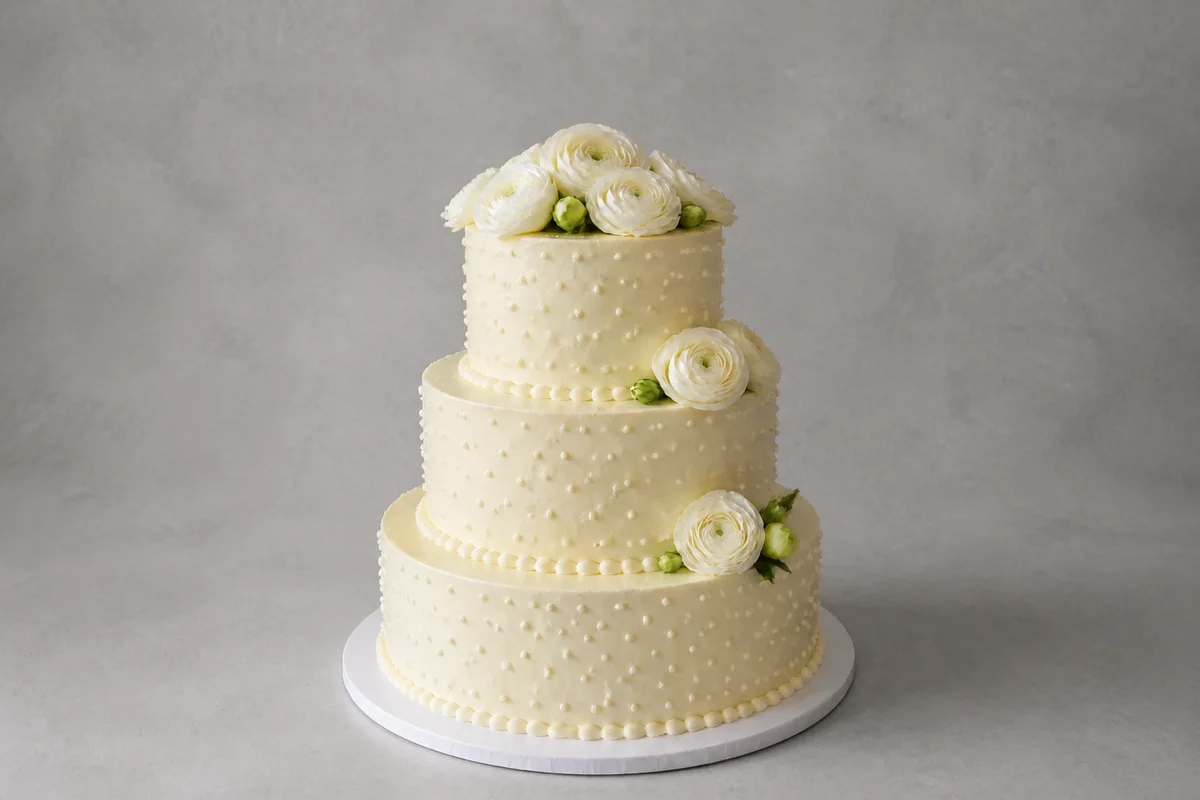
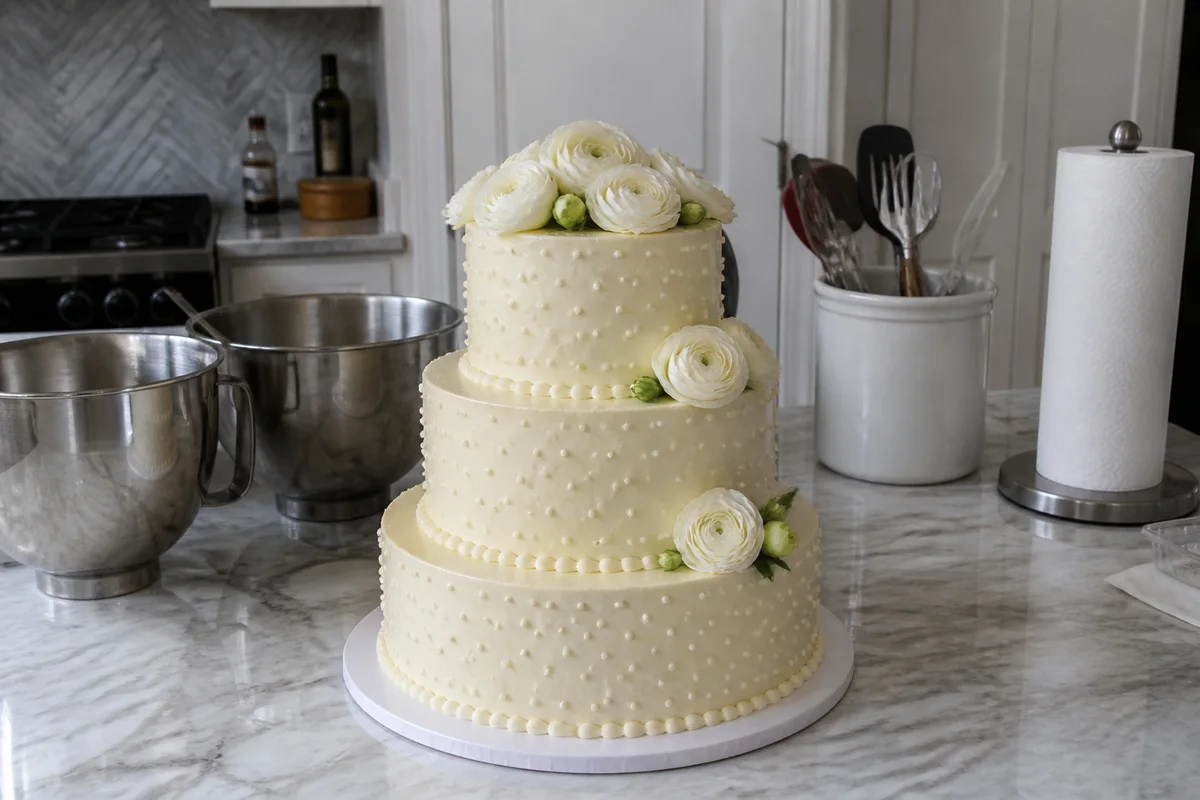
The process shown live — slide the handle to compare.
Whatever you make — cakes, cabinets, gardens, lashes, logos on storefronts — prospective clients judge the work through your photos of it. Great work photographed badly loses jobs to average work photographed well, and every freelancer has felt that sting. Your portfolio isn't a record of what you did; it's the sales pitch for what you'll do next.
Upgrade the pitch without reshooting a single job. Pull distracting backgrounds out of your best pieces, relight shots taken in whatever conditions the job site offered, sharpen the detail that shows skill, and crop everything into a consistent, gallery-grade presentation. Seconds per edit, and your last two years of work start earning their keep.
The problems this solves
- Job-site conditions — bad light, clutter, weather — degrade photos of your best work.
- Phone shots taken in a rush are the only record of finished projects.
- An inconsistent portfolio grid looks amateur even when each project was excellent.
- Reshooting delivered work is usually impossible — the cake is eaten, the client moved in.
A workflow that works
Clean up the job-site background
Drop cloths, cords, and clutter date-stamp the photo as 'work in progress' instead of 'finished piece.'
AI Object RemoverRelight the finished work
Showroom lighting is what separates portfolio shots from progress pics — add it after the fact.
AI Lighting ChangerSharpen the craftsmanship
Joints, edges, piping, linework — the details that justify your rate need to be crisply visible.
AI Image SharpenerUnify the crops
A consistent grid reads as a professional studio; mismatched aspect ratios read as a camera roll.
AI Photo ReframeUpscale the hero pieces
Your best three projects will be seen large — on your site, in proposals, on a tablet in a consult.
AI Image UpscalerFrequently asked questions
Is it fair to edit photos of client work?
Fixing light, clutter, and sharpness shows the work as it looked in person, which a rushed phone shot often fails to do. The work itself is yours to represent — review each edit and keep it faithful to what you delivered.
Which pieces should I edit first?
The three projects closest to the work you want more of. Portfolios attract what they show, so polish the direction you're selling.
Do I need design skills to get consistent results?
No — the tools run in seconds in the browser with plain-language controls, and applying the same fixes across a set produces the consistency automatically.
What's the cost of testing it on my portfolio?
4 free credits at signup — your hero project, before and after, will tell you everything.
Related use cases