
Use case
Electronics Photos That Bring Real Offers
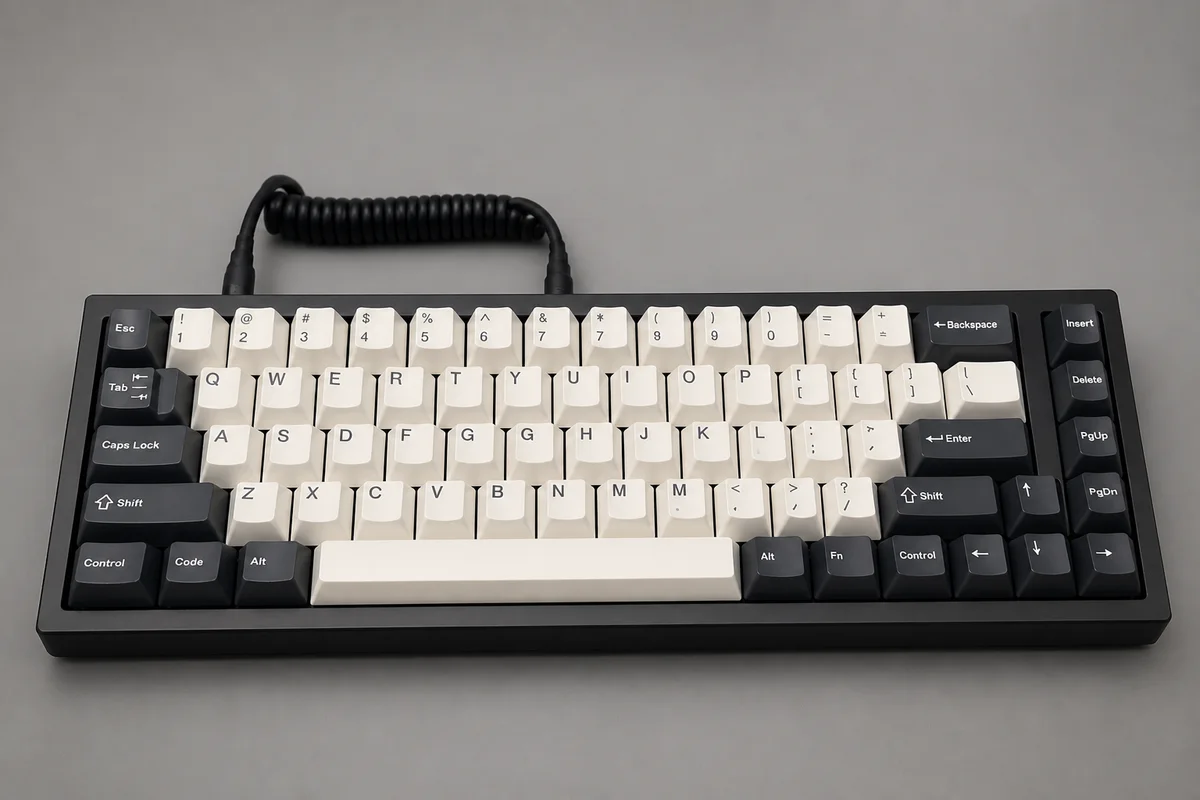
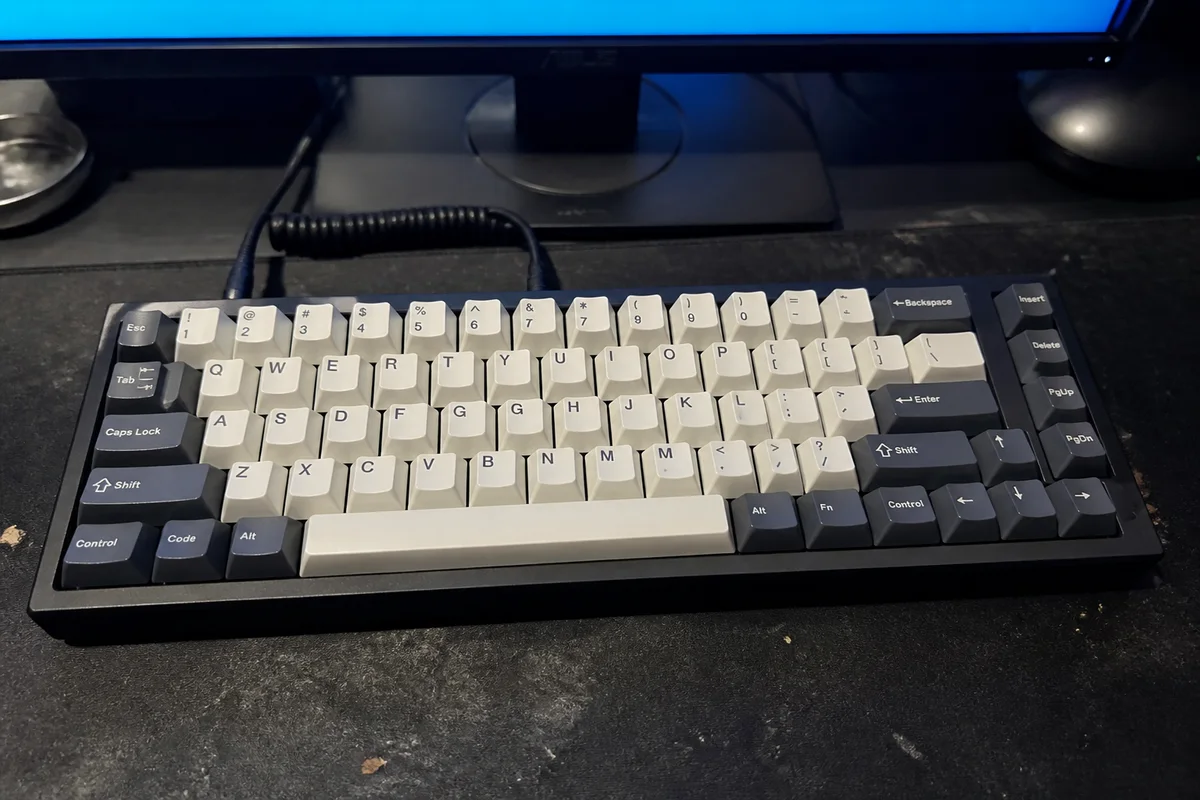
The process shown live — slide the handle to compare.
Used electronics buyers are scanning for two things: condition and legitimacy. A laptop photographed on a messy desk with the screen full of glare answers neither, so the offers that come in — if any — are priced for the risk the photos created. Clean, sharp, complete photos flip the dynamic: buyers compete for gear they can fully evaluate.
Edit your way to that standard: cut the glare off screens and glossy plastics, sharpen the ports, labels, and serial areas buyers inspect, brighten shots so scuffs and their absence are equally visible, and isolate the gear from the desk chaos. Seconds per photo, on listings where condition perception is the whole price.
The problems this solves
- Screen glare hides both working displays and the scratches buyers ask about.
- Soft photos of ports and labels raise legitimacy doubts that kill momentum.
- Messy-desk backgrounds read as careless ownership.
- Dim shots make buyers assume the worst about cosmetic condition.
A workflow that works
De-glare screens and gloss
A clearly visible screen is the first proof point every electronics buyer needs.
AI Glare RemovalSharpen ports, labels, serials
Crisp identifying detail signals a legitimate seller and pre-answers the inspection questions.
AI Image SharpenerBrighten for condition clarity
Even light shows the true cosmetic state — good condition finally gets to look like it.
AI Lighting ChangerIsolate from the desk
A clean background moves the mental category from 'someone's old stuff' to 'refurb-grade gear.'
AI Background RemoverUpscale the gallery
Zoomed inspection is standard buyer behavior on electronics — meet it with resolution.
AI Image UpscalerFrequently asked questions
Should I photograph the gear powered on?
Yes — a powered-on screen shot is standard proof of function. Use glare removal so the display contents stay visible, and describe any faults in the listing yourself.
What about scratches and dents?
Shoot them close and sharp. Buyers pay more for clearly documented condition than for hidden condition — clarity works in your favor, and you verify each edit reads true.
How long to photograph a device properly?
Eight shots, then seconds per edit in the browser — under twenty minutes from drawer to listed.
Free to try?
4 credits at signup — fix the glare shot on your current listing first.
Related use cases