
Use case
Local Listing Photos That Fill Your Inbox

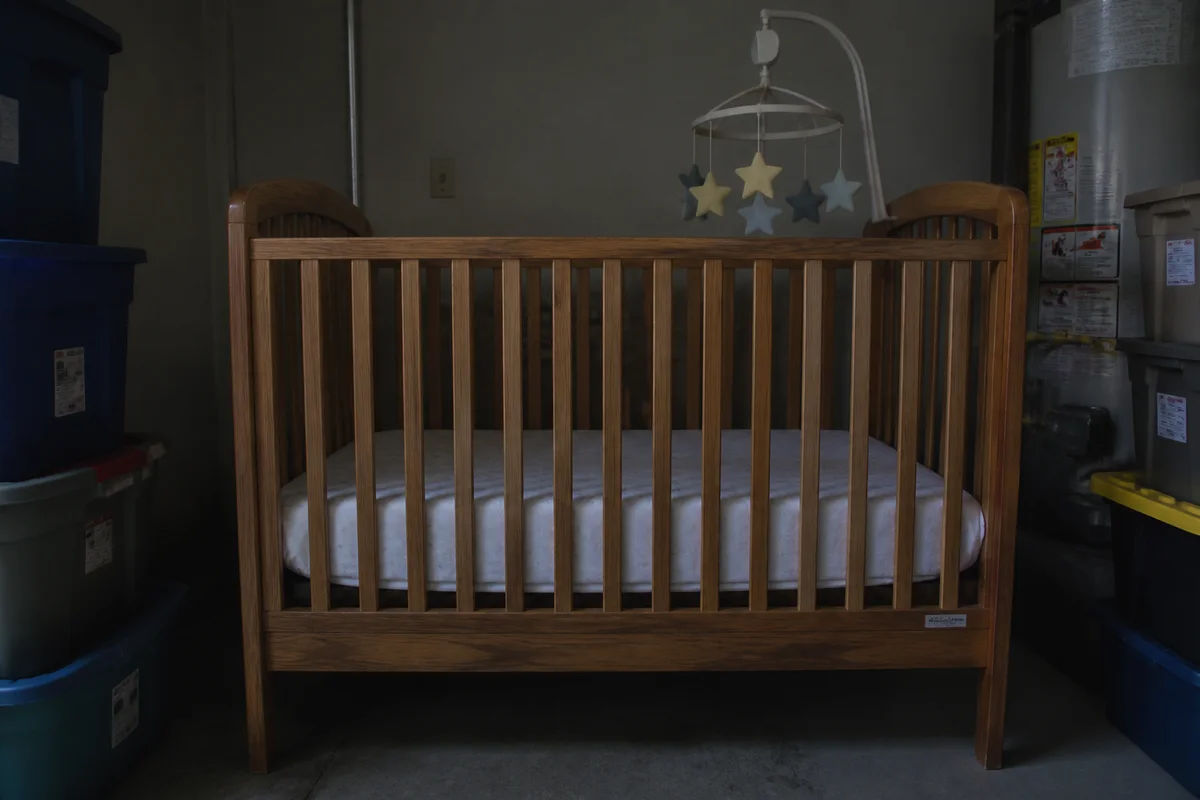
The process shown live — slide the handle to compare.
Local marketplace selling is a speed game: listings get their traffic in the first days, and buyers message whichever version of the item looks cleanest in the feed. A couch photographed under a ceiling bulb with laundry in the frame loses to the same couch photographed bright and clear — even at a higher price.
Spend two minutes editing before you post: brighten the garage-lit shot, pull the clutter out of the frame, correct the color so the buyer recognizes the item at pickup, and sharpen the details that answer condition questions. More messages in the first 48 hours means selling at your price instead of negotiating against silence.
The problems this solves
- Garage and basement lighting makes everything look older than it is.
- Household clutter around the item distracts and signals carelessness.
- Dim, soft photos generate lowball offers priced for uncertainty.
- Listings that don't hook in the first days sink in local feeds.
A workflow that works
Brighten the shot
A bright photo reads as a cared-for item, and cared-for items get messaged at asking price.
AI Lighting ChangerClear the surroundings
The laundry basket next to the dresser costs you messages it never needed to.
AI Object RemoverCorrect the color
The buyer should recognize the item instantly at pickup — fix the cast, then compare with the item.
AI Color CorrectionSharpen the condition details
Crisp close-ups pre-answer the 'any damage?' message and speed the deal.
AI Image SharpenerUpscale the main photo
Feed thumbnails compress hard; starting sharp keeps your listing legible in the scroll.
AI Image UpscalerFrequently asked questions
Do photos really matter for local pickup items?
More than anywhere — local buyers compare five identical couches within ten miles and message the best-looking one first. First message usually means first sale.
The buyer will see the item in person — why edit?
Editing wins the message; the item wins the sale. Keep photos representative of what the buyer will find, and review each edit so pickup matches expectation.
How fast is the workflow for a garage-cleanout batch?
Shoot everything, then edit in one pass — seconds per photo, 24/7, so a 20-item cleanout is listed by bedtime.
What's free?
4 credits at signup — enough to make your biggest-ticket item's photos earn their price.
Related use cases