
Use case
Main Images Built for the Search Grid
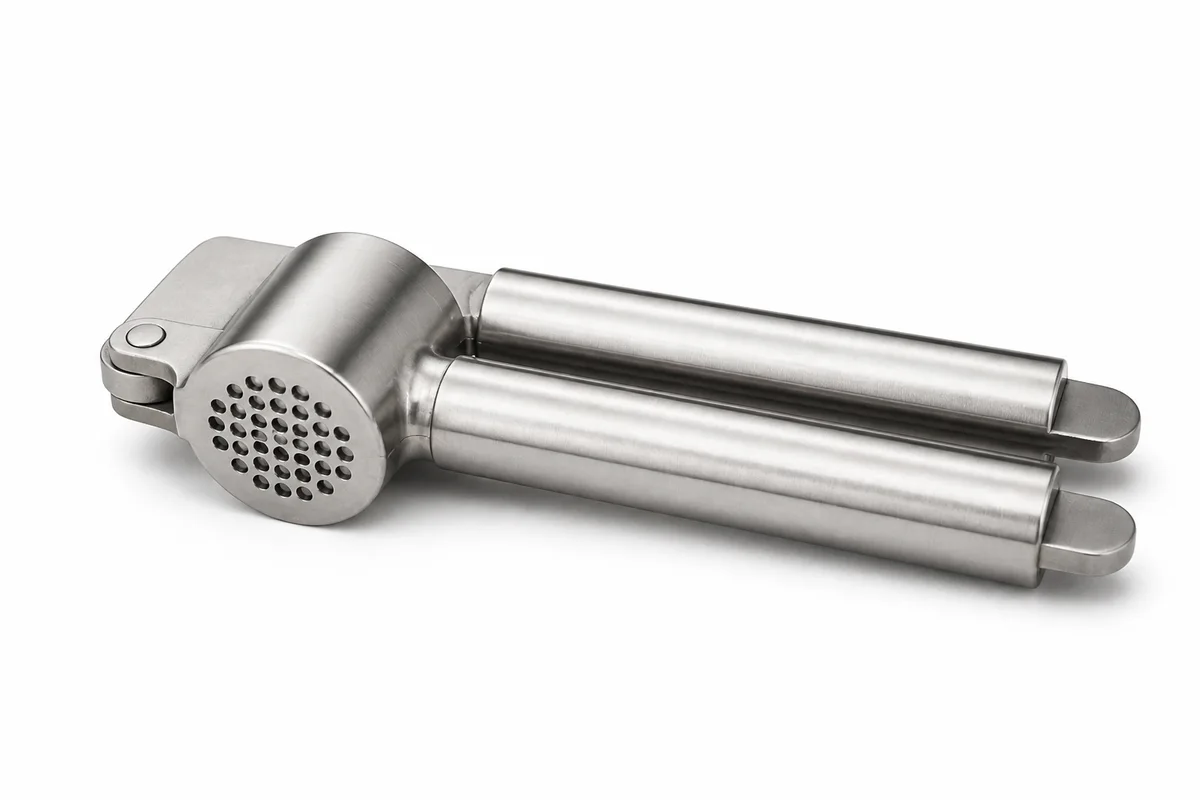
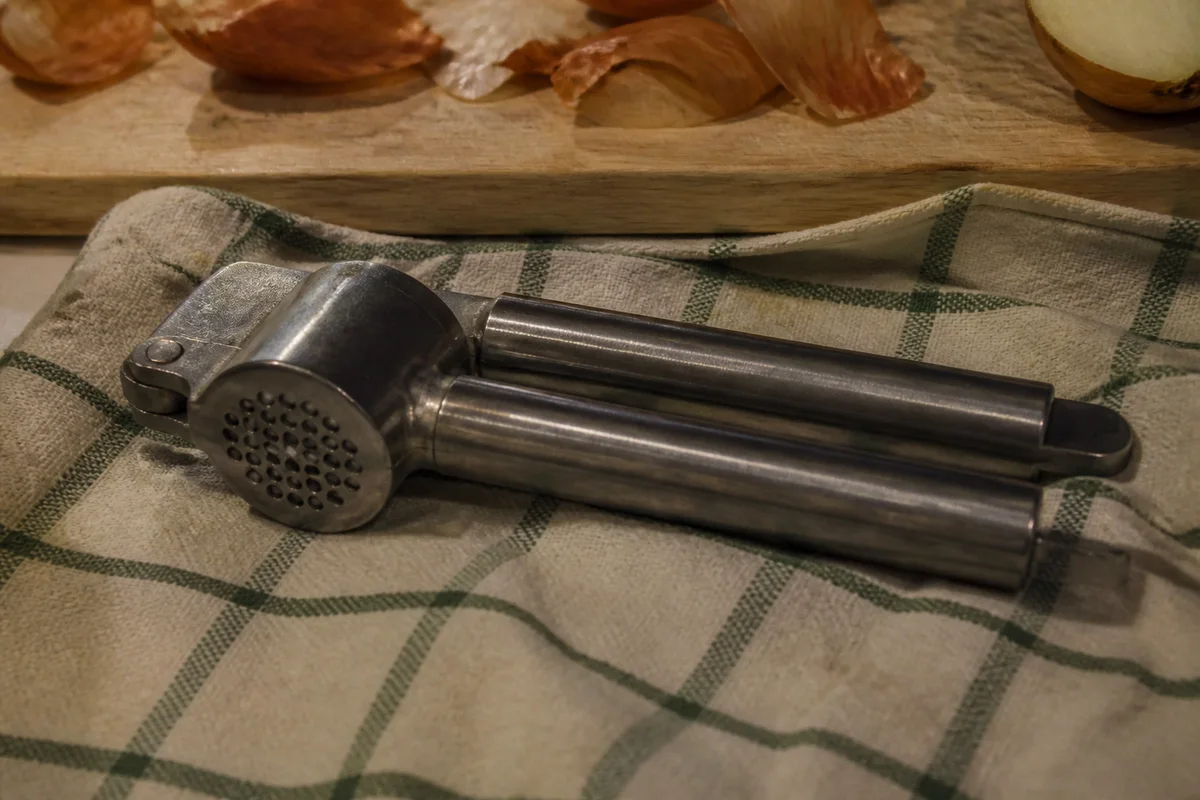
The process shown live — slide the handle to compare.
Search-results pages on big marketplaces are a wall of white-background product shots, and shoppers pick between near-identical items on photo quality alone. A main image with murky lighting or a slightly gray background doesn't look wrong exactly — it just loses to the listing next to it, silently, on every impression.
Build grid-competitive images from the photos you already have: cut the product out cleanly, place it on pure white, correct the color so the item matches what ships, and upscale for zoom. Then use the same session to build the secondary shots that close the sale — lifestyle scenes, detail crops, and comparison frames. Seconds per edit, whole listing in minutes.
The problems this solves
- A slightly off-white background makes a listing look second-rate against competitors.
- Color casts mean the product in the photo isn't the color in the box.
- Zoom exposes soft edges and noise on images that looked fine when uploaded.
- Secondary image slots sit empty because staging lifestyle shots seems expensive.
A workflow that works
Cut the product out
A precise cutout is the foundation of the clean white main image the search grid rewards.
AI Background RemoverPlace on pure white
Pure white is the visual convention of marketplace main images — check your category's current image guidelines yourself before uploading.
AI Background ChangerCorrect the color
The photo's color sets the buyer's expectation — fix the cast, then compare against the physical product.
AI Color CorrectionBuild lifestyle secondaries
The same cutout placed into styled scenes fills your secondary slots without a staged shoot.
AI Background ChangerUpscale everything
Zoom is where buyers make the final call — high resolution keeps them on your listing at the decisive moment.
AI Image UpscalerFrequently asked questions
Will these images meet marketplace requirements?
The editor produces clean white-background, high-resolution images in the style main-image slots use, but every platform sets and enforces its own rules — review your category's current requirements yourself before uploading.
Can I make lifestyle images without hiring a photographer?
Yes — cut the product out once, then place it into different scenes for your secondary slots. Review each scene so the product's size and context stay realistic.
How big should the final images be?
Larger than you think — zoom features want long edges well above 1000 pixels. Upscale before upload rather than letting the platform stretch a small file.
What does it cost to redo one listing?
Start with the 4 free credits you get at signup — a main image plus three secondaries covers a full test.
Related use cases