
Restore
AI Image Sharpener
Soft photos back to selling sharpness
New accounts start with free credits — no card on file needed.
- 1Upload the soft photo; optionally name the region that sells it
- 2The AI rebuilds edge detail without halos or added noise
- 3Verify the detail against the item and download
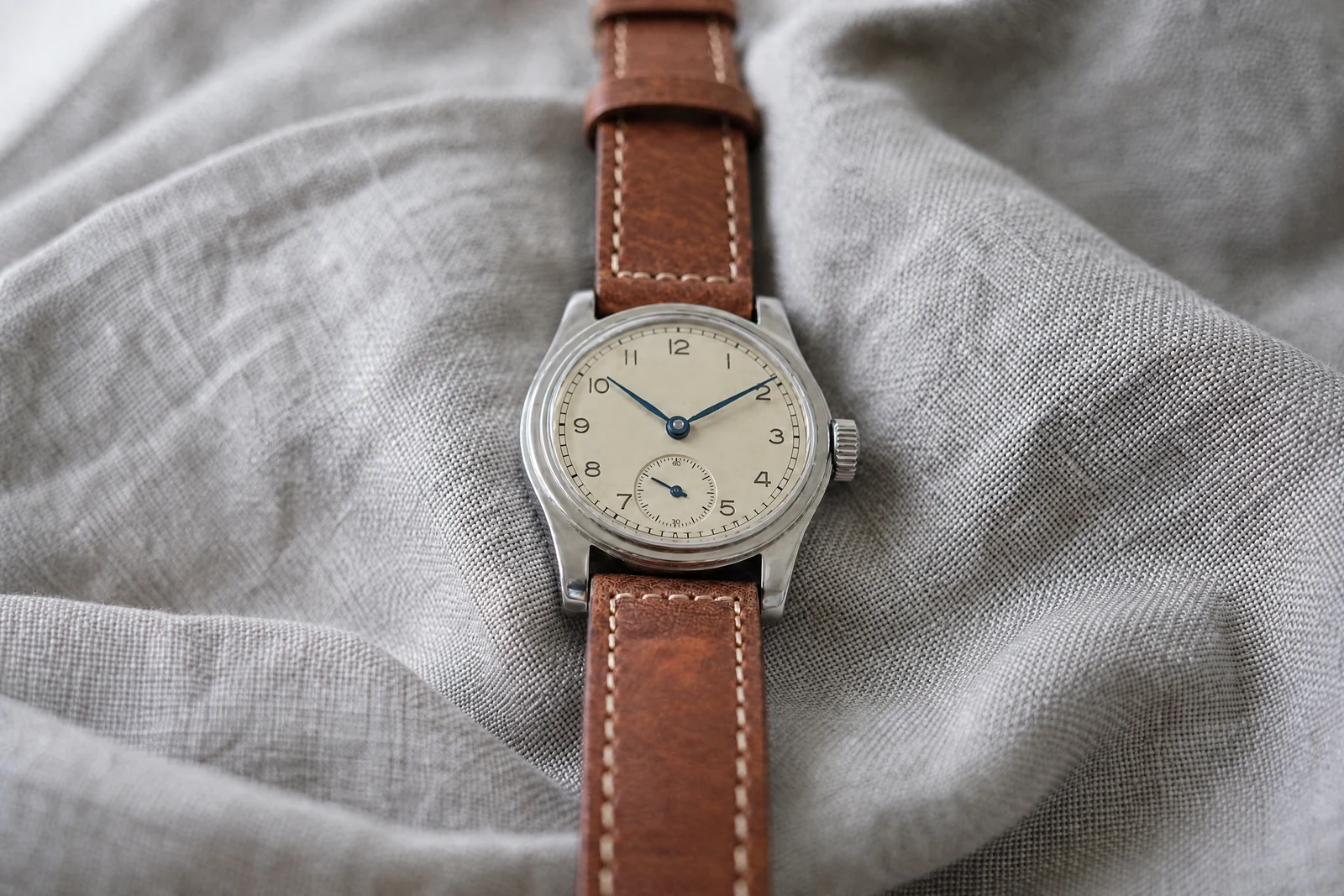
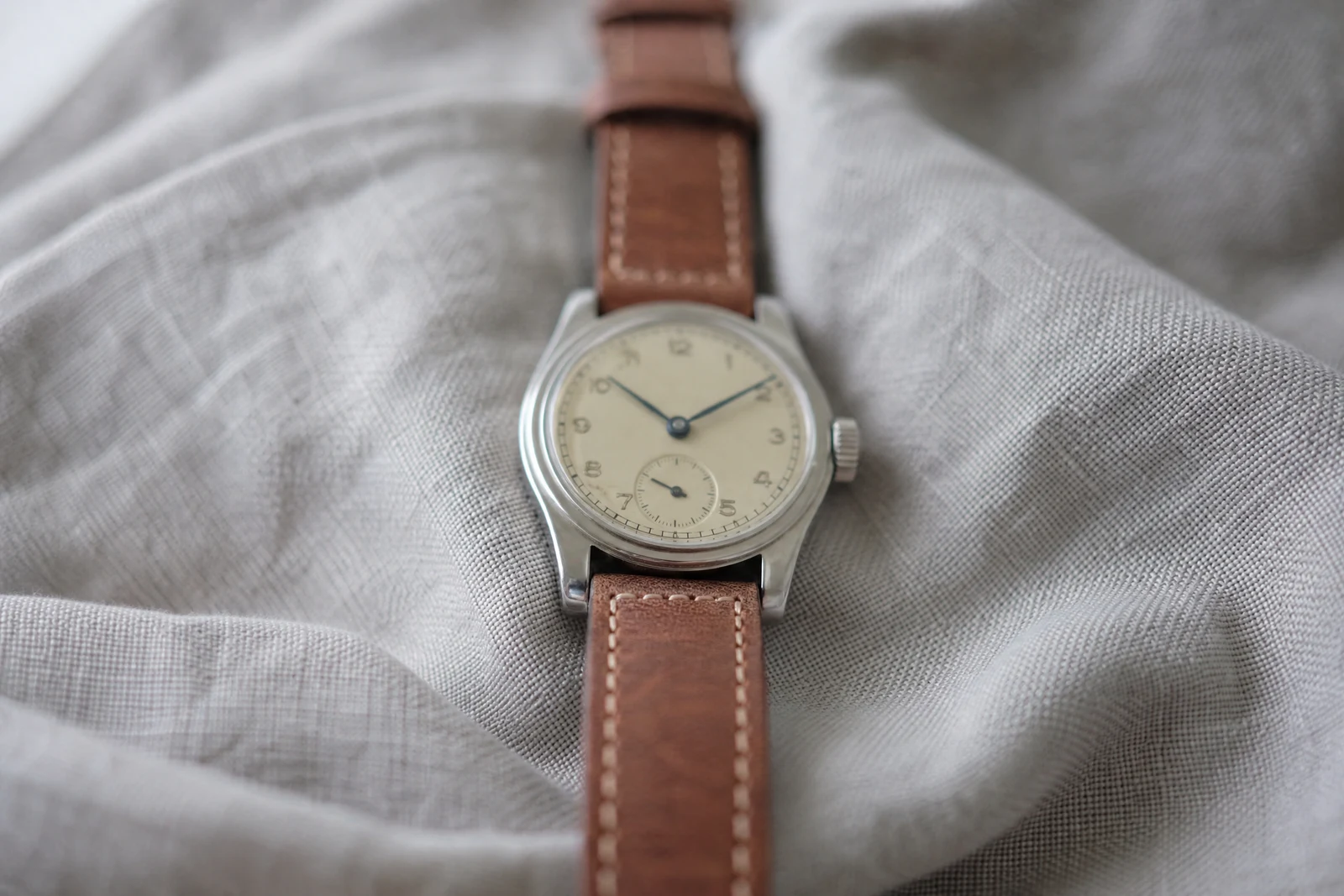
Genuine results from the tool — slide to see the difference.
A soft photo undercuts a listing in a way buyers feel before they name it: if the seller couldn't get the label in focus, what else got the same care? Classic sharpen sliders make it worse — they exaggerate edge contrast until halos ring every outline and noise fills the smooth areas, without adding a pixel of real detail.
AI sharpening reconstructs instead. The model recognizes what the soft detail was — lettering, stitching, lashes, grain — and rebuilds it, while smooth regions like skin and sky stay clean. When one region carries the sale, say so: 'the text on the label', 'the logo', 'the watch face'. The reconstruction concentrates there, the way a retoucher would work the frame.
It is the fix for slightly missed focus, phone-lens softness, and images that went mushy through resizing and compression — seconds per file, whole listing set in minutes. Heavy motion blur and severe defocus call for Unblur Image; images that are small rather than soft call for the Upscaler. Reconstructed detail is inference, so read any rebuilt text against the real item before it publishes.
Why this tool
- Push the output onward through any other tool
- Standard, Pro and Max quality tiers
- Results land in your creations library
- Blow it up to print resolution or convert it to video
Frequently asked questions
Why not just use my editor's sharpen slider?
Sliders amplify contrast and quickly produce halos and grit. Reconstruction builds plausible detail at the edges, so it can go much further before anything looks processed.
When should I target a specific area?
Whenever one region does the selling: the label on a product, the logo, the eyes in a portrait. Targeted sharpening keeps the rest of the frame natural.
Does it fix motion blur?
Mild softness from movement, yes. Visible streaking is a different problem — Unblur Image is built for that heavier reconstruction.
Will it add noise?
No — smooth regions are protected during the pass, so skies and skin stay clean. That protection is the visible difference from contrast-based sharpening.
Can I try AI Image Sharpener for free?
Yes — every new account starts with 4 free credits, enough to run this tool once at Standard quality. No credit card required.
Related tools