
Use case
Auction Photos That Attract Bidders
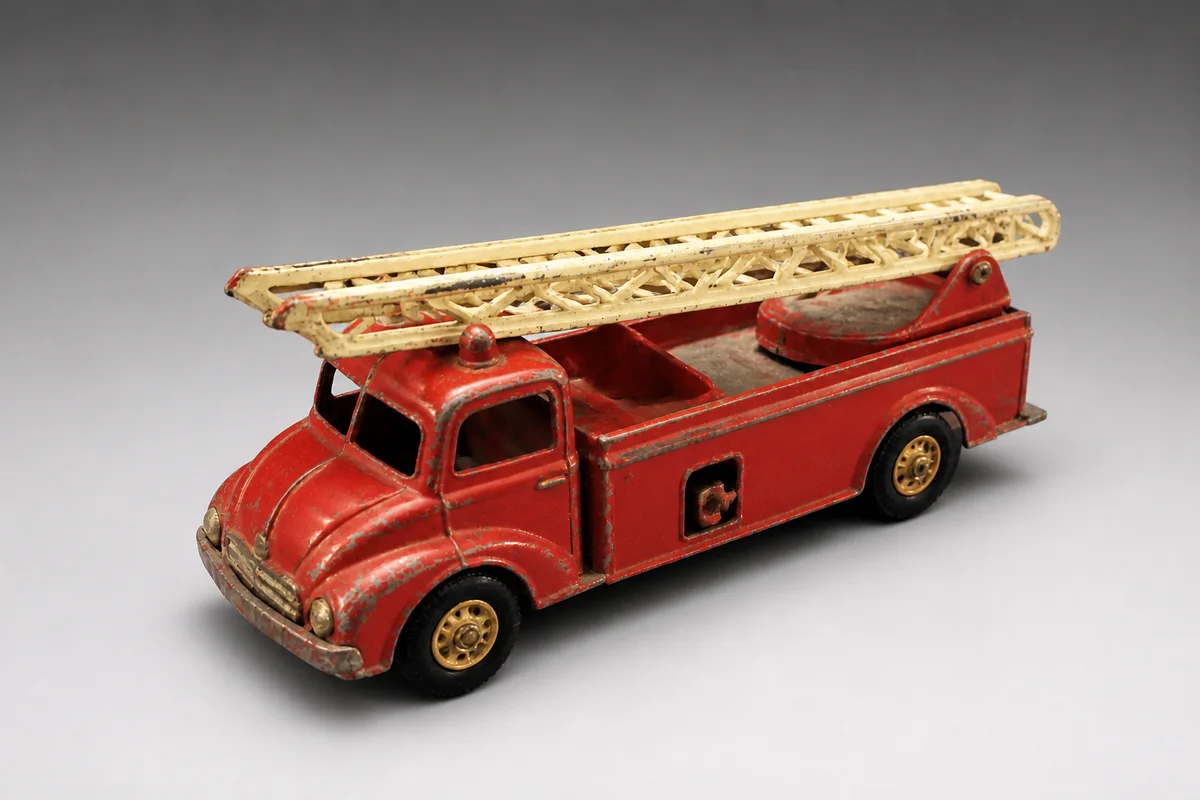
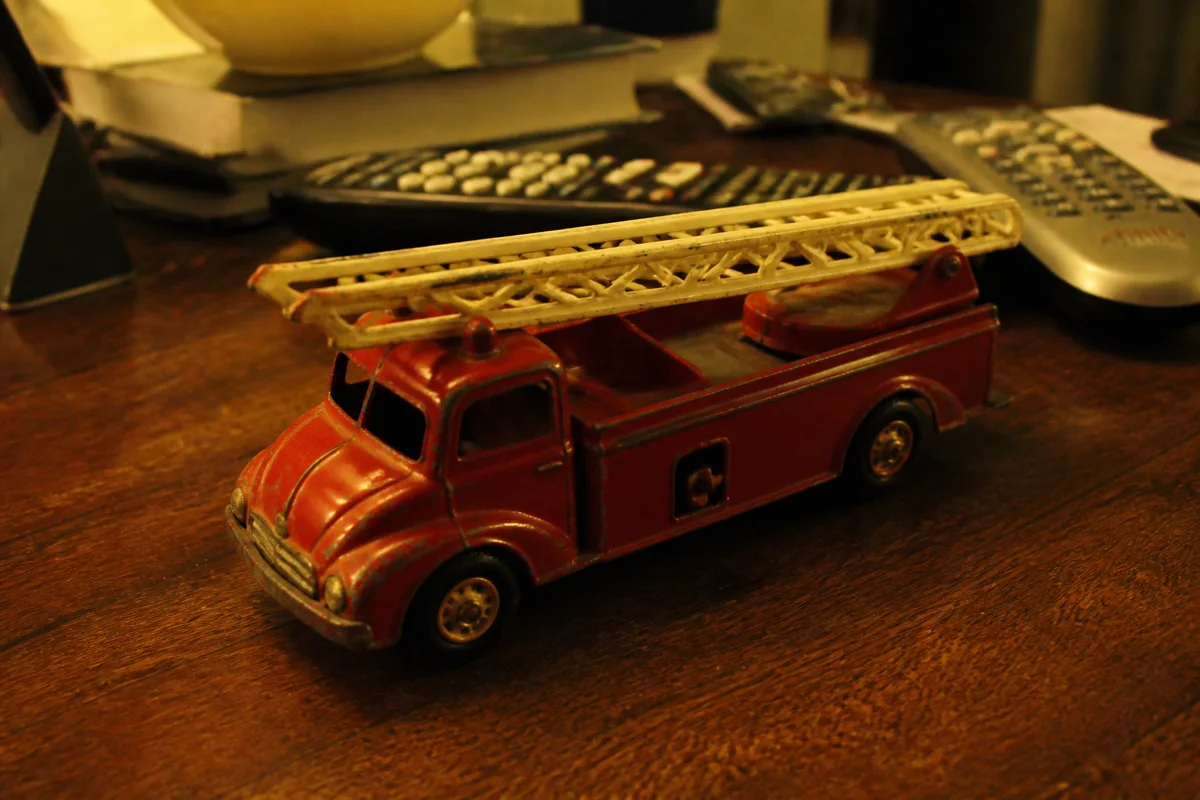
The process shown live — slide the handle to compare.
An auction listing lives or dies on bidder confidence. Every murky, glare-streaked, carpet-background photo plants a doubt — and doubtful bidders either skip the listing or bid low to price in the risk. Clear, bright, detailed photos do the opposite: they let multiple bidders convince themselves independently, which is how bidding wars start.
Give bidders what they need to compete: a clean background that puts the item front and center, lighting that shows true condition, sharp close-ups of labels, serials, and wear, and enough resolution that zooming answers questions instead of raising them. Each edit takes seconds — a fair trade for a better final price.
The problems this solves
- Dim, cluttered photos make bidders price in uncertainty — or skip entirely.
- Glare and shadows hide the condition details bidders need to commit.
- Soft photos of labels and serial numbers trigger question messages instead of bids.
- Auction timing means there's no second chance to fix a weak gallery mid-listing.
A workflow that works
Isolate the item
A clean background removes every visual excuse to scroll past your auction.
AI Background RemoverLight it evenly
Even light shows condition clearly, and clearly shown condition is what bidders pay up for.
AI Lighting ChangerKill the glare
Glare on boxes, discs, and glossy surfaces hides exactly what bidders are inspecting.
AI Glare RemovalSharpen the proof shots
Crisp labels, marks, and serials answer questions pre-emptively — fewer messages, more bids.
AI Image SharpenerUpscale for the zoom
Serious bidders zoom before their maximum bid; resolution is confidence.
AI Image UpscalerFrequently asked questions
Do edits risk overstating an item's condition?
Use them for the opposite: better lighting and sharpness make actual condition easier to see. Shoot flaws close-up, describe them in the listing, and review each edit against the item before publishing.
How many photos should an auction listing have?
Use every slot the platform gives you. More angles and details mean fewer unanswered doubts, and unanswered doubts cost bids.
Can I fix photos of an already-live listing?
Edits take seconds, so you can upgrade the gallery as soon as the platform lets you revise — earlier is better, since early watchers set the pace.
What's the free tier?
4 credits at signup — enough to transform the hero photo of your next high-value auction.
Related use cases