
Use case
Device Photos That Sell at the Top of the Range
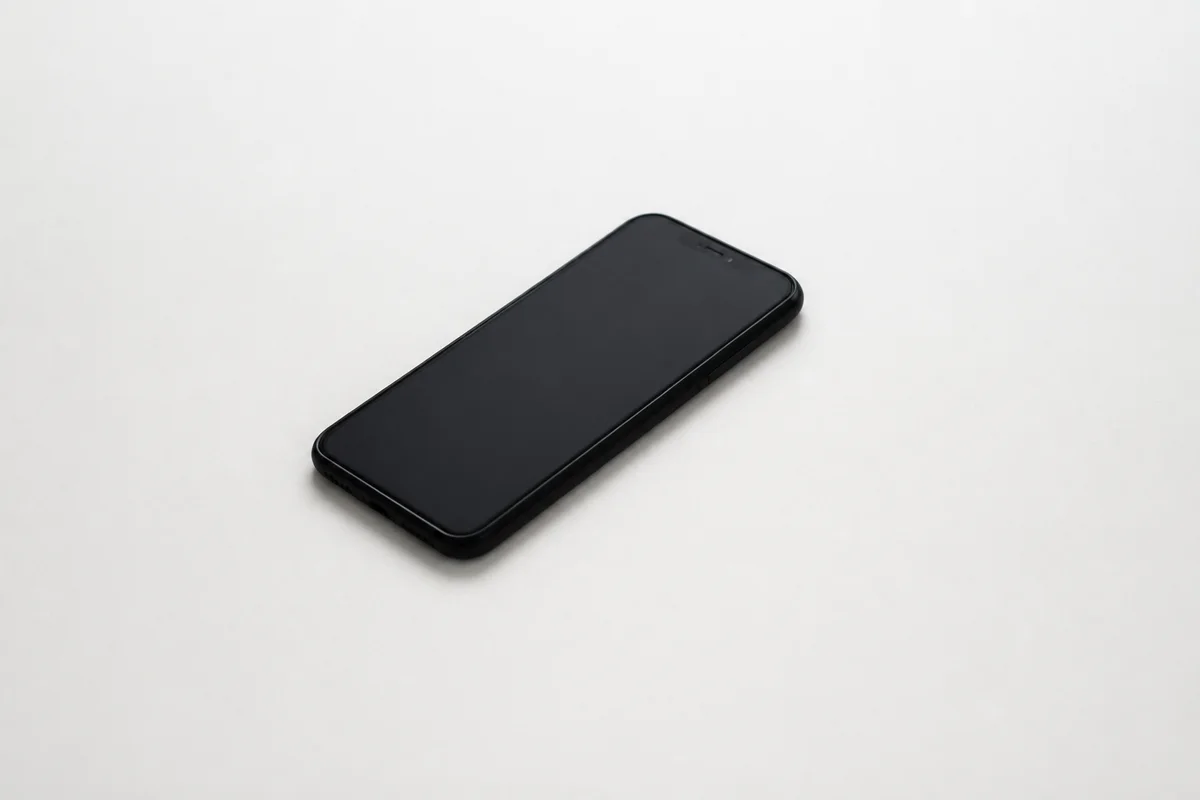
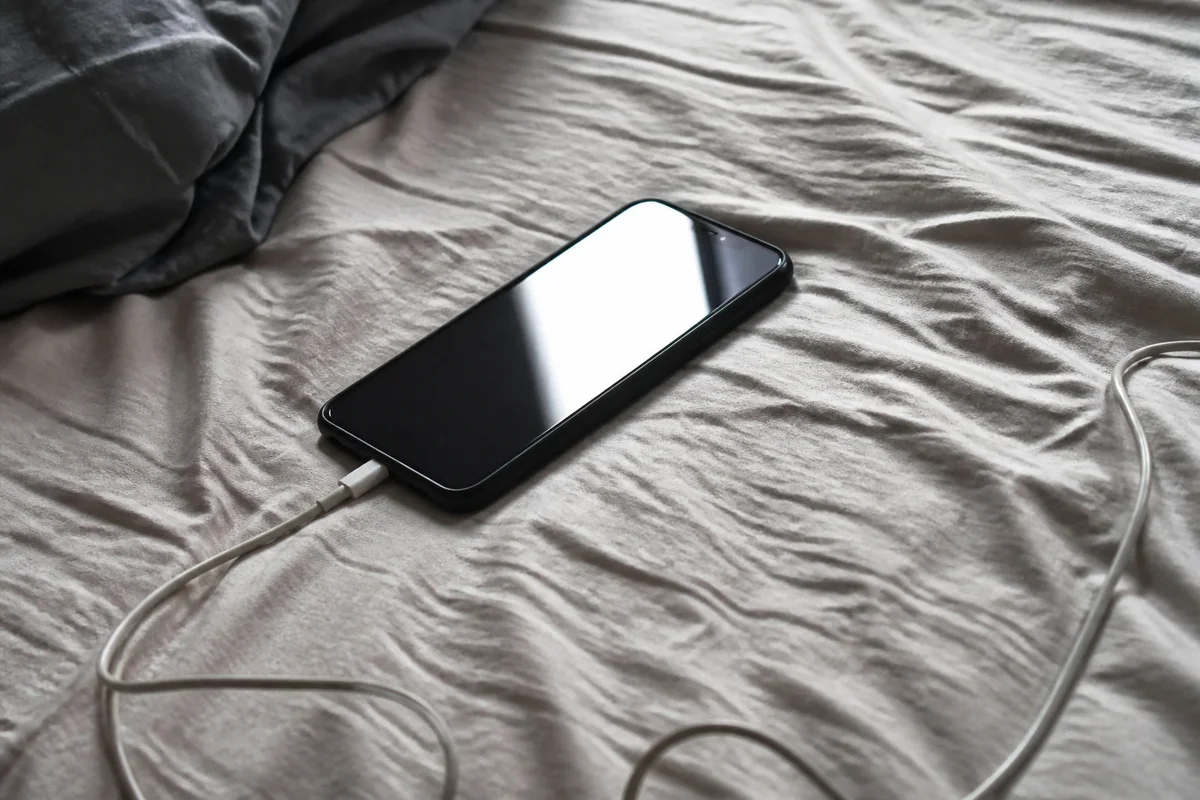
The process shown live — slide the handle to compare.
Search any used phone model and the price spread is startling — the same device, same storage, same condition grade, selling for 30% more or less based largely on how the listing looks. Buyers of used devices are nervous by default; photos that look careless amplify the nerves, and nervous buyers pay less or don't buy.
List at the top of the range: photograph the device from every side, then de-glare the screen so it visibly works, sharpen the corners and edges where wear shows, brighten so the true condition is unambiguous, and cut the device onto a clean background. The edits take seconds, and the spread between a rushed listing and a clean one is real money on every device.
The problems this solves
- Screen glare makes 'works perfectly' impossible to verify visually.
- Corner and edge wear — the grading criteria — blur in casual shots.
- Cluttered backgrounds trigger the 'is this stolen?' hesitation in buyers.
- Identical devices with better photos consistently clear at higher prices.
A workflow that works
De-glare the powered-on screen
A clean shot of a working display is the core proof every device buyer wants first.
AI Glare RemovalSharpen corners and edges
Wear points are how buyers grade condition — crisp shots let good condition command its price.
AI Image SharpenerBrighten for clarity
Dim photos read as hiding something; bright ones read as nothing to hide.
AI Lighting ChangerClean the background
A device on a clean backdrop presents like certified refurb stock, not a drawer find.
AI Background RemoverUpscale for inspection
Buyers zoom into every corner before offering — resolution keeps the confidence intact.
AI Image UpscalerFrequently asked questions
Which photos matter most for a phone listing?
Screen on, all four corners, back, and ports. That set answers the standard grading questions before they're asked.
Do edits change how condition reads?
They make condition easier to see, in both directions — scratches show clearly too. Match your written grade to what the photos show; you review both before listing.
How fast can I list a device?
Six shots and a few minutes of edits — each renders in seconds, so trade-in-day batches are painless.
What's free?
4 credits at signup — enough for the screen and corner shots that set your price.
Related use cases