
Use case
Shop Photos Buyers Favorite First
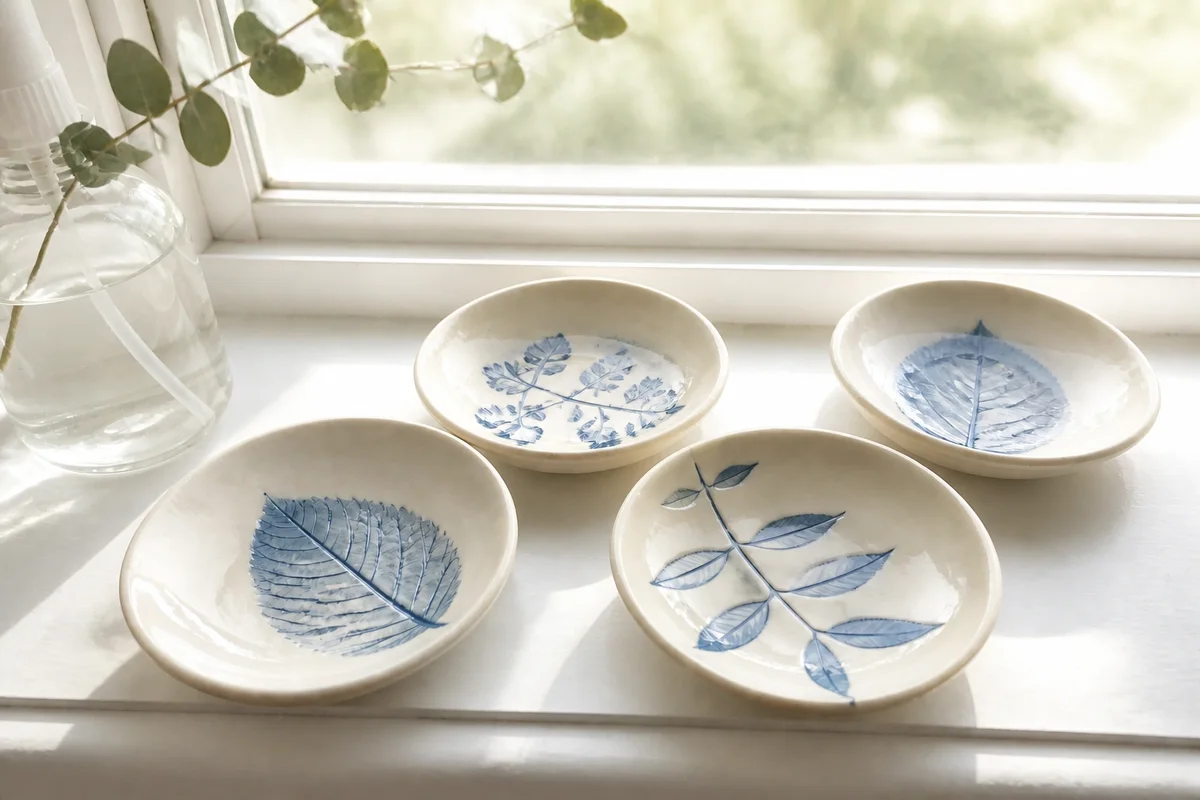
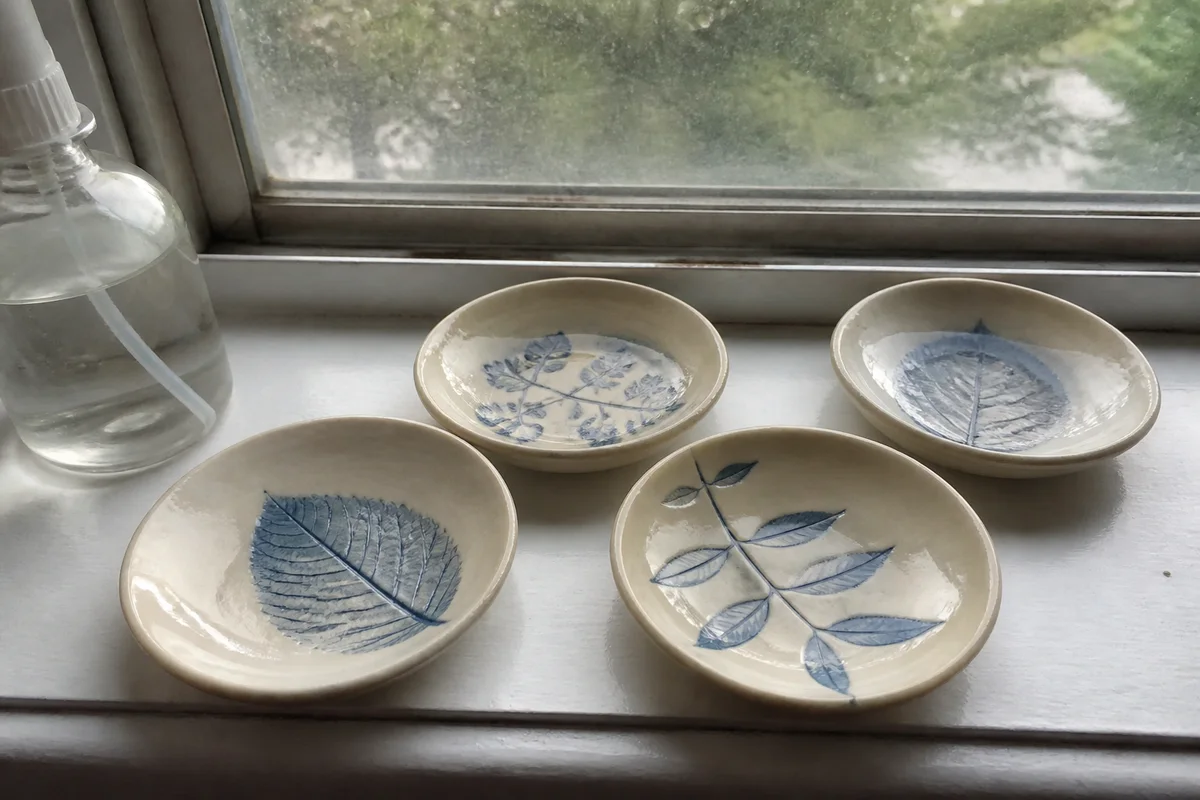
The process shown live — slide the handle to compare.
On handmade and vintage marketplaces, the favorite is the leading indicator: browsers save what catches their eye, and saved listings turn into purchases, gift lists, and repeat visits. What gets saved is overwhelmingly visual — warm, bright, styled photos win hearts over identical items shot in dim rooms.
Make your listings the ones that get saved. Brighten craft-room shots to boutique light, correct the colors buyers are choosing between, clear the clutter from your styling, and sharpen the details that make handmade and vintage worth the price. Each fix renders in seconds, so your whole shop can look like your best listing.
The problems this solves
- Dim, warm indoor light mutes the colors that make pieces desirable.
- The first photo decides the save, and yours was shot in a hurry between orders.
- Vintage detail — patina, prints, labels — turns to mush in soft phone shots.
- Styled-shoot competitors make equally good items look better than yours.
A workflow that works
Brighten to boutique light
The save-worthy look is bright and airy — the opposite of most craft-room lighting.
AI Lighting ChangerCorrect the palette
Shade accuracy drives both the save and a happy unboxing — fix the cast, then check against the item.
AI Color CorrectionTidy the styling
One stray object in a styled flat-lay breaks the spell that earns the save.
AI Object RemoverSharpen the craft detail
Zoomed-in texture is what converts a save into a purchase later.
AI Image SharpenerFrame for the square
Search thumbnails crop square — compose so the piece survives the crop beautifully.
AI Photo ReframeFrequently asked questions
Why optimize for favorites instead of just sales?
Saves compound: they signal interest to the platform, populate gift lists, and bring buyers back at payday. The photo that earns the save is the same photo that eventually earns the sale.
Can I edit photos of one-of-a-kind vintage pieces?
Yes — fix light, color, and sharpness so the piece shows as it really looks in good light, and photograph condition details on their own. You know the piece; verify each edit against it.
How long does refreshing a whole shop take?
Seconds per edit in the browser, any hour — a 40-listing shop is a weekend project at a relaxed pace.
What can I try for free?
4 free credits at signup — refresh your most-viewed listing and watch its save rate.
Related use cases