
Use case
Jewelry Photos That Earn the Price Tag
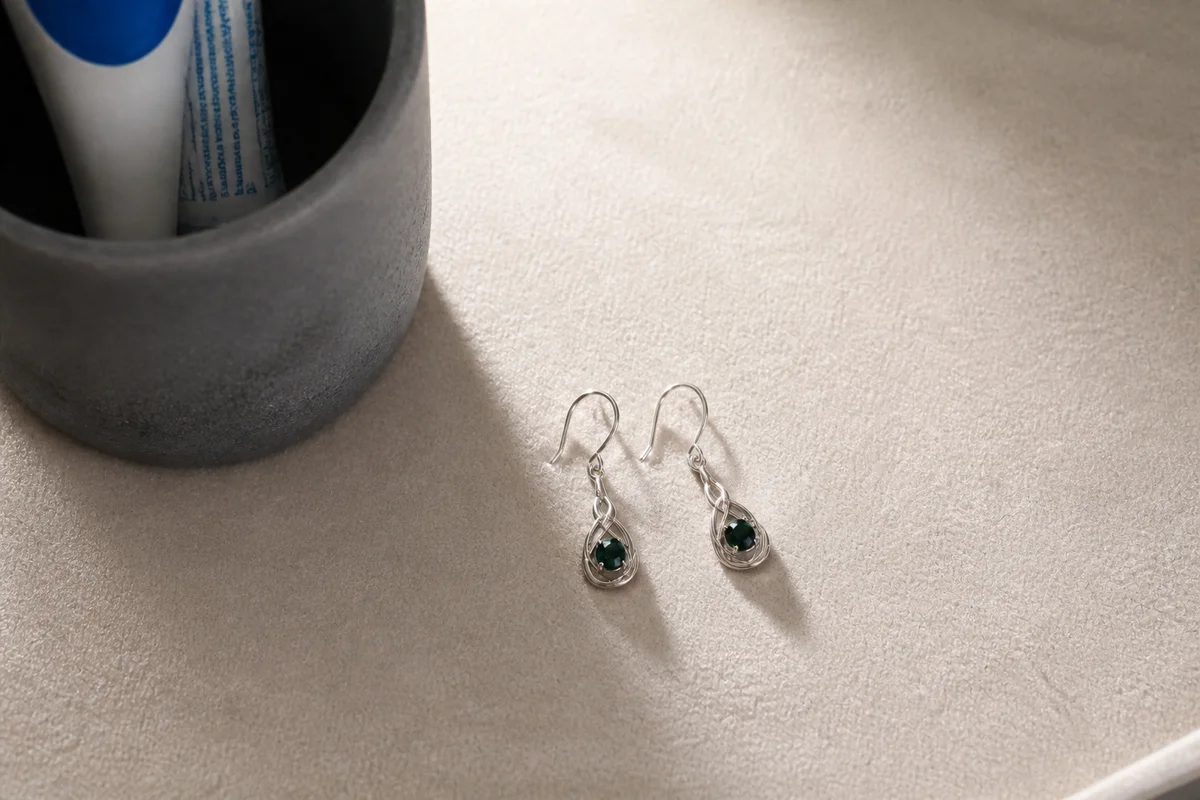
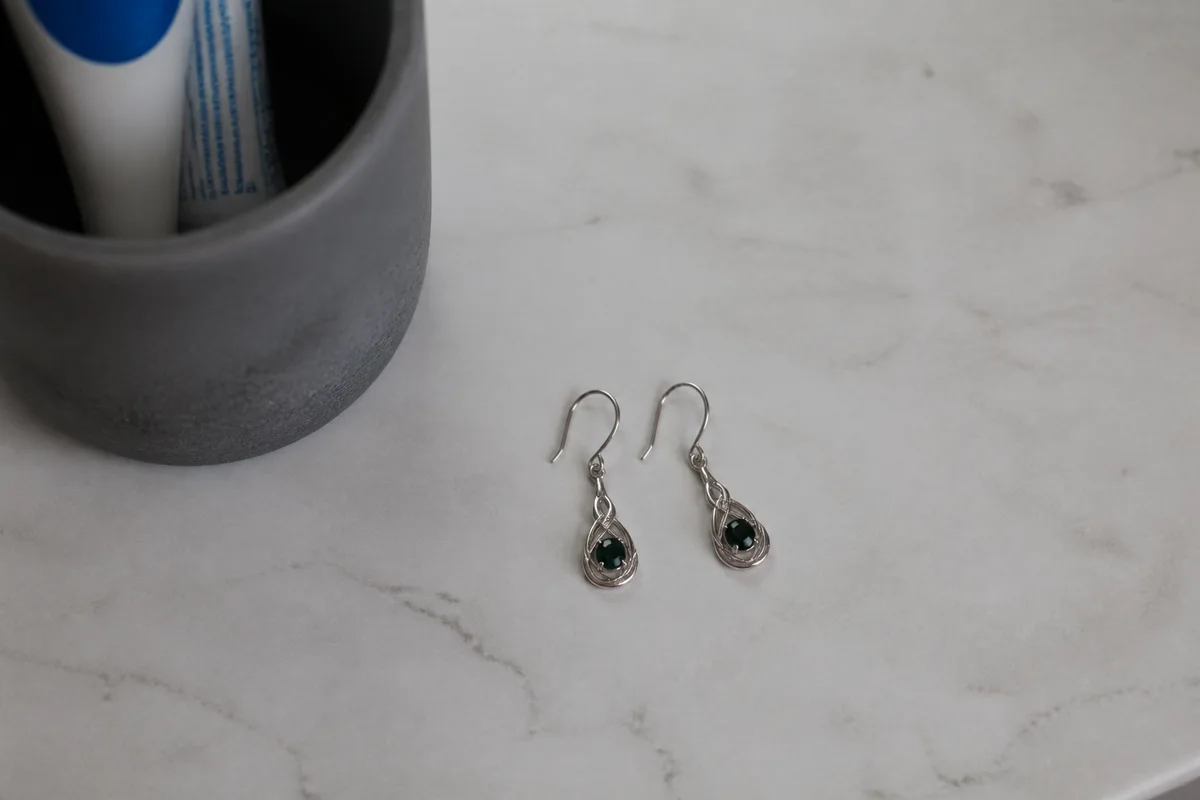
The process shown live — slide the handle to compare.
Jewelry is brutal to photograph: metal mirrors every light source, stones blow out into white smears, and macro focus misses by a millimeter. Yet no product depends more on its photo — buyers are paying real money for something they can't hold, judging sparkle and craftsmanship through a phone shot that captured neither.
Close the gap in the edit. Remove the glare streaks that hide metalwork, sharpen the facets and prongs that prove quality, correct metal tones so gold looks gold, and cut each piece onto the clean backdrop premium jewelry demands. Seconds per edit turns a drawer of inventory into a catalog that supports its prices.
The problems this solves
- Glare and reflections hide the metalwork buyers are paying for.
- Stones lose their fire and read as glass in flat phone light.
- Macro shots of small pieces come out soft exactly where detail matters.
- Gold photographs brassy, silver photographs gray, and buyers notice at delivery.
A workflow that works
Cut onto a premium backdrop
Clean white or soft-dark backgrounds are the visual language of fine jewelry retail.
AI Background RemoverRemove the glare streaks
Glare hides engraving, texture, and finish — the evidence of craftsmanship.
AI Glare RemovalSharpen facets and prongs
Crisp stone and setting detail is what makes a piece read as fine rather than fashion.
AI Image SharpenerTrue the metal tones
Metal color is a purchase criterion — correct it, then compare against the piece under neutral light.
AI Color CorrectionUpscale for zoom
Jewelry buyers zoom hard before spending; resolution is where trust is won.
AI Image UpscalerFrequently asked questions
Can editing make stones look better than they are?
The aim is showing the piece as it looks in good light, not upgrading it. You set the line: review each edit against the physical piece and keep listings matched to what ships.
What's the best source photo setup for jewelry?
Indirect daylight, a plain surface, and the closest sharp focus your phone allows. The editor handles background, glare, and polish from there.
Does this work for handmade as well as fine jewelry?
Yes — the same fixes apply whether the piece is $20 or $2,000. Presentation quality sets price expectations at every tier.
How do I start without paying?
4 free credits at signup — edit your hero piece and compare the listing side by side.
Related use cases