
Use case
Closet Photos That Turn Browsers Into Buyers
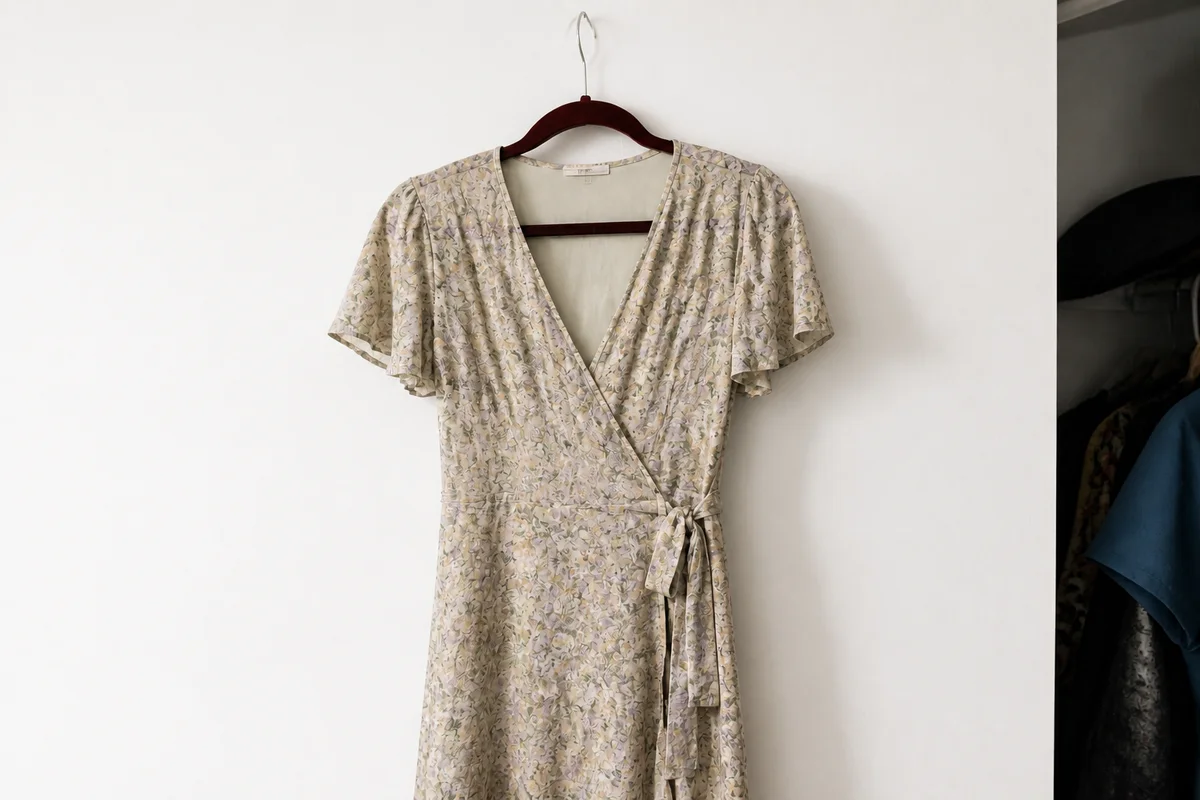
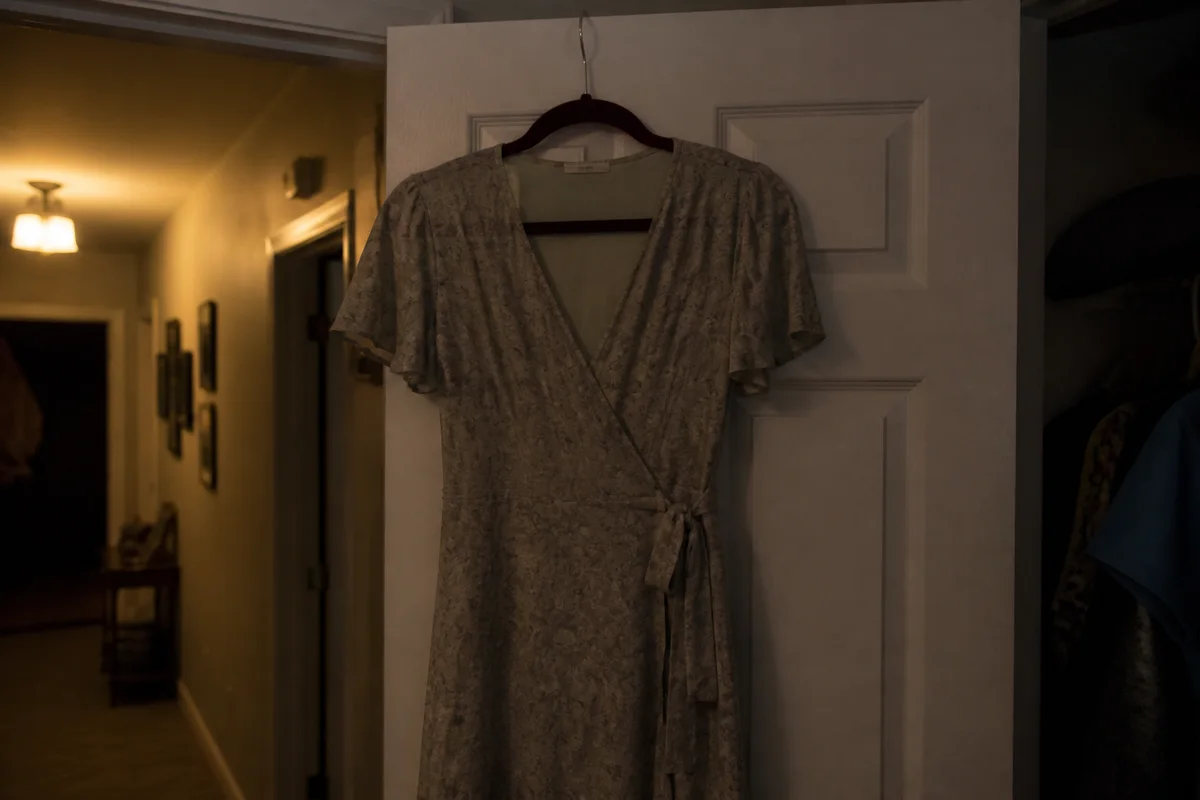
The process shown live — slide the handle to compare.
In social fashion resale, your closet is a storefront, and the covershot of each listing is a mini billboard competing in an infinite scroll of other closets. Wrinkled-bedspread backgrounds and yellow bedroom light are why good pieces sit for months while photogenic closets sell through weekly.
Run every listing through the same quick pipeline: item cut onto a clean, consistent background, light lifted to daylight, colors corrected so buyers get what they saw, brand tags sharp enough to read. A consistent closet aesthetic does something extra on social platforms — it earns follows, and followers see every new listing you drop.
The problems this solves
- Bedspread and closet-floor backgrounds cheapen every piece laid on them.
- Warm bedroom light shifts fabric colors the buyer will judge on arrival.
- Blurry brand-tag photos slow buyers who want quick verification.
- An inconsistent closet grid doesn't earn the follows that compound sales.
A workflow that works
Standardize the background
One consistent backdrop across the closet turns a pile of listings into a shop with a brand.
AI Background RemoverLift to daylight
Fashion sells in bright, clean light — bedroom bulbs undersell every fabric they touch.
AI Lighting ChangerTrue the colors
The color the buyer sees is the color they expect at the door — correct the cast, then verify against the garment.
AI Color CorrectionSharpen the tags
A readable brand and size tag removes the friction question every buyer would otherwise ask.
AI Image SharpenerFrame the covershot
The covershot is the billboard — crop it so the piece dominates the square.
AI Photo ReframeFrequently asked questions
What makes a covershot that sells in fashion resale?
Bright light, clean background, the garment filling the frame, and color that matches reality. It's a formula — the editor lets you apply it to every listing in seconds each.
Should I show flaws like pilling or fading?
Yes, in dedicated close-ups with clear light — the editor makes flaw photos clearer too. Accurate photos plus accurate descriptions are your responsibility as the seller; review every edit against the piece.
How fast can I relist my whole closet?
Each edit renders in seconds in the browser, so a 50-item closet refresh is one focused evening.
How do I test it on my closet?
4 free credits at signup — redo your four most-liked listings' covershots and watch the offers.
Related use cases