
Restore
AI Photo Restoration
Decades of damage, undone in seconds
New accounts start with free credits — no card on file needed.
- 1Scan or photograph the print flat, in even light, and upload
- 2The AI repairs damage, revives tone, and corrects aged color
- 3Review the faces, then download and reprint or share
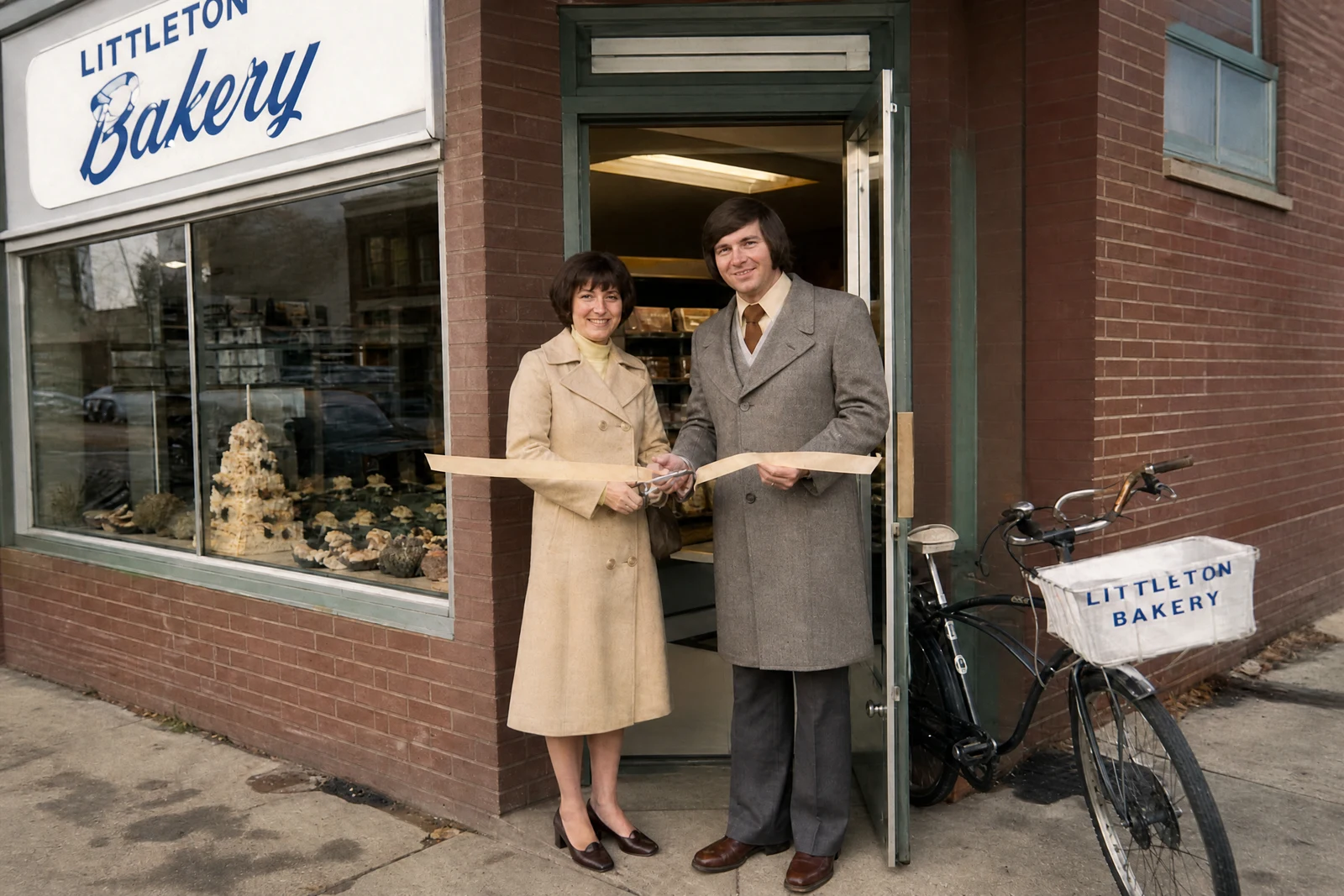
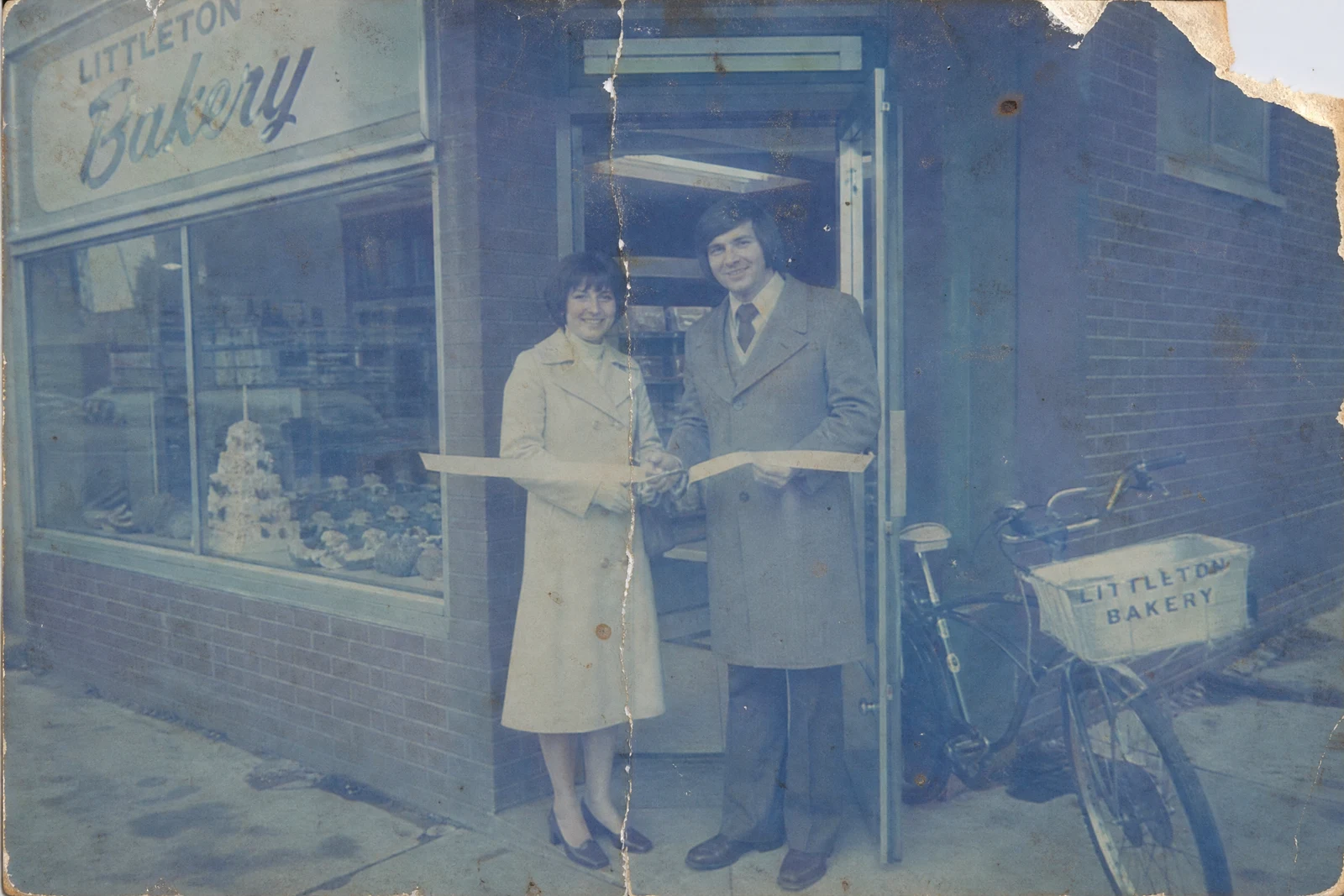
Genuine results from the tool — slide to see the difference.
Old prints are often the only copy that exists — and paper cracks, dyes fade toward magenta and yellow, and decades of handling leave scratches and stains. Professional restoration runs serious money per photo and days of turnaround; this tool compresses the job into one pass that costs a few credits and finishes in seconds, 24/7.
Upload a scan or a straight-on phone photo of the print. The AI reconstructs cracked and torn regions from their surroundings, lifts fading back to real contrast and tonal depth, corrects the color shift of aged dyes, and clears dust and stains. Faces get particular care — the point of a restored family photo is that the people in it still look like themselves, so review faces closely, especially where damage was heavy.
It also unlocks practical uses: restored photos become memorial displays, anniversary gifts, family-history books, and prints worth framing again — and vintage sellers use it to show collectible photographs at their best while photographing actual condition separately. Chain the Upscaler afterwards to make a small print enlargeable, and scan flat in even light for the strongest source.
Why this tool
- Push the output onward through any other tool
- Standard, Pro and Max quality tiers
- Results land in your creations library
- Blow it up to print resolution or convert it to video
Frequently asked questions
What damage can it handle?
Scratches, creases, tears, water stains, dust, fading, and dye shift. Missing regions are rebuilt from context — the bigger the gap, the more the fill is an educated guess, so check large repairs.
Will relatives still look like themselves?
Preserving identity is the priority: clarity is recovered within what the photo provides rather than invented. On heavily damaged faces, review the result critically before printing.
Will it add color to black-and-white shots?
This run restores and refreshes the picture in its original form. For color, restore first, then ask the AI Editor to colorize the restored result.
Best way to digitize the print?
Flatbed scan at 600 DPI, or a straight-on phone photo in bright indirect daylight with no flash. Glare and perspective skew are harder to undo than the damage itself.
Can I try AI Photo Restoration for free?
Yes — every new account starts with 4 free credits, enough to run this tool once at Standard quality. No credit card required.
Related tools