
Restore
AI Unblur Image
The shot you can't retake, made usable
New accounts start with free credits — no card on file needed.
- 1Upload the blurry photo; optionally name the must-be-sharp region
- 2The model detects the kind of blur and rebuilds the missing detail
- 3Verify critical details against the source, then download
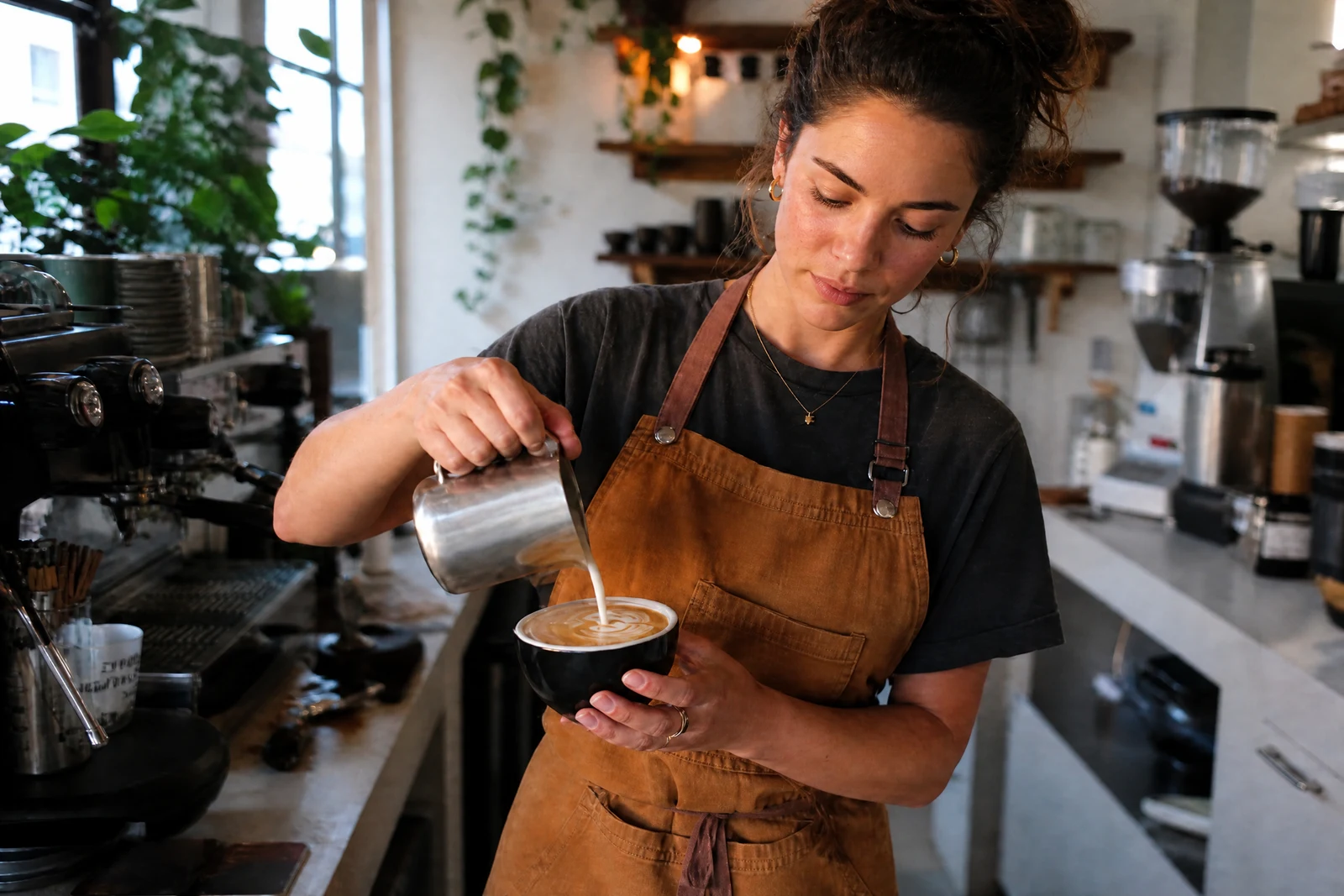
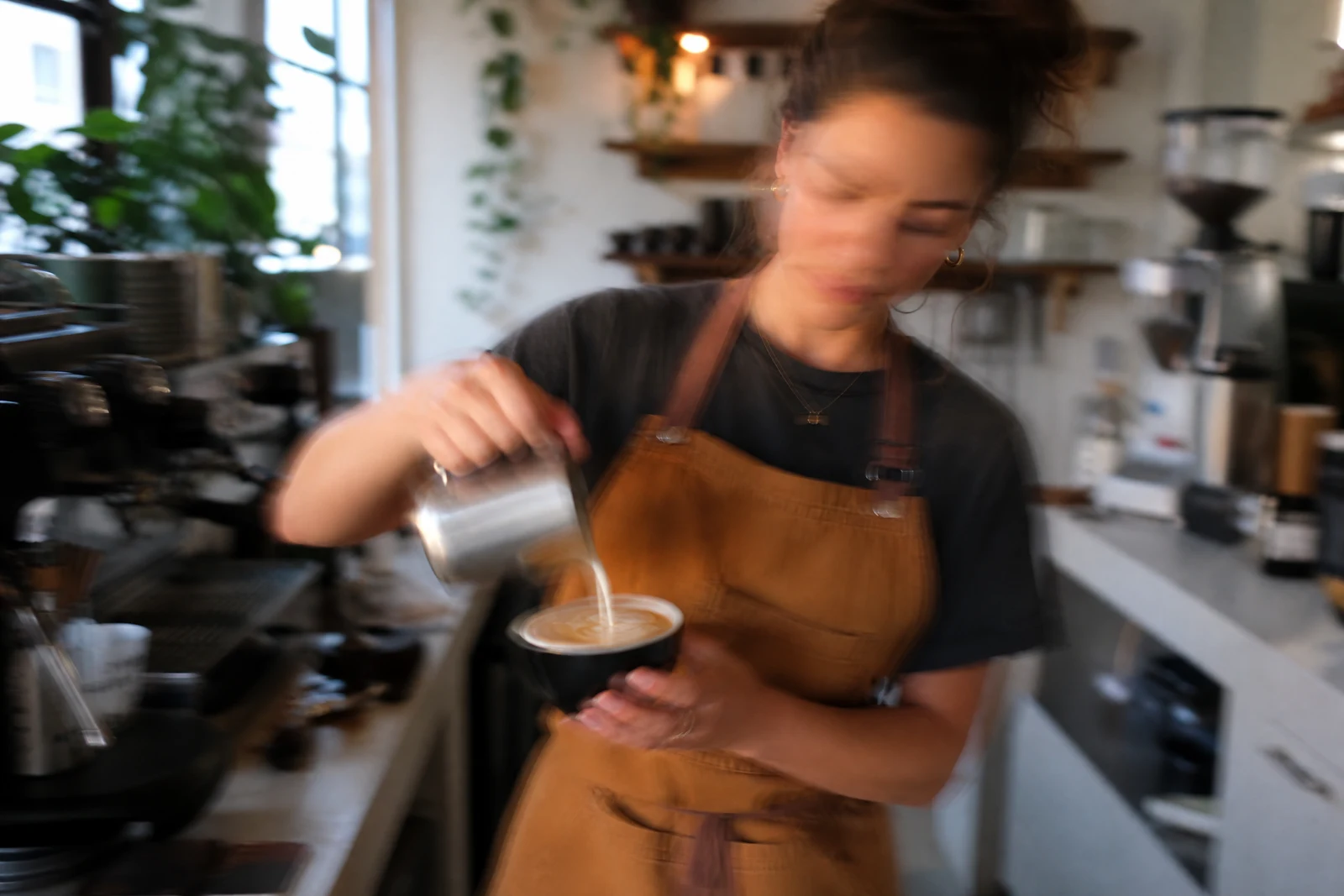
Genuine results from the tool — slide to see the difference.
Sometimes the only photo of the moment — or of the sold item, the signed card, the tag that proves the model number — is blurry, and a reshoot isn't on the table. Blur comes in flavors: shake smears everything one direction, missed focus softens the subject while something else sits crisp, subject motion streaks whatever moved. This tool identifies which kind it is looking at and applies the matching reconstruction.
When one region is the point, name it: 'the face in the center', 'the tag inside the collar', 'the text on the whiteboard'. The deblurring concentrates its effort there, which produces visibly better results on that region than a uniform pass. Faces get automatic priority, since they're the usual reason anyone tries to rescue a blurry frame.
Expectations matter: reconstruction cannot bring an unrecognizable smear back to forensic accuracy, and rebuilt text is the model's best inference — verify anything that matters against another source before you rely on it or publish it. The large middle ground of slightly-shaken, softly-focused, almost-good photos recovers remarkably well, in seconds. Soft-but-not-blurry frames want the lighter Sharpen Image pass instead.
Why this tool
- Push the output onward through any other tool
- Standard, Pro and Max quality tiers
- Results land in your creations library
- Blow it up to print resolution or convert it to video
Frequently asked questions
Unblur or Sharpen — which one?
Sharpen refines a photo that is in focus but soft. Unblur undoes genuine blur — camera shake, missed focus, motion streaks. Doubled or smeared edges mean you are in Unblur territory.
Can every blurry photo be saved?
No — the more the blur destroyed, the more the AI must infer. Mild to moderate blur recovers convincingly; severe smears yield an improvement, not a perfect photo.
Is the specific-area field worth using?
Yes, whenever one region is the reason you're rescuing the shot. Focusing on 'the face' or 'the tag' puts the reconstruction effort where accuracy pays.
Can it make blurry text readable?
Often, for moderately blurred print and signage — specify the text region. Reconstructed characters are inference, so confirm serial numbers and names against the real thing.
Can I try AI Unblur Image for free?
Yes — every new account starts with 4 free credits, enough to run this tool once at Standard quality. No credit card required.
Related tools