
Enhance
AI Photo Enhancer
Flat photos made click-worthy in one pass
New accounts start with free credits — no card on file needed.
- 1Upload the flat, soft, or noisy photo
- 2Pick a style mode or leave it on Auto, then run
- 3Check it against the source, then push to a bigger size or continue refining
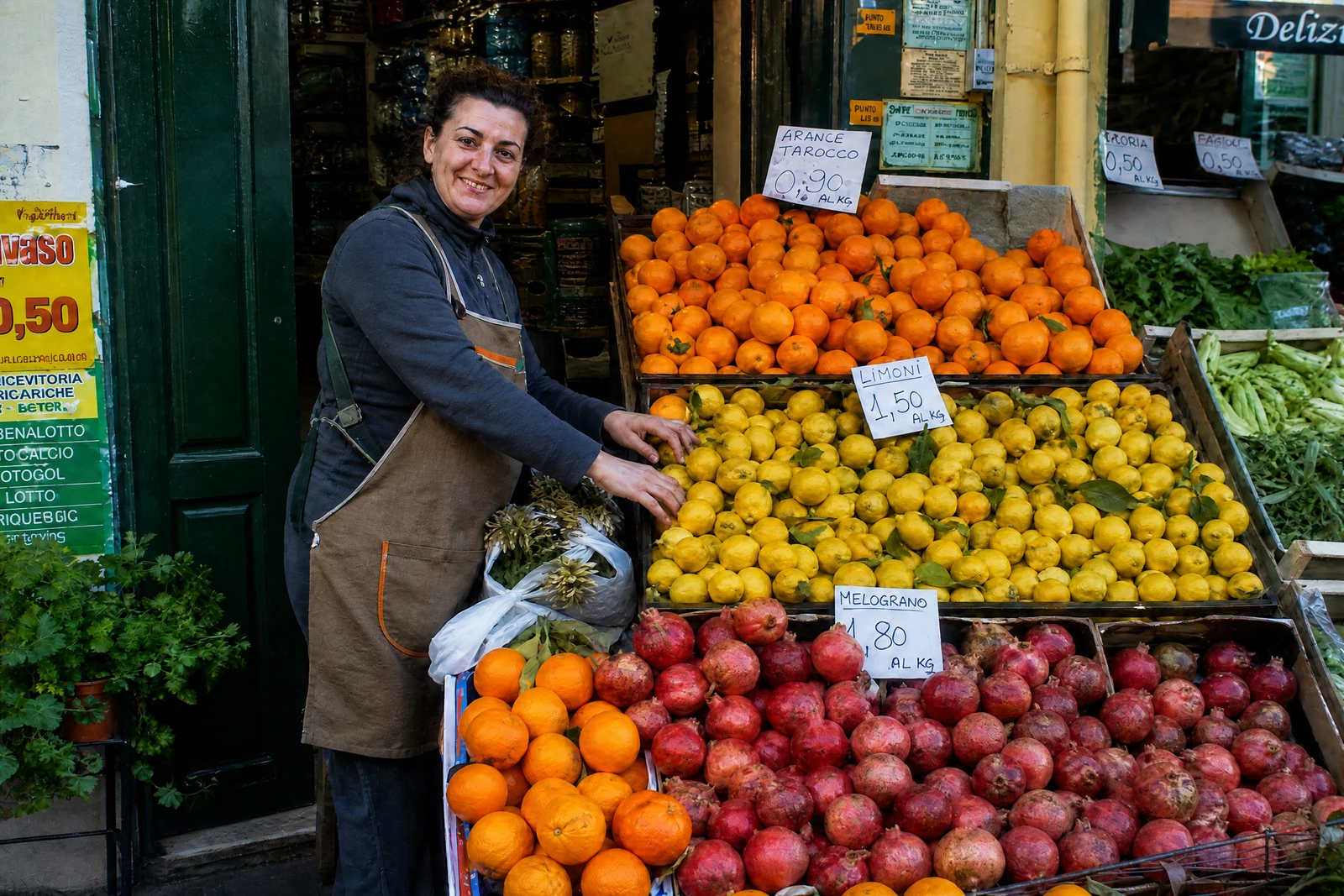
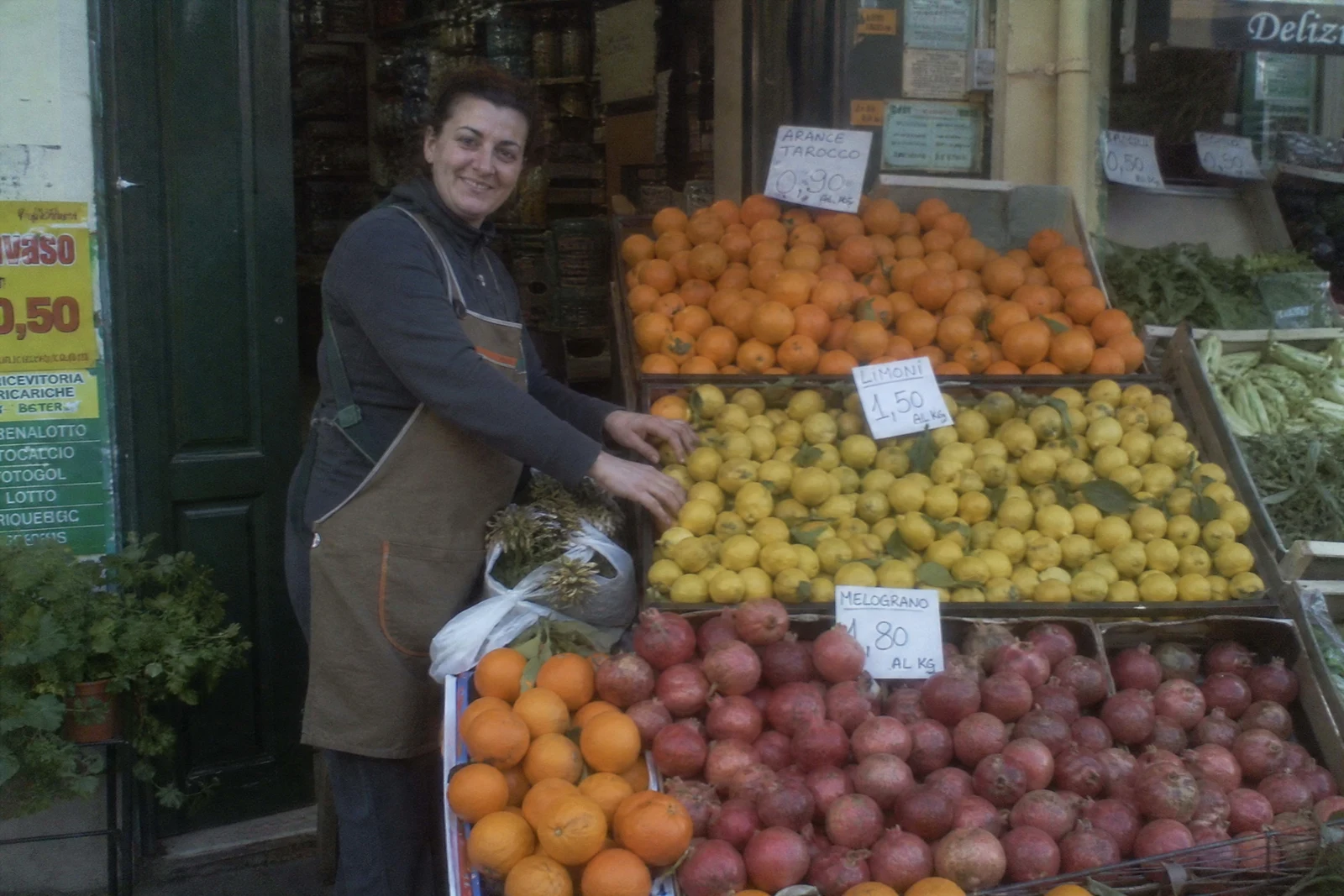
Genuine results from the tool — slide to see the difference.
The photo isn't broken — it's flat: slightly soft, slightly noisy, a little underexposed, colors that never matched the moment. In a grid of competing thumbnails, flat loses. This pass hits all of it at once — sharpness, noise, exposure, contrast, color — tuned toward crisp and vibrant while still photographic.
Style modes shape the outcome: brighten low light for dim interiors and evening shots, color pop for food and product frames, crisp detail for texture-led images, soft & airy for lifestyle, cinematic for mood. Auto reads the frame and picks sensibly.
It slots first in the pipeline: enhance, then upscale for print resolution, or hand off to any editing tool for specific changes — each step seconds long, available whenever the listing goes up. Standard runs cost 4 credits (Pro 12, Max 44, the same schedule as other single-photo tools), and your 4 free signup credits cover the first pass. Where color sells the item — fabric, paint, food — compare the result against the real thing before a buyer does.
Why this tool
- Push the output onward through any other tool
- Standard, Pro and Max quality tiers
- Results land in your creations library
- Blow it up to print resolution or convert it to video
Frequently asked questions
Enhancer or Upscaler?
The enhancer improves quality at current size: clarity, noise, exposure, color. The upscaler grows resolution. Dull low-res photo? Enhance first, then upscale.
Will colors change?
Exposure, contrast, and color balance are adjusted as part of the pass. Compare with the original — and where color accuracy sells the item, verify against the real thing or re-shoot in better light.
Screenshots and scans?
Yes — both benefit from the denoise and sharpen passes. Old damaged prints should visit Photo Restoration first; the enhancer works well as the follow-up.
What does a run cost?
Standard is 4 credits, Pro 12, Max 44 — the same schedule as the other single-photo tools, and signup includes 4 free credits to start.
Can I try AI Photo Enhancer for free?
Yes — every new account starts with 4 free credits, enough to run this tool once at Standard quality. No credit card required.
Related tools