
Retouch
AI Photo Retouch
Ten small fixes, one pass, any photo
New accounts start with free credits — no card on file needed.
- 1Upload any photo needing an all-round cleanup
- 2Pick a focus mode or leave it on Auto, then run
- 3Compare with the original, then chain a specialist if needed
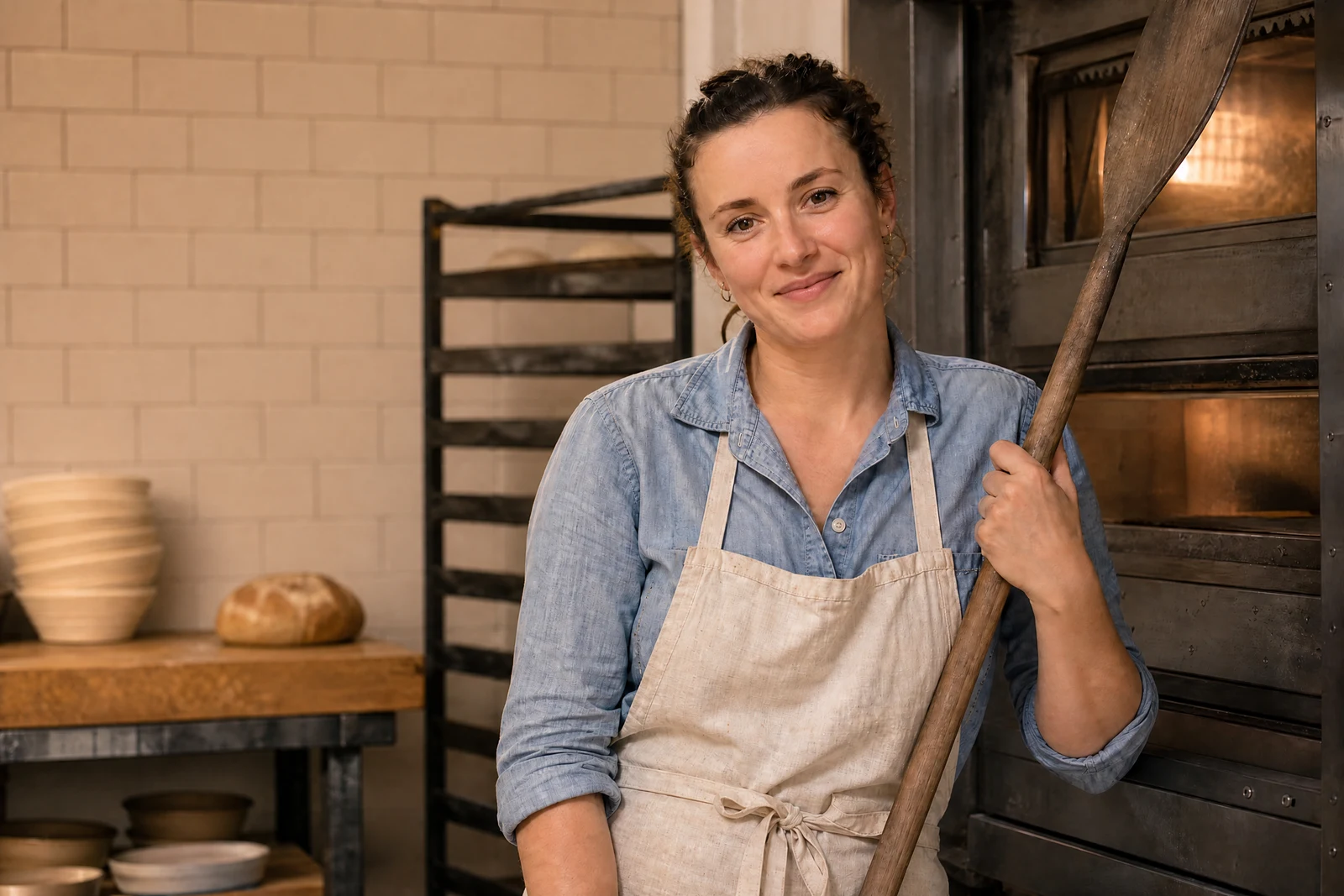
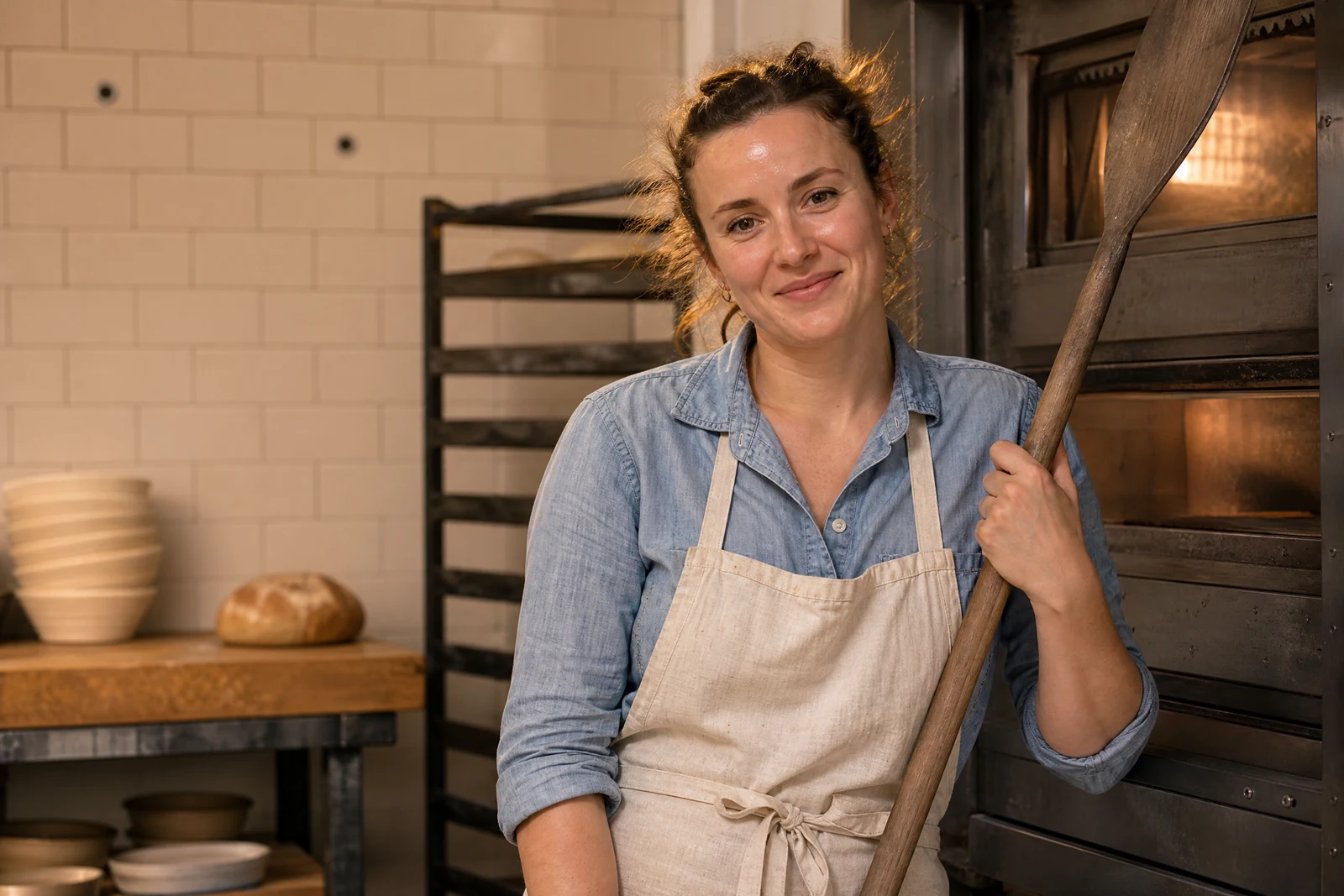
Genuine results from the tool — slide to see the difference.
Most photos headed for a listing, menu, or profile don't have one big problem — they have ten small ones: a smudge, a cast, uneven light, soft detail. Fixing them one tool at a time costs more time than the photo is worth, so this pass handles the list at once, tuned toward a clean, natural finish rather than any single dramatic change.
Focus modes bias the pass toward what each subject needs — portrait, product, real estate, food, or landscape — or leave it on Auto and let the AI read the frame. Use it as the first stop when you're not sure which tool a photo needs: if the result lands 90% of the way, chain the rest through a specialist — Retouch Face for portraits, background tools for scenes, the Upscaler for print.
Seconds per photo makes it practical to sweep a whole batch before a shop update or menu refresh, any hour it's due. Put each result next to its original before publishing, and re-run or re-shoot anything that doesn't represent the subject the way a buyer will meet it.
Why this tool
- Push the output onward through any other tool
- Standard, Pro and Max quality tiers
- Results land in your creations library
- Blow it up to print resolution or convert it to video
Frequently asked questions
What separates this from AI Face Retouch?
Face Retouch zeroes in on skin and the features of the face. This is a whole-frame pass — light, color, marks, detail — for any subject.
What photos suit it best?
Anything: portraits, rooms, plates, pets, street shots. Photos with one glaring specific problem do better with the dedicated tool for that problem.
Should I run it twice?
One pass is usually the sweet spot. For stronger changes, chain into a specific tool rather than stacking general passes.
Which quality tier?
Standard for everyday shots and drafts, Pro for keepers, Max for print or client work — then upscale from the canvas if you need more resolution.
Can I try AI Photo Retouch for free?
Yes — every new account starts with 4 free credits, enough to run this tool once at Standard quality. No credit card required.
Related tools