
Retouch
AI Product Retouch
The finish that separates shops from garage sales
New accounts start with free credits — no card on file needed.
- 1Upload the product shot, dust and glare included
- 2Pick a product type or leave Auto, then run the pass
- 3Verify against the item, then chain background and upscale tools
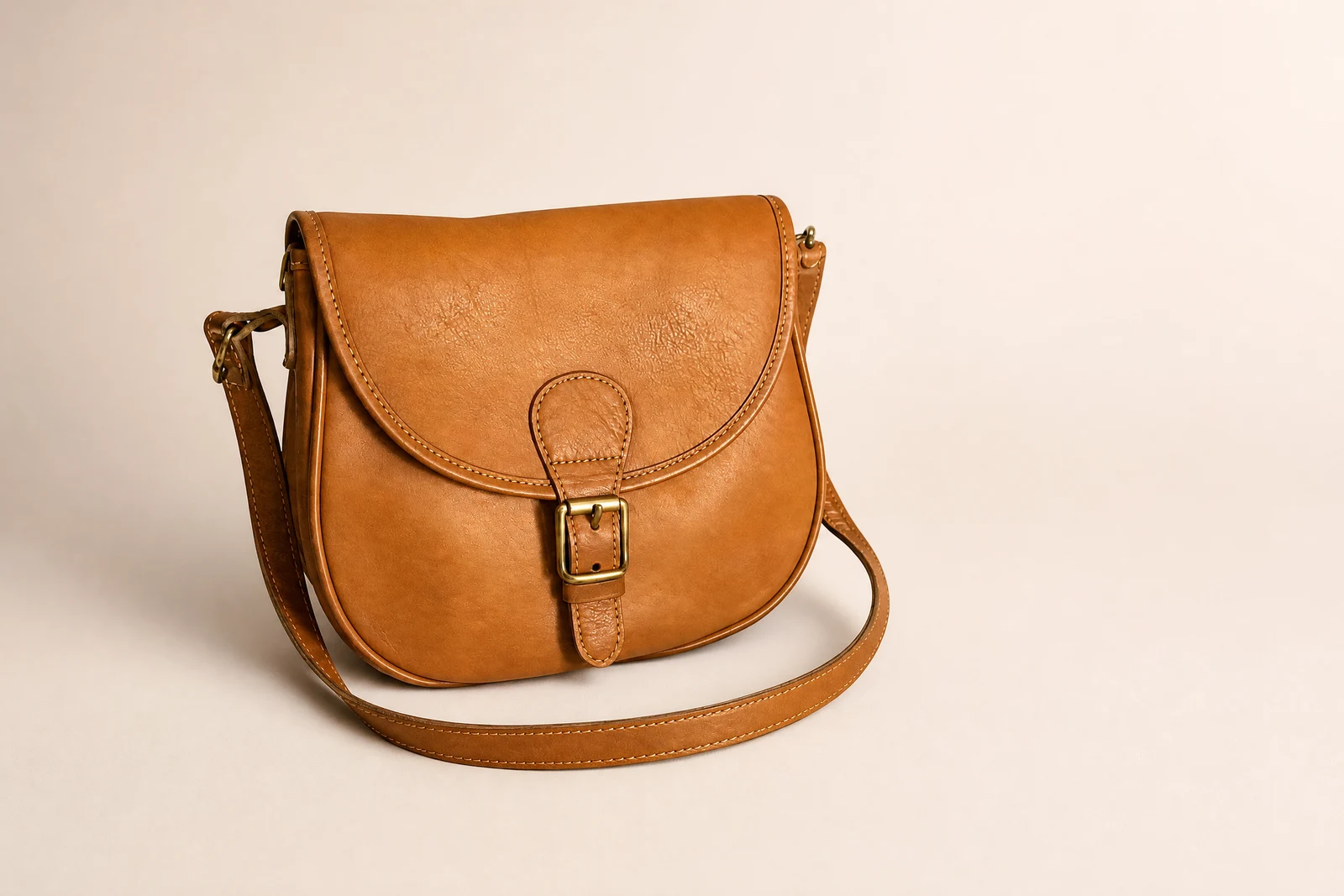
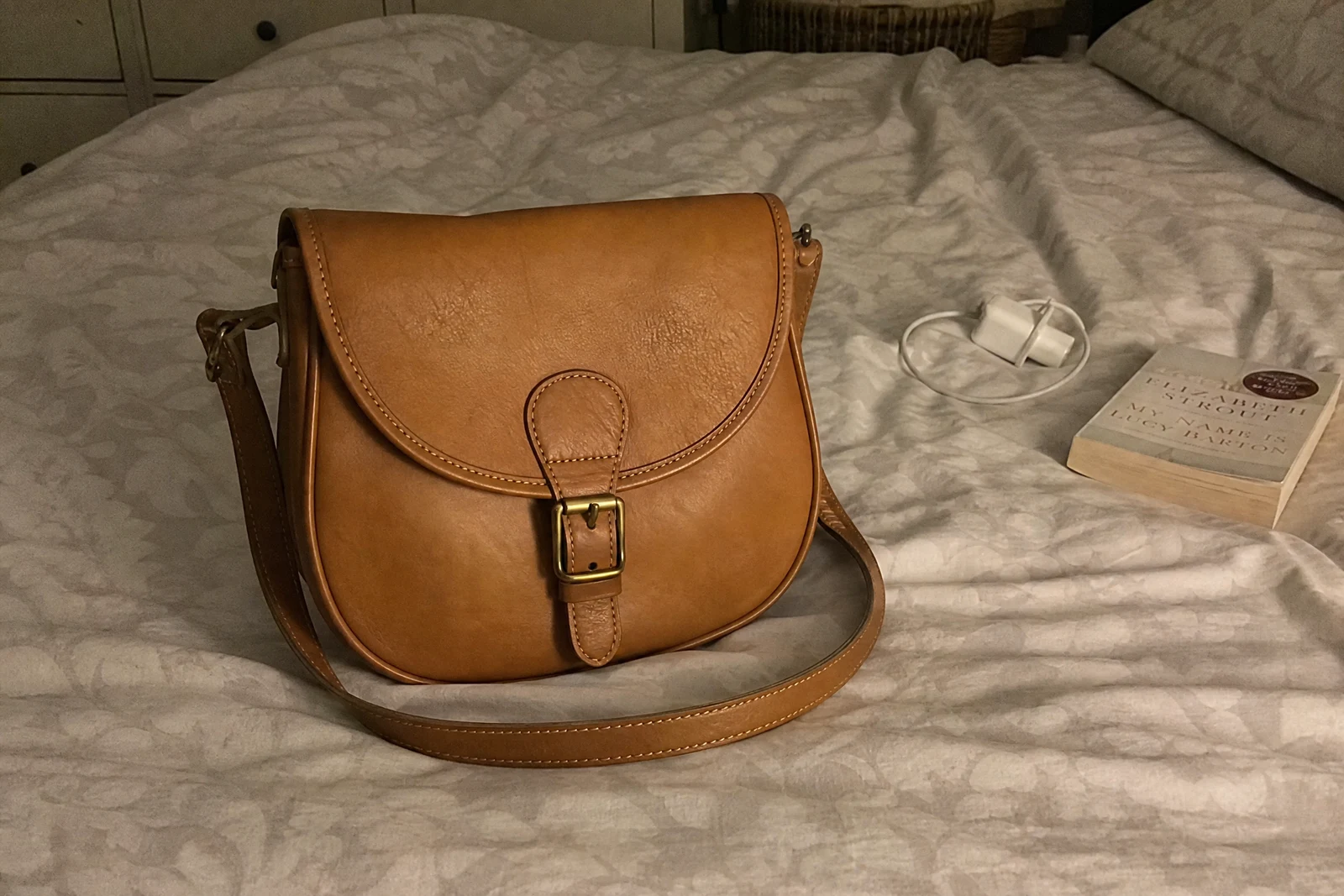
Genuine results from the tool — slide to see the difference.
At listing size, flaws you never noticed become the photo: dust on dark surfaces, a fingerprint on gloss, lint on fabric, glare where two lamps fought. Buyers read those flaws as seller carelessness and price their offer accordingly. This pass runs the standard professional cleanup — surface marks cleared, reflections tamed, lighting and white balance corrected, edges and texture crisped — in seconds per shot.
Product-type modes tune the pass: glossy for glare-prone glass and metal, fabric for lint and weave, jewelry for small reflective detail, food for appetizing color and sheen. It slots into the seller workflow directly: retouch, then Remove Background for the clean cutout, then the Upscaler for zoom views — a listing-grade set from phone photos, no studio invoice.
Condition stays your department: photograph flaws you want buyers to see in separate close-ups and leave those frames unedited, and check each retouched frame against the physical item before it goes live — the photo's job is to sell the item you'll actually ship.
Why this tool
- Push the output onward through any other tool
- Standard, Pro and Max quality tiers
- Results land in your creations library
- Blow it up to print resolution or convert it to video
Frequently asked questions
What does the pass clean up?
Surface marks (dust, smudges, lint), uneven reflections and glare, lighting and white balance, edge and texture sharpness — the standard product-photography checklist.
Jewelry and glossy items?
Reflective products are the headline use case — glare and smudges on gloss, glass, and metal are what the pass is tuned for. Complex reflections may take a second run or a Pro pass.
How do I show condition flaws?
Shoot them separately, up close, and leave those frames unedited. Retouched frame as the main image, untouched close-ups for condition — buyers get both.
Best follow-up for a listing?
Remove Background for the clean cutout, then the Upscaler if the listing supports zoom. Each of the three feeds the next — no second upload needed.
Can I try AI Product Retouch for free?
Yes — every new account starts with 4 free credits, enough to run this tool once at Standard quality. No credit card required.
Related tools