
Enhance
AI Real Estate Photo Editor
Photos that book the viewing
New accounts start with free credits — no card on file needed.
- 1Add a listing shot of the interior or exterior
- 2Pick a listing style or leave Auto — light, windows, sky, lawn in one pass
- 3Check it against the room, then run further tools where they help
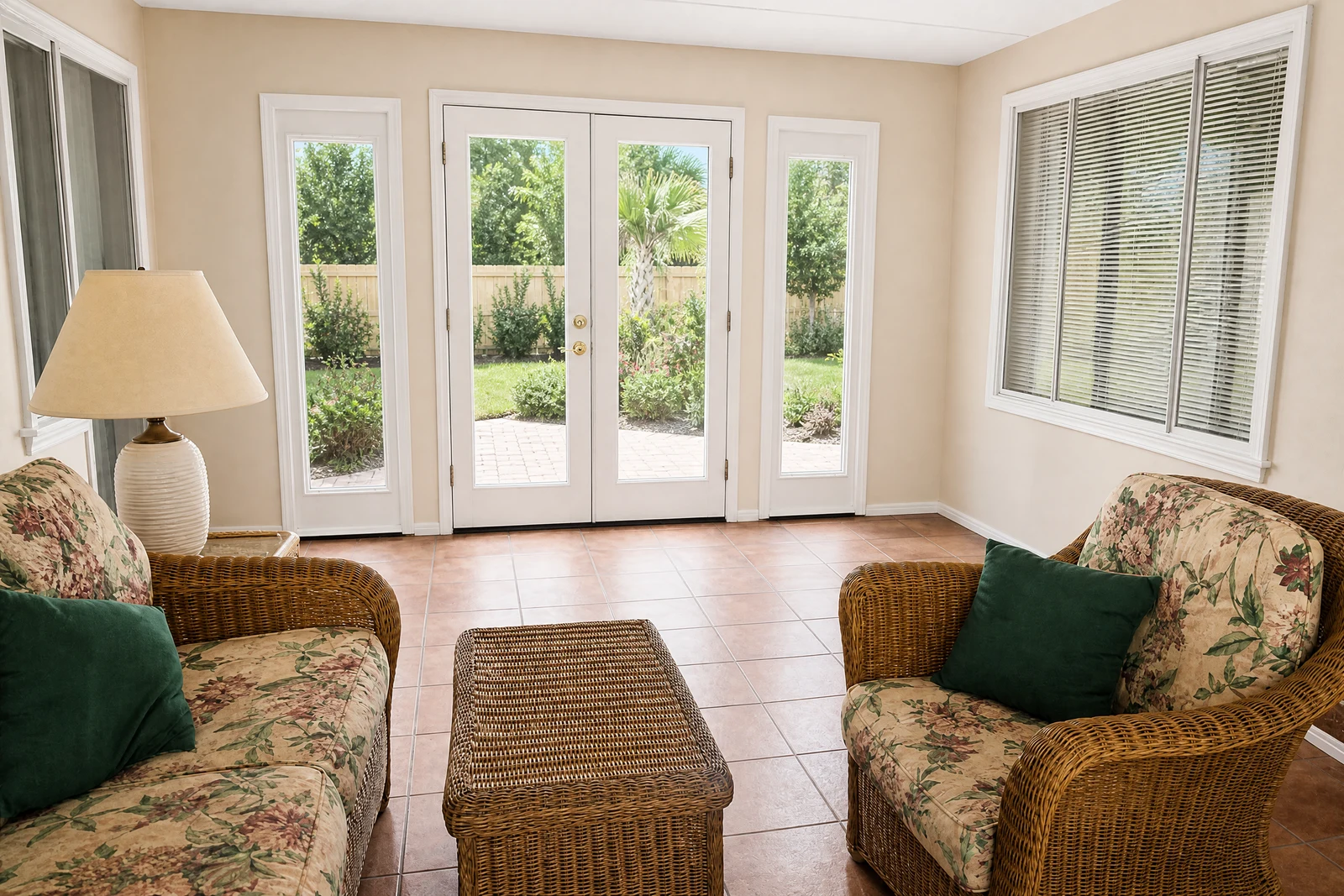
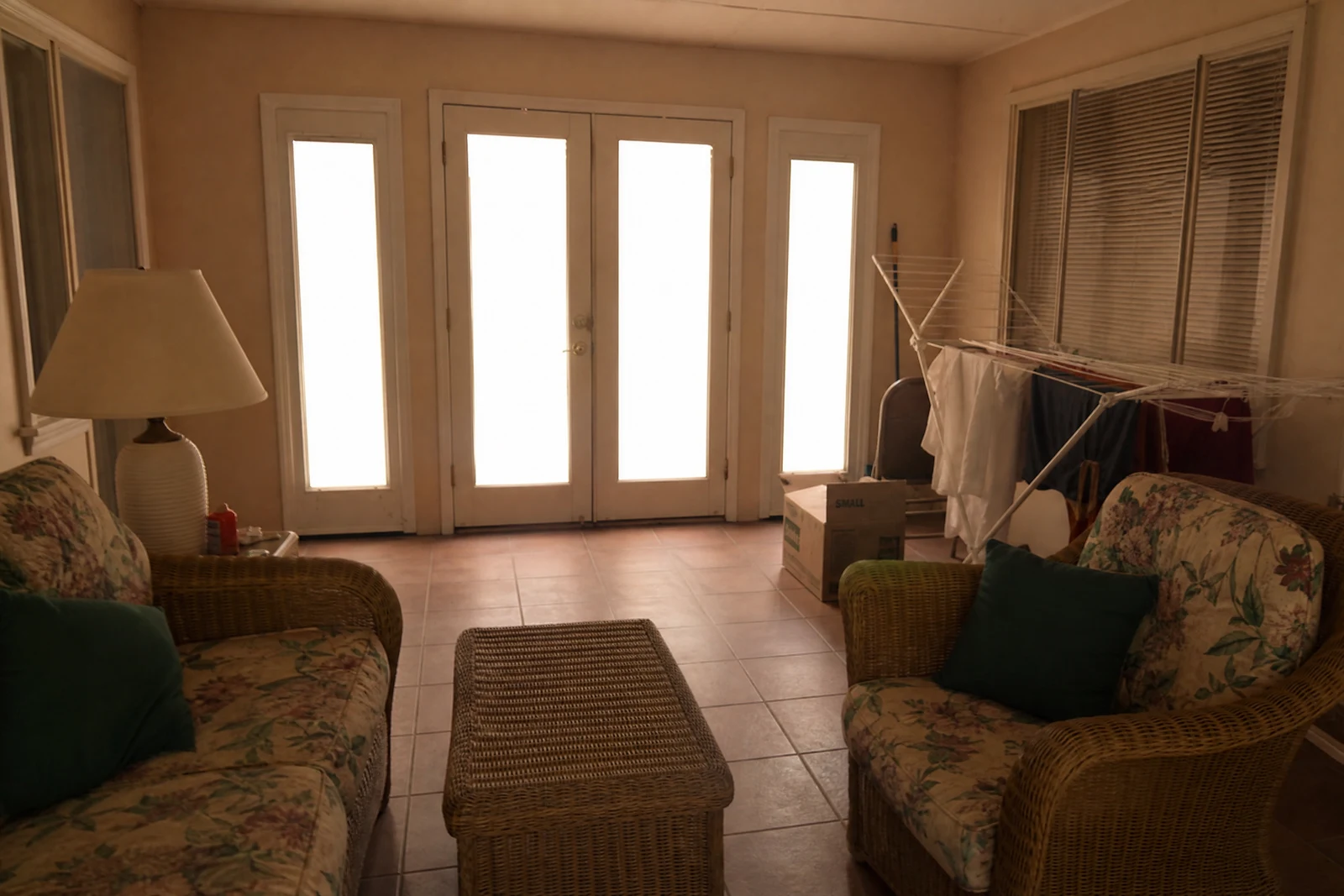
Genuine results from the tool — slide to see the difference.
Property search happens in a thumbnail grid, and the photos decide which listings get the click and the inquiry. Cameras fight the physics: interiors go dark while windows blow out white, overcast days flatten facades, and the lawn that looked fine in person photographs gray. Professional listing editors charge per photo to fix exactly this list — brightening, window recovery, white balance, sky and lawn refresh — and this tool runs that pass in seconds.
Modes match the shot: interior for rooms and window recovery, exterior for facade, sky, and lawn, twilight for the dusk-look hero that stands out in a results grid, bright & airy for the light-filled style renters respond to. Auto adapts to whatever is in the frame.
A full listing set — every room plus exteriors — processes in minutes, whether you're an agent, a rental host, or an owner selling solo. Chain Sky Replacement for a specific dramatic sky, Object Removal for the bin or the parked car, the Upscaler for feature prints. Then the step that stays yours: open each edit next to its original and confirm the photos show the property the way a walkthrough will — a viewing that doesn't match the photos is a wasted viewing for everyone.
Why this tool
- Push the output onward through any other tool
- Standard, Pro and Max quality tiers
- Results land in your creations library
- Blow it up to print resolution or convert it to video
Frequently asked questions
Interiors and exteriors both?
Yes — interiors get brightening, window recovery, and white balance; exteriors get sky, lawn, and overall light. The pass adapts to the frame.
What about one stubbornly dark room?
Dark-corner recovery is part of the pass; if a room needs more, follow with the Lighting Changer for a targeted second treatment.
Can it remove clutter or furniture?
Not in this pass — run Object Removal afterwards for bins, cords, and cars. Doing one change per pass keeps every edit simple to check.
Best practice before publishing?
Review each edited photo against the original, walk the space mentally, and confirm the set shows what a viewing will show. Any frame that leaves you in doubt — redo the edit or take a fresh shot.
Can I try AI Real Estate Photo Editor for free?
Yes — every new account starts with 4 free credits, enough to run this tool once at Standard quality. No credit card required.
Related tools