
People
AI Replace Person
Same great photo, different person in it
New accounts start with free credits — no card on file needed.
- 1Add the base image plus a shot of the incoming person
- 2Point out which person in the base shot gets swapped
- 3Compare against the original and download

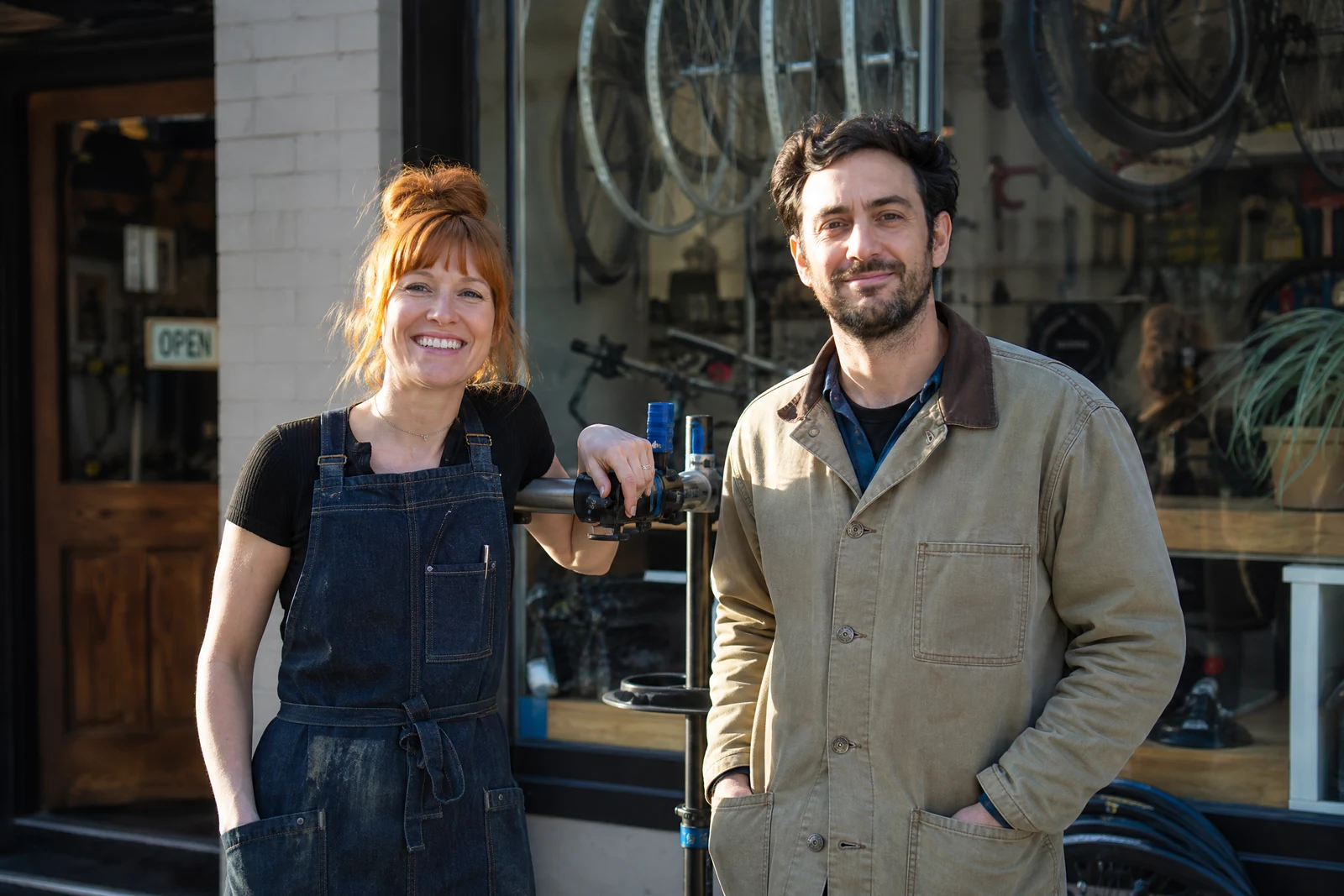
Genuine results from the tool — slide to see the difference.
The photo works, one person in it doesn't: the former colleague still standing in the team lineup, the campaign frame whose model needs updating, the family portrait missing the sibling who exists in a different photo. Deleting them leaves a hole in the composition; replacement keeps the frame whole.
Three inputs: the main photo, a photo of the new person, and a description of who to replace — 'the person on the far left', 'the man in the gray jacket'. The AI removes the described person and installs the new one in their position, matched on scale, stance, lighting direction, color temperature, and grain, with shadows recast for the new figure. The edit targets only that person; compare against the original to confirm the rest of the group and scene held.
Scope is what separates it from Face Swap: Face Swap changes only the face on the same body, right for identity edits in the same pose; this exchanges the entire figure, clothes and all. A source photo showing the new person at a similar angle and full visibility gives the strongest result — and for anything commercial, use photos of people who have agreed to appear.
Why this tool
- Push the output onward through any other tool
- Standard, Pro and Max quality tiers
- Results land in your creations library
- Blow it up to print resolution or convert it to video
Frequently asked questions
Replace Person or Face Swap?
Face Swap changes just the face, keeping the original body and clothing. This exchanges the whole figure. New identity, unchanged pose — that's Face Swap. Different individual entirely: this.
Does the new person need the same pose?
No — the model conforms them to where the outgoing person stood. A roughly similar angle and full visibility in the source improve fidelity, but an exact match isn't required.
What does the edit touch?
Whoever you named, plus the patch of frame they stood in. Give the remaining people and the backdrop a once-over before the image goes anywhere.
How do I word the description of who gets replaced?
Position plus appearance: 'far left', 'the man in the striped shirt', 'the woman holding the trophy'. Specificity prevents ambiguity in groups with similar-looking people.
Can I try AI Replace Person for free?
Yes — every new account starts with 4 free credits, enough to run this tool once at Standard quality. No credit card required.
Related tools