
Creative
AI Style Transfer
One photo, sixteen scroll-stopping looks
New accounts start with free credits — no card on file needed.
- 1Upload a photo and pick an art style
- 2The AI re-renders your composition in that style's brushwork and palette
- 3Download it — or run three styles and post the strongest
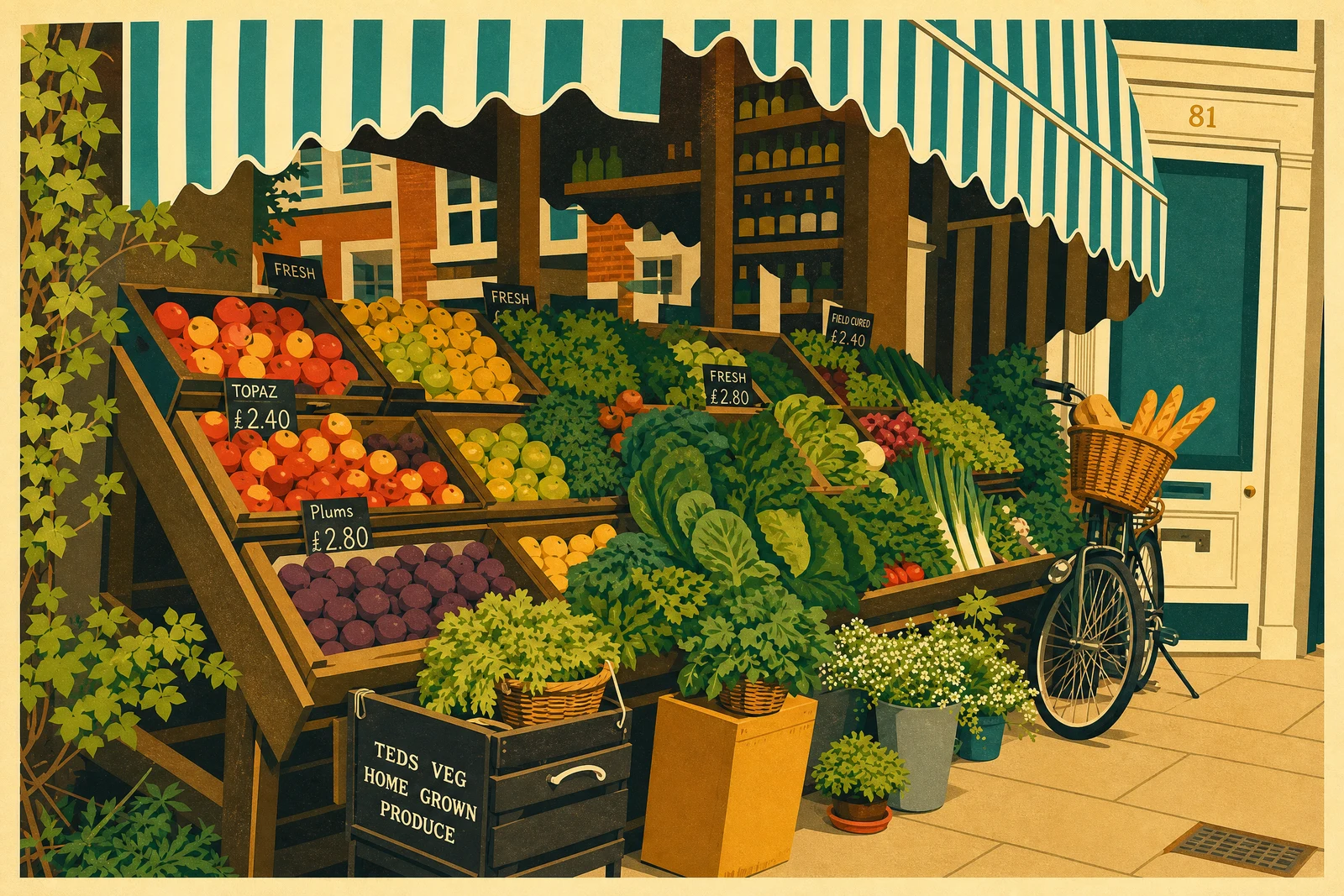
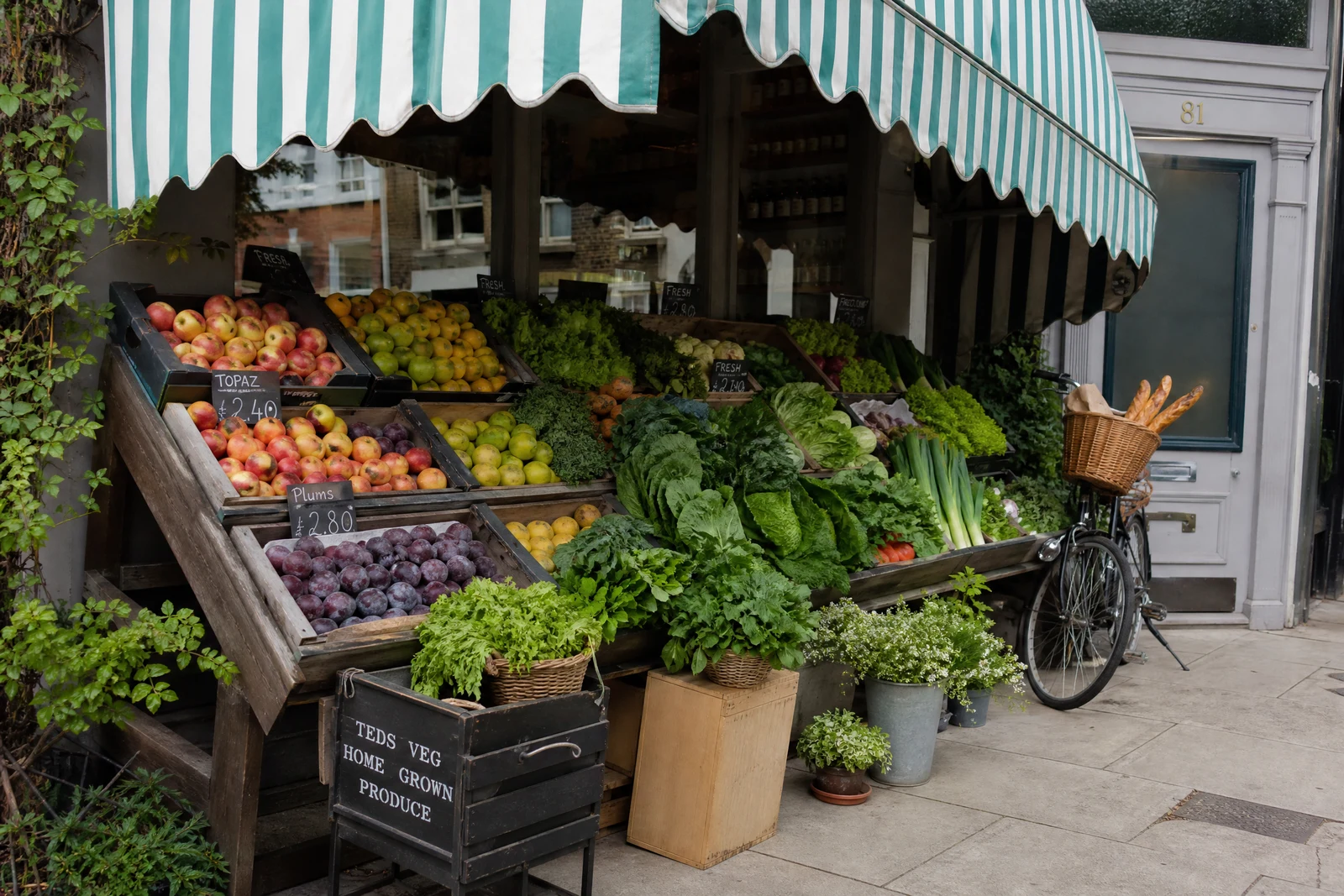
Genuine results from the tool — slide to see the difference.
In a feed of photographs, a painting stops the thumb. Stylized versions of ordinary photos outperform the originals as posts, covers, and profile art for a simple reason: they look like effort. This tool separates your image into content — what is depicted — and style — brushwork, palette, texture — and re-renders the content in the style you choose, composition intact.
The preset library spans painting history and modern aesthetics: swirling impasto, soft impressionism, woodblock flatness, pop-art repetition, plus watercolor, pencil sketch, stained glass, neon, synthwave, and graffiti. Each carries the real hallmarks of its style rather than a filter wash — the woodblock preset produces flat color planes and linework, not a sepia tint.
Commercially it stretches one shoot a long way: a single photo becomes wall art to sell, a personalized gift, a set of avatars, or a month of visually distinct posts, each in seconds. Bold, clearly composed sources convert best. Push finals through the Upscaler in creative mode for print resolution; for cartoon and anime character looks specifically, Cartoonizer and Photo to Anime are the tuned pipelines.
Why this tool
- Push the output onward through any other tool
- Standard, Pro and Max quality tiers
- Results land in your creations library
- Blow it up to print resolution or convert it to video
Frequently asked questions
Will the photo still be recognizable?
Content and composition carry through; the rendering changes. A portrait stays a portrait of that person — painted, sketched, or inked instead of photographed.
Which photos convert best?
A distinct subject, punchy contrast, and an uncluttered frame. Bold shapes and strong light translate beautifully; busy fine detail can go muddy in painterly styles.
How is this different from a camera filter?
A filter just remaps color values across your existing pixels. This re-renders the image with the strokes and structural conventions of the style — watercolor results have actual bleed and paper texture.
Can I sell prints of the results?
Stylized images make strong wall art and gifts — run finals through the Upscaler in creative mode for print size, and see the site's terms for commercial use specifics.
Can I try AI Style Transfer for free?
Yes — every new account starts with 4 free credits, enough to run this tool once at Standard quality. No credit card required.
Related tools